

ring pro video doorbell pro — this guide walks a homeowner or landlord through everything you must check and do to buy, retrofit, and verify a safe first install using existing wiring and a mechanical indoor chime. Read this before ordering parts so you don’t buy the wrong transformer or skip the Pro Power Kit.
Focus: exact pre‑install electrical checks, chime‑kit wiring diagrams, a fail‑safe install order, and a post‑install diagnostic checklist that proves the doorbell and every indoor chime work.
Key Takeaways
- Confirm your transformer is 16–24 VAC before buying — measure at the transformer with a multimeter (16–24 VAC required; see Ring Pro quick‑start). (Requires 16–24 VAC — homecontrols PDF — 2026-04-28)
- If you have a mechanical (moving‑hammer) chime, install Ring’s Pro Power Kit during the chime step — it’s required to power the Pro and avoid chime problems; digital/electronic chimes may not need it. (Pro Power Kit required for mechanical chimes — Ring Support — 2026-04-28)
- Follow the exact install order: power off breaker → install chime kit (if mechanical) → mount doorbell and connect wires → restore power → app pairing → firmware update. Include multimeter checks and a full indoor chime sweep before finishing the faceplate. (Step sequence: Quick Start guide — 2026-04-28)
- Confirm power & chime compatibility so you don’t buy the wrong transformer or brick your chime
- Eliminate chime headaches: identify chime type, install the Pro Power Kit for mechanical chimes, and wire it properly
- Pre-install toolbox checklist — exactly which tools and spare parts to have on hand
- Step-by-step install checklist when reusing existing wiring and a mechanical chime (printable)
- Transformer testing deep dive — how to check voltage and current so a pass/fail is unambiguous
- Post-install verification & diagnostics checklist so you can prove everything works end‑to‑end
- Buyer comparison: when to choose Ring Pro vs Ring Elite, Nest, or Arlo for wired‑chime homes
- Real-world failure modes & advanced troubleshooting steps the top pages miss
- Conclusion & next steps
- FAQ
Confirm power & chime compatibility so you don’t buy the wrong transformer or brick your chime
Before you buy or start: locate the transformer and test at the transformer’s output terminals with a multimeter set to AC volts. The required target is 16–24 VAC — transformers at 8–12 VAC will not reliably power the Ring Pro and must be replaced. (Requires 16–24 VAC — homecontrols PDF — 2026-04-28)
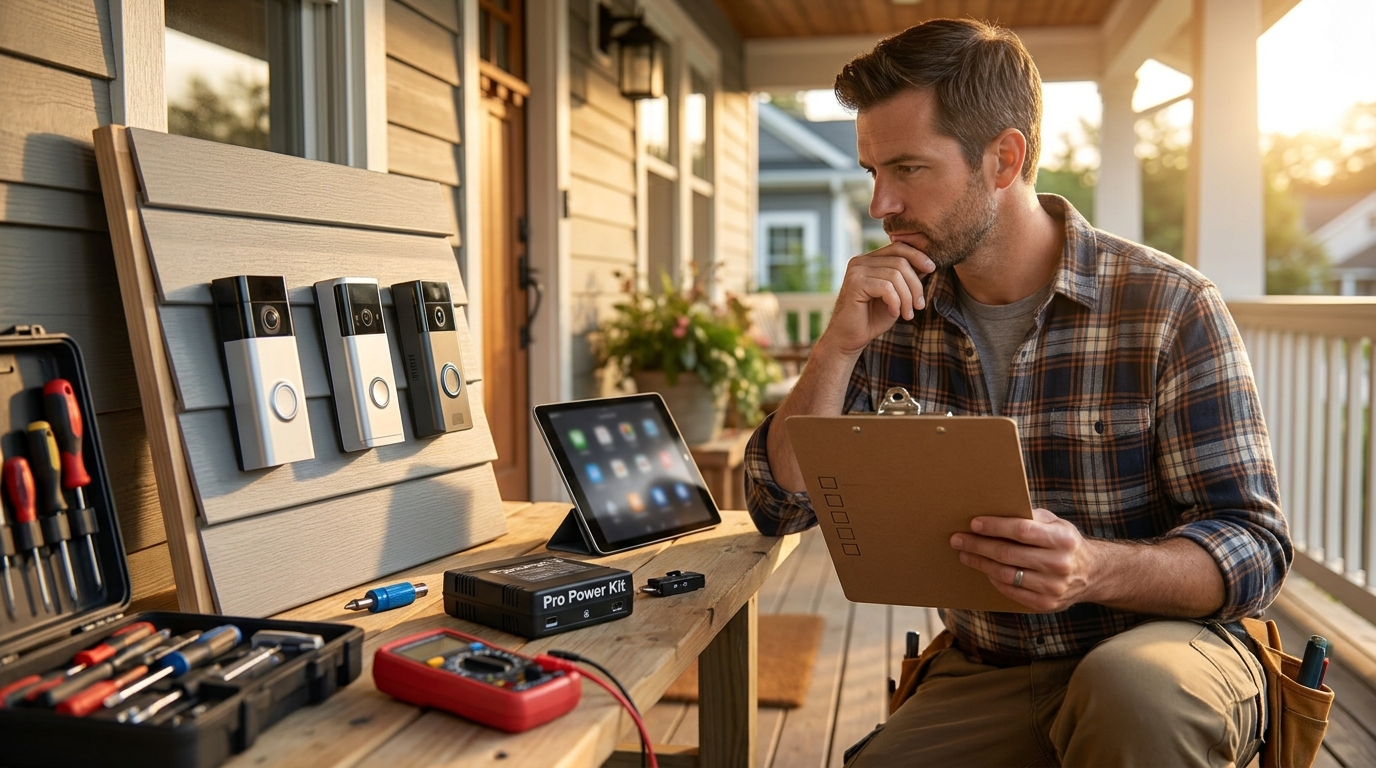
How to find and test the transformer safely
- Common transformer locations: attic, basement, garage near HVAC, or inside the chime box. If you don’t see it, trace the two doorbell wires to the transformer or consult a local electrician.
- Meter steps: set a digital multimeter to AC volts (VAC). With power on, touch meter leads to the transformer’s two low‑voltage screw terminals and read voltage. Expect 16–24 VAC for a pass.
- Safety: don’t open or touch high‑voltage panels; if the transformer is inside a junction box, turn off the circuit and use non‑contact voltage tester before probing.
Why voltage alone can be misleading
Voltage in range is necessary but may not be sufficient: an undersized transformer (low VA/amp rating) can show correct voltage unloaded but collapse under load. If the installed transformer’s VA is unknown, plan to research its VA rating or plan a replacement. Do not assume any part labelled “doorbell transformer” supplies adequate current.
Keywords: ring pro video doorbell pro, ring pro video doorbell pro price
Pitfall to avoid: measuring at the doorbell wires only and assuming the transformer is compatible.
Eliminate chime headaches: identify chime type, install the Pro Power Kit for mechanical chimes, and wire it properly
Identify your indoor chime type before you touch wiring. If it’s a mechanical moving‑hammer chime, the Ring Pro requires the Pro Power Kit installed in the chime box to operate reliably; digital/electronic chimes often do not need the kit. (Pro Power Kit required for mechanical chimes — Ring Support — 2026-04-28)
How to tell mechanical vs electronic chimes
- Mechanical (moving‑hammer): visible metal striker/hammer and bell/gong. Two or three heavy terminals; physical movement when triggered.
- Electronic/digital: plastic housing with a circuit board or piezo speaker; usually a small PCB with tone generator; no moving hammer.
- Multi‑chime houses: multiple indoor chimes wired in parallel. Label each chime and test every chime after install (see Post‑install checklist).
Pro Power Kit placement and wiring notes
- Open the chime cover. Mount the Pro Power Kit on the internal flat surface away from the hammer’s swing path — do not block moving parts. Secure with the kit’s screw or existing fixture.
- Connect the Kit’s wires to the chime terminals as shown in Ring’s guide. Avoid pinching wires and keep connections snug.
- If you have a digital/electronic chime, you may select “No chime” in the Ring app instead of installing the kit — but test audio/indoor notification in the app first.
Keywords: ring pro video doorbell pro review, ring pro video doorbell pro
Pitfall to avoid: installing the Pro Power Kit too close to moving parts or skipping the kit for a mechanical chime.
Pre-install toolbox checklist — exactly which tools and spare parts to have on hand to finish the job in one trip
Be prepared. Most failed installs happen because someone ran out of the right screw, anchor, or the security screwdriver.
Mandatory tools & box contents
- Phillips screwdriver and the included Ring security screwdriver (final faceplate screw is security type).
- Multimeter (AC volts); non‑contact voltage tester for safety.
- Drill with 1/4″ (6mm) masonry bit for brick/concrete; wall anchors for masonry. (Drill 1/4″ (6mm) for masonry; included screws long 3.5cm / short 1.58cm / security 0.47cm; wire nuts (5); extenders (2) — Ring Support / Ring AU — 2026-04-28)
- Wire nuts, electrical tape, small needle‑nose pliers, and spare 18–22AWG wire or extenders (included in box, but bring extras).
Optional but recommended
- Silicone exterior sealant for weatherproofing gaps around bracket.
- Corner/wedge mounting kit if you need angled field of view (use long screws only where substrate supports them).
Keywords: best ring pro video doorbell pro, ring pro video doorbell pro price
Pitfall to avoid: using the long screws on thin siding (risk of cracking) or not having the security screwdriver for the final screw.
Step-by-step install checklist when reusing existing wiring and a mechanical chime (printable)
Follow this sequence exactly when a mechanical chime is present. Each step has a verification checkbox — stop if a check fails and diagnose before continuing.
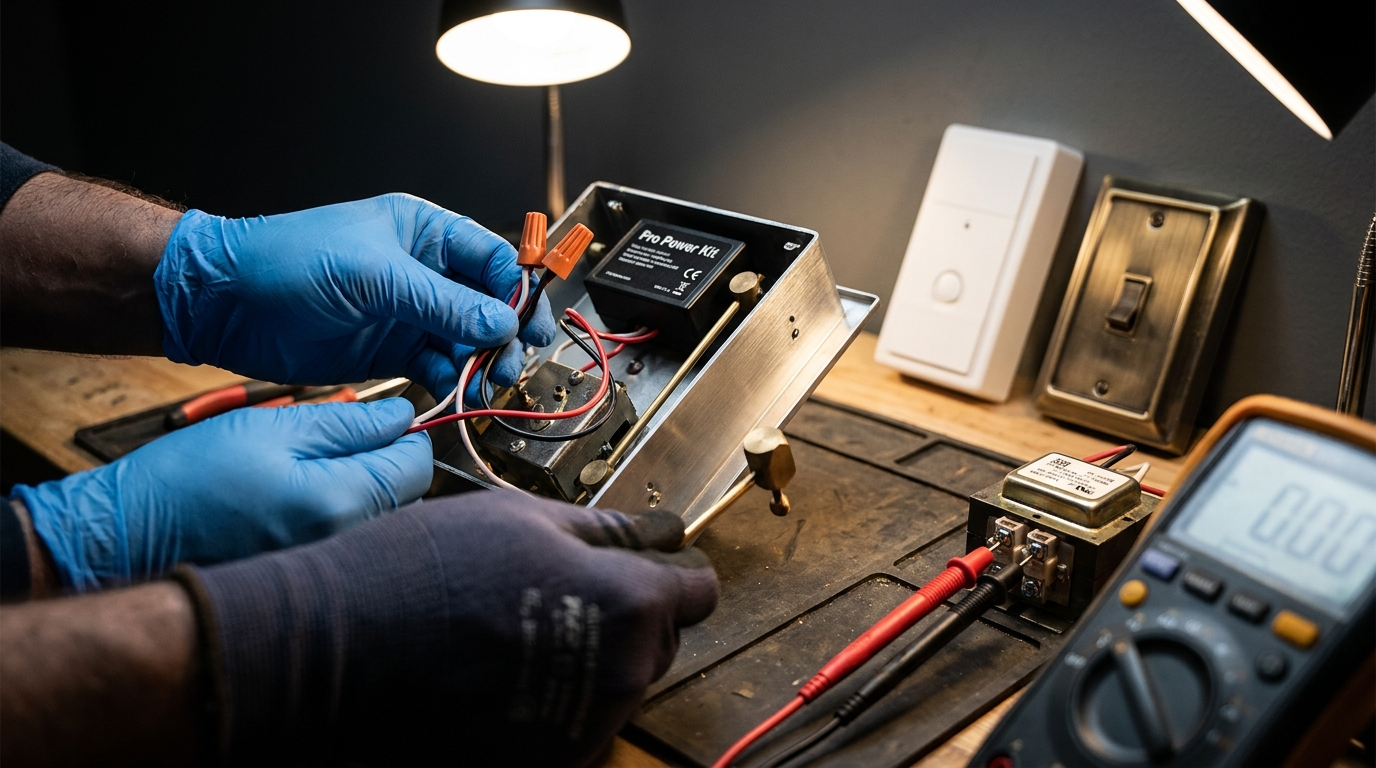
Notes: hand‑tighten screws and add a small quarter turn; do not overtighten plastic mounts. No reliable torque spec found in Ring docs — if in doubt, stop and verify fit before forcing screws.
Keywords: ring pro video doorbell pro, ring pro video doorbell pro review
Pitfall to avoid: restoring power before installing the chime kit or pairing firmware — this can cause chime misbehavior or incomplete firmware installs.
Transformer testing deep dive — how to check voltage and current so a pass/fail is unambiguous
Use a multimeter and a small test plan to prove pass/fail. Don’t rely on labels or loose assumptions.
Exact multimeter settings and test points
- Set meter to AC volts (VAC). Touch leads to the transformer’s two low‑voltage screw terminals while power is on. Expected pass: 16–24 VAC. (Requires 16–24 VAC — homecontrols PDF — 2026-04-28)
- If you measure at the doorbell end, you may see voltage drop due to wiring resistance — measure at the transformer to confirm true output.
How to spot insufficient current (VA) without lab gear
- Symptoms of low current: doorbell powers up briefly then reboots, intermittent indoor chime, firmware update stalls, or camera drops during chime events.
- If the meter shows correct voltage but symptoms persist under load, the transformer’s VA rating may be too low. No reliable VA numbers for Ring Pro were found in the available docs — plan to research the transformer’s VA label or consider a replacement transformer with a higher VA rating. (No reliable data found — research required.)
Keywords: ring pro video doorbell pro, best ring pro video doorbell pro
Pitfall to avoid: assuming voltage alone proves compatibility; failing to check transformer VA/current rating or multi‑chime loads.
Post-install verification & diagnostics checklist so you can prove everything works end‑to‑end
After installation, run a short verification script and record key measurements to prove the system is healthy.
Live functional tests (pass/fail)
- Live View: open the Ring app and start Live View. PASS if video connects within 5–10 seconds; FAIL if connection times out or video is pixelated. What to record: connection time, visible artifacts.
- Two‑way audio: speak from phone and confirm clear audio both ways. Record: audio lag or clipping.
- Motion detection: walk test at typical approach angles and confirm motion event appears in Event History. Record: timestamps, false positives.
- Indoor chime sweep: press the doorbell and confirm every indoor chime location rings. Record: chime locations tested, pass/fail for each.
Network checks
- Measure Wi‑Fi RSSI/strength at the doorbell location. No reliable RSSI thresholds or 2.4GHz/5GHz guidance were found in available docs — add this to research tasks (see Research card below).
- Record your upload speed at the router and, if possible, measure throughput to the doorbell location using a mesh node or temporary Wi‑Fi repeater. (No reliable minimum upload found — research required.)
Electrical checks
- Measure AC at the doorbell terminals after power restore — it should remain in the 16–24 VAC band under idle conditions.
- Simple power‑draw test: if you have a clamp meter or electrician, measure current under load (video + chime). No reliable power‑draw numbers were found in published docs — research required.
- Transformer voltage (VAC) at transformer: ______
- Doorbell terminal voltage (VAC) after restore: ______
- Wi‑Fi RSSI at doorbell location: ______
- Live View connect time: ______
- Indoor chime pass/fail per location: ______
Keywords: ring pro video doorbell pro review, ring pro video doorbell pro
Pitfall to avoid: skipping a full indoor chime sweep (testing only one chime) or assuming good video without checking event history and firmware version.
Buyer comparison: when to choose Ring Pro vs Ring Elite, Nest, or Arlo for wired‑chime homes
High‑level comparison checklist for wired homes and mechanical chimes. Note: independent, up‑to‑date numeric comparisons (bitrate, subscription pricing, PoE support) were not available in the current research — see Research Tasks below.
- Wiring & chime compatibility: Ring Pro’s clear advantage is designed wired compatibility and the Pro Power Kit for mechanical chimes (Ring docs confirm kit requirement). (Ring Support — link — 2026-04-28)
- Local storage & subscription: compare Ring Protect pricing and retention vs competitors — no reliable subscription pricing or retention figures were found in the public docs; research required before making purchase claims.
- Smart‑home integration: if you need PoE or full local‑only control, collect specs for Ring Elite, Nest, and Arlo as a next step (no reliable comparison data found here).
Recommendation guidance (practical):
- Rented unit / no wiring access — choose a battery or wireless model (not Ring Pro).
- Wired home with mechanical chime — Ring Pro is the sensible wired choice because the Pro Power Kit addresses mechanical chime needs.
- Smart‑home integrators who require PoE/local storage should research Ring Elite and competitor specs (bitrate, PoE support) — current research lacks direct metrics.
Keywords: ring pro video doorbell pro review, best ring pro video doorbell pro
Pitfall to avoid: making superiority claims without hard metrics on detection accuracy, storage, or privacy controls.
Real-world failure modes & advanced troubleshooting steps the top pages miss
Cover the edge cases you’ll actually encounter and the data you must capture to debug them.
Edge cases
- Multi‑chime setups where one indoor chime rings intermittently while others don’t.
- Transformers with acceptable unloaded voltage but insufficient VA under load (camera + chime + firmware updates).
- Mesh Wi‑Fi nodes that drop the camera intermittently — typically correlated with RSSI drops at the doorbell location.
- False motion triggered in heavy rain, by headlights, or warm/cold transitions at night.
Measurement & logging steps
- Log transformer voltage before and during a ring event (use meter or electrician with data logger).
- Capture Wi‑Fi RSSI continuously while reproducing disconnects (mesh node logs or smartphone Wi‑Fi analytics app).
- Use Event History timestamps in the Ring app to correlate chime events to camera activity.
Temporary fixes and escalation
- Re‑route chime wiring, tighten connections, replace old wire nuts. If symptoms persist, replace transformer with higher VA unit (research exact VA requirement first).
- Move a mesh node closer to the doorbell or use a dedicated 2.4GHz access point if you find band interference (no reliable band guidance was found — research required).
- If you reproduce a failure consistently, capture logs and escalate to Ring Support or an electrician with timestamped evidence.
Keywords: ring pro video doorbell pro, ring pro video doorbell pro review
Pitfall to avoid: suggesting firmware or network fixes without confirming power/current behavior first.
Conclusion & next steps
Follow the exact pre‑checks and install order here to avoid common failures: verify 16–24 VAC at the transformer, identify your chime type, install the Pro Power Kit for mechanical chimes, and run the full post‑install diagnostic checklist. If you follow the checklist you’ll reduce the risk of chime failures and firmware pairing issues.
Next steps: compare prices and bundles, verify transformer VA as needed, and decide whether to buy or hire an electrician. For a quick start comparison and printable checklist, see our Ring Pro comparison guide and the full installation checklist: Ring Pro Video Doorbell Pro: 7-Step Easy Setup Checklist, and our Chimes for Ring Video Doorbell guide. Want a broader buying plan? See Video Doorbell Without Subscription and Ring Video Doorbell Installation.
Ready to act: use this checklist to confirm parts and then buy. If you need more model comparisons or pricing, read our dedicated buyer’s comparison page and check live retailer prices before purchasing.
Final line: if you’re about to install, keep this page open while you test — it covers the exact steps that prevent the most common mistakes with the ring pro video doorbell pro.
FAQ
Do I need to replace my transformer before installing the Ring Pro?
Measure at the transformer — if it’s outside 16–24 VAC you must replace it (16–24 VAC required; measure with a multimeter).
How do I know if my indoor chime needs the Pro Power Kit?
If your chime is a mechanical moving‑hammer style install the Pro Power Kit inside the chime box; digital/electronic chimes typically do not require it.
What exact tools should I have before starting the install?
Have a Phillips screwdriver and Ring security screwdriver, multimeter, drill with 1/4″ (6mm) masonry bit, anchors, wire nuts/extenders and silicone sealant for weatherproofing.
What app and firmware steps must I follow to avoid pairing failures?
Download the Ring app (iOS/Android), scan the doorbell QR per quick start, restore power only after Pro Power Kit is installed, then complete in‑app pairing and accept any firmware update before final testing.
How can I verify the indoor chime rings at every location after installation?
Use the post‑install checklist to press the doorbell, confirm chime sound in each indoor chime location, and log any chime that fails to ring for targeted troubleshooting.
What should I measure if motion detection is flaky or the camera drops offline?
Log Wi‑Fi RSSI at doorbell, check app event timestamps, and measure AC voltage at transformer and doorbell; if data missing, escalate per troubleshooting flowchart.
How long should a straightforward install take?
Typical install time estimate is not reliably documented in findings — No reliable data found; record your install time during testing to build a local estimate.