

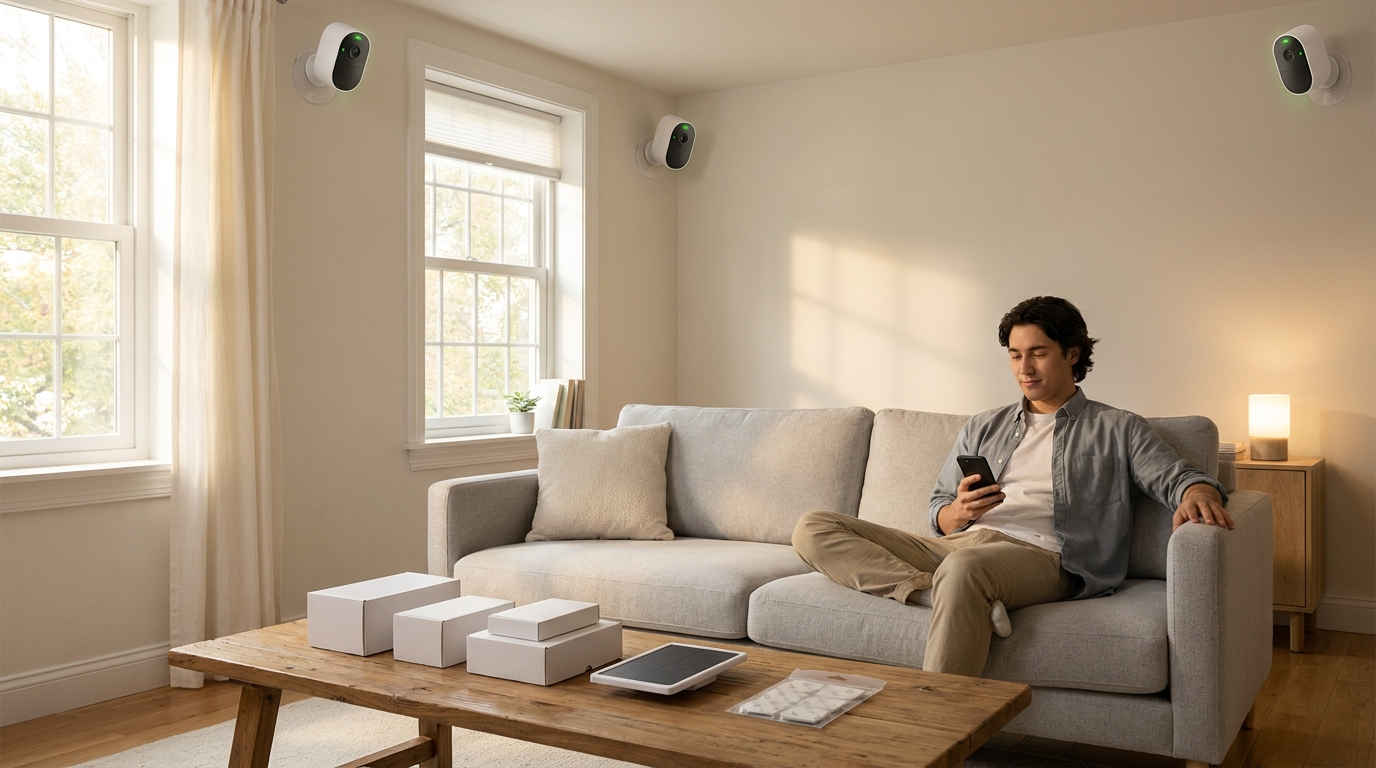
nest home security system — If you care most about real cost, renter‑friendliness, and avoiding subscription traps, this guide gives the exact 1/3/5‑year math, fail tests, and DIY fixes to choose the lowest‑cost, fit‑for‑use setup.
Key Takeaways
- Exact subscription math: Nest Aware starts at $8/month for 30‑day event history or $15/month for expanded 60‑day + 10‑day 24/7 storage — include these costs in any 3‑year buy decision (support.google.com — 2026-04-25).
- True low‑cost Nest baseline: Expect ~ $360 up‑front for two Nest Cam Battery units (street price) + $8/month Nest Aware to meet “2 cameras + 30 days of event recording” requirement; this is typically more expensive than Wyze or Ring upfront alternatives (store.google.com — 2026-04-25, homealarmreport.com — 2026-04-25).
- Hidden tradeoffs that cost money: No full local‑only storage (cloud dependence), potential ADT monitoring add‑ons ($20–$30/month), and Google account lock risks — these materially raise 3‑year TCO vs. competitors that offer local storage/cheaper monitoring (security.org — 2026-04-25).
- Choose the cheapest real setup that still gives 30 days of events and people alerts
- Compare Nest vs. budget competitors by true 3‑year TCO
- Best Nest hardware picks by budget — exact model combos and the features you’ll sacrifice
- How Nest Aware pricing and lack of local storage change your subscription math (and your privacy risk)
- Two unusual, critical Nest checks every budget buyer must run before buying
- Real‑world failure modes, low‑cost troubleshooting, and when replacement is the only practical fix
- Comparison table: Nest versus Wyze, Ring, Arlo, and SimpliSafe for budget buyers
- Best picks by budget: exact SKUs, bundle shopping tips and a renter’s buy list
- FAQ
- Conclusion
Choose the cheapest real setup that still gives 30 days of events and people alerts
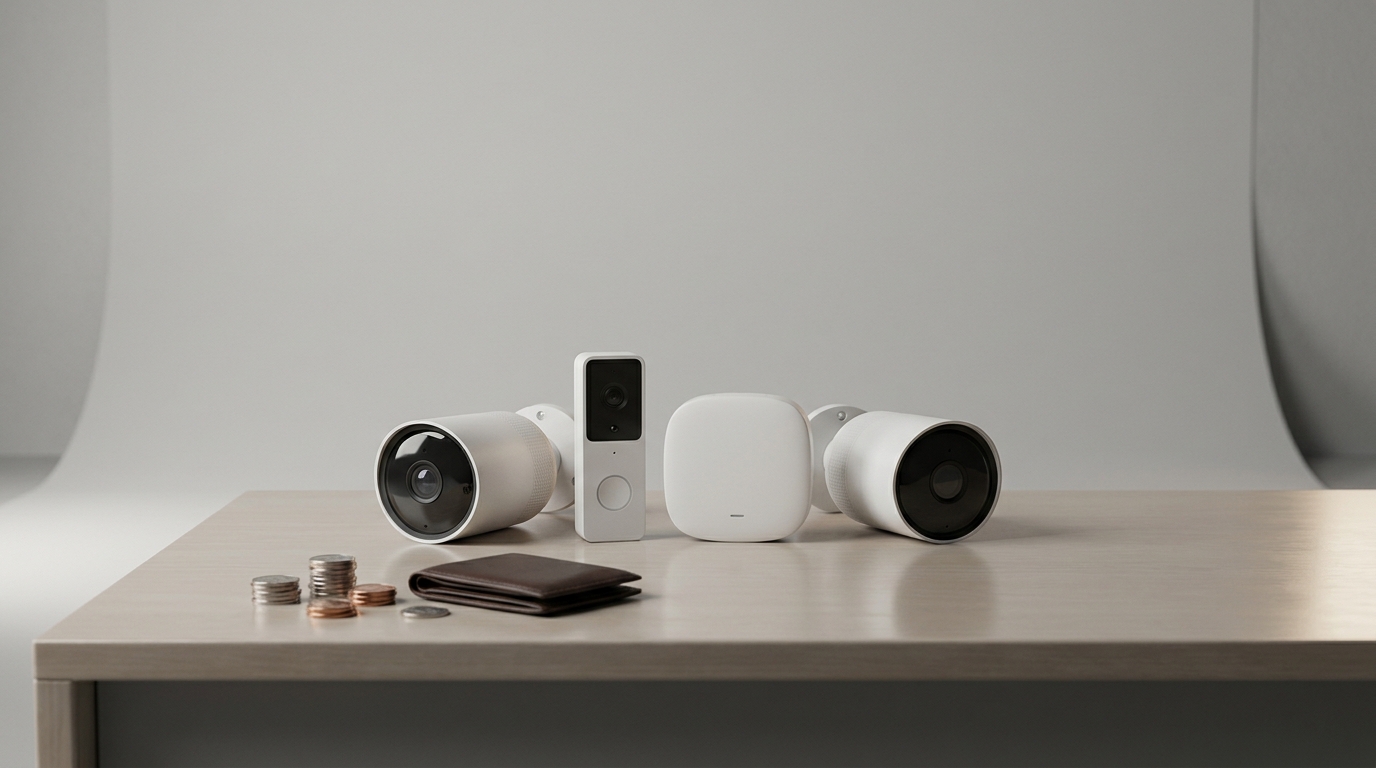
Minimum Nest combo that meets the “2 cameras + 30‑day events” requirement is two Nest Cam Battery units plus Nest Aware Basic. Expect roughly 2× Nest Cam Battery ≈ $360 upfront plus Nest Aware Basic at $8/month — that is the cheapest realistic Nest baseline for this use case (store.google.com — 2026-04-25, homealarmreport.com — 2026-04-25).
Up‑front price math (month 1)
- Hardware: 2× Nest Cam Battery — street ≈ $360 total (homealarmreport.com — 2026-04-25).
- Subscription: Nest Aware Basic $8/month — month 1 adds $8 immediate charge (support.google.com — 2026-04-25).
- Month‑1 total (DIY install): ≈ $368.
Buyer checklist — what this setup does and doesn’t do
- Does: People alerts, motion/event clips saved for 30 days, battery‑powered placement without drilling in many cases.
- Doesn’t: No full local‑only recording; no included professional monitoring; battery life will vary heavily with traffic.
- Renter note: Use no‑drill mounts or magnetic mounts to avoid deposit issues (see Diy Home Security Systems: 7 Easy Guide To Avoid Costly Mistakes).
Pitfall to avoid: Do not advertise this as “no subscription required” — 30‑day event history on Nest requires Nest Aware Basic (support.google.com — 2026-04-25).
Compare Nest vs. budget competitors by true 3‑year TCO so you can pick the lowest total cost
Budget buyers must compare total cost of ownership, not just MSRP. Below is a line‑item example for a 2‑camera, DIY‑installed system and a tiny calculator readers can reuse.
Example line‑item TCO (2‑camera Nest Cam Battery system)
- Hardware: $360 (2× Nest Cam Battery) — homealarmreport.com — 2026-04-25.
- Nest Aware Basic: $8/month → $96/year → $288 over 3 years (support.google.com — 2026-04-25).
- Optional monitoring (ADT): $20–$30/month adds $720–$1,080 over 3 years (security.org — 2026-04-25).
- Minor replacements / incidentals: estimate $50/year conservative (no reliable public data) — mark “No reliable data found” and test as you use.
Estimated 3‑year totals for a 2‑camera Nest system: approximately $1,368–$2,620 depending on whether you add paid monitoring and which Nest Aware tier you choose (homealarmreport.com — 2026-04-25, support.google.com — 2026-04-25).
Quick calculator (reusable)
Formula you can copy: Total = Hardware + (Aware_monthly × 12 × years) + (Monitoring_monthly × 12 × years) + Replacement_estimate × years.
Example (3 years, no monitoring): Total = $360 + ($8 × 12 × 3) + $0 + ($50 × 3) = $360 + $288 + $150 = $798.
Pitfall to avoid: Don’t compare only upfront hardware. Subscription and monitoring fees usually dominate multiyear cost.
Best Nest hardware picks by budget — exact model combos and the features you’ll sacrifice
Map budget tiers to real model combos and state what you give up at each level.
Under $200 — Studio / single‑entry
- Pick: 1× Nest Cam (Battery) — street ≈ $150 (MSRP $180) — covers a single entry but not redundancy (nerdwallet.com — 2026-04-25, homealarmreport.com — 2026-04-25).
- Sacrifice: No doorbell camera, limited coverage, higher per‑camera cloud cost than competitors.
$200–$600 — Short‑term rental / 2‑device coverage
- Pick: Nest Cam Battery + Nest Doorbell (battery) — common bundle ≈ $350 street price; good for two‑point coverage but battery drain is a real issue in heavy traffic (store.google.com — 2026-04-25).
- Sacrifice: Likely increased maintenance (recharges), limited 24/7 continuous recording unless you buy higher Aware tier.
$600+ — Multi‑cam wired/outdoor + hub
- Pick: 2× wired/outdoor Nest cams + Nest Doorbell + Nest Hub Max — comprehensive surveillance for a small house; expect $700+ street total (homealarmreport.com — 2026-04-25).
- Sacrifice: Higher cost vs. full alarm kits and lock‑in to Google; installation may require drilling or pro service if wiring is needed.
Pitfall to avoid: Recommending wired‑only options without calling out potential pro install costs or lease restrictions for renters.
How Nest Aware pricing and lack of local storage change your subscription math (and your privacy risk)
Nest Aware tiers are simple but subscription‑centric: $8/month for 30‑day event history (Basic) or $15/month for 60‑day events plus 10‑day continuous 24/7 recording (Plus). There is no per‑camera add‑on model — the plan covers your account, not per camera (support.google.com — 2026-04-25).
Crucial consequence: Because Nest does not provide full local‑only storage, an ISP outage or account suspension can eliminate recorded evidence; competitors that permit local NVR or SD backup reduce that single‑point risk (security.org — 2026-04-25).
Per‑camera effective monthly cost example (account with 2 cams):
- Basic ($8/month) → $4 per camera equivalent per month (2 cams).
- Plus ($15/month) → $7.50 per camera per month (2 cams).
Pitfall to avoid: Claiming Nest supports local backup or per‑camera cloud pricing — it does not.
Two unusual, critical Nest checks every budget buyer must run before buying
Before you buy, run these two quick, repeatable tests in the property you plan to protect.
Test 1 — ISP cut / airplane‑mode simulation
- Unplug the primary router or toggle its WAN port off for 2–5 minutes (or set your phone to airplane mode if using mobile hotspot).
- Observe camera LEDs and the app: confirm whether motion events are queued locally (they are not) and whether a local LAN connection allows any recording.
- Record results: timestamp, camera status, and whether the event appears in clips after network returns.
Expected: Nest devices do not retain long‑term event clips locally during outages — they rely on the cloud (security.org — 2026-04-25).
Test 2 — Google account suspend / temporary credential removal
- Create a temporary secondary Google account and add one test device to it first.
- From your main account, unlink or temporarily change sign‑in status (follow Google’s account suspend or password change routine). Document device access before and after.
- Record whether live view remains on local Wi‑Fi and whether clips are still stored in your account.
Expected: Cloud recording and account access are tied to the Google account; suspension can remove recordings and access — test this before you rely on Nest for critical monitoring (nerdwallet.com — 2026-04-25).
Pitfall to avoid: Assuming local LAN access will preserve recordings during cloud outages or account suspension.
Real‑world failure modes, low‑cost troubleshooting, and when replacement is the only practical fix
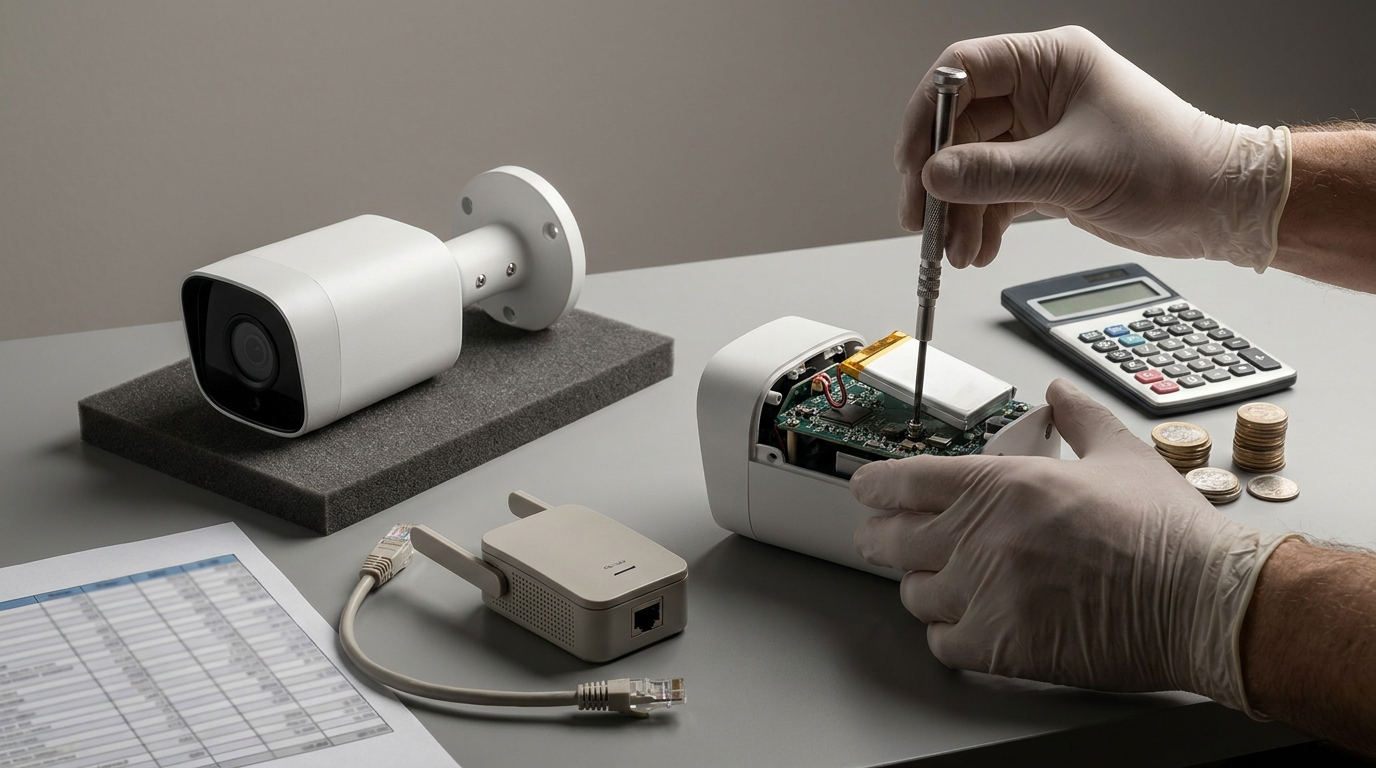
List of common persistent faults and low‑cost fixes ordered by effort — apply these before you buy a replacement.
Common faults and cheap fixes
- Offline during ISP outage — fix order: confirm local Wi‑Fi, power cycle camera, add low‑cost Wi‑Fi extender (~$20), check router DHCP. Replace only if offline >1 week despite local network checks (security.org — 2026-04-25).
- Battery drain from high traffic — quick fixes: reduce alerts, shorten clips, add solar/wired power; if battery fails under normal use inside 6 months, move to wired option.
- False person detections — update firmware, adjust activity zones, lower sensitivity; escalate to support only if persistent after 48 hours and factory reset.
- Account/2FA lockout — keep a backup admin Google account and record device serial numbers; if you lose account access, recovery can be slow and recordings may be lost (nerdwallet.com — 2026-04-25).
Escalation thresholds (replace vs. repair)
- Offline >1 week despite confirming good local Wi‑Fi and power → replace camera.
- Battery fails under normal load repeatedly within 6 months → prefer wired/solar replacement.
- Firmware regression causing offline >48 hours across multiple devices → factory reset; replace if unresolved after 48 hours.
Pitfall to avoid: Hiring a pro for first‑line connectivity problems — most are solved with extenders, resets, or mounts.
Comparison table: Nest versus Wyze, Ring, Arlo, and SimpliSafe for budget buyers
Compact side‑by‑side comparison that includes 2‑camera upfront, entry subscription, local storage, monitoring, and a 3‑year TCO snapshot.
| System | 2‑cam upfront (street) | Entry subscription | Local storage | Monitoring availability (typical) | 3‑year TCO (snapshot) |
|---|---|---|---|---|---|
| Nest | $360 (2× Cam Battery) | $8/month (Nest Aware Basic) | No full local‑only storage | ADT partner $20–$30/month optional | $1,368–$2,620 (see breakdown above) |
| Wyze | ~$100 | Cam Plus low monthly (≈ $2/month) | Local microSD on some cams | Third‑party monitoring options; lower cost | Typically lower 3‑yr TCO vs Nest (hardware + low subs) |
| Ring | Kits from ~$279 (multi‑piece) | Protect Pro / subscription ≈ $3–$10 (or $20/month with monitoring) | Local backup limited via Ring Edge or third party | Monitoring included in some plans (~$20/month) | Often lower 3‑yr TCO when monitoring required |
| Arlo | ~$200+ for two cams | Entry cloud ≈ $10/month | Some local options with base stations | Third‑party monitoring available | Competitive vs Nest depending on Aware choice |
| SimpliSafe | Kit $250+ | Cloud storage/monitoring bundled options | Local storage limited | Monitoring often included in plans | Better when monitoring is required; alarm‑first platform |
Sources and notes: Wyze 2‑cam setups ≈ $100 and low monthly Cam Plus; Ring kits with monitoring options and Nest baseline figures — see homealarmreport.com — 2026-04-25 and security.org — 2026-04-25.
Interpretation: Pick Nest if camera quality and Google integrations are primary and you accept the subscription; pick Wyze or Ring if absolute 3‑year cost and local/offline resilience matter more.
Best picks by budget: exact SKUs, bundle shopping tips and a renter’s buy list
Exact SKUs and shopping tips for quick purchase decisions plus renter‑friendly alternatives.
Studio (Under $200)
- SKU: Nest Cam (Battery) — street ≈ $150. Save: look for certified refurbished options or open‑box deals.
- Renter tip: Use Command strip mounts, corner adhesive mounts, or magnetic mounts to avoid drilling (see Video Doorbell Without Subscription: 7 Best Guide to Save Money for no‑drill tips).
Short‑term rental ($200–$600)
- SKU combo: Nest Cam Battery + Nest Doorbell (battery) — bundle ≈ $350 street (store.google.com — 2026-04-25).
- Buy tips: buy a spare battery or stand‑alone charger; consider a low‑cost solar charger for doorbells.
3‑Bedroom / Full perimeter ($600+)
- SKU combo: 2× wired/outdoor Nest cams + Nest Doorbell + Nest Hub Max — expect $700+.
- Buy tips: check seasonal bundles, certified refurbished on major retailers, or preowned kits to save 15–30%.
Renter’s buy list (no‑drill, avoid lease issues)
- No‑drill mounts (magnetic or adhesive), spare battery, short USB extension, and a small Wi‑Fi repeater.
- Prefer battery models or plug‑in models with adhesive cable routing inside door jambs.
- See detailed install steps and tools in the Ring Video Doorbell Installation: 7-Step Easy Setup Checklist and adapt for Nest devices.
Pitfall to avoid: Recommending wired installs for renters without offering no‑drill alternatives or permission steps.
FAQ
How much will two Nest cameras really cost me per year?
Expect hardware ≈ $360 (2x Nest Cam Battery) plus Nest Aware $8/month ≈ $96/year, totaling roughly $456 the first year before optional monitoring (store.google.com — 2026-04-25, support.google.com — 2026-04-25).
Can I record Nest cameras locally if I want to avoid subscriptions?
No — Nest lacks a full local‑only storage option, so long‑term event retention requires Nest Aware (security.org — 2026-04-25).
Is Nest cheaper than Wyze or Ring over 3 years?
Not typically — Nest’s higher hardware street price plus required cloud retention usually yields a higher 3‑year TCO than Wyze or Ring kits with cheaper subscriptions or included monitoring (homealarmreport.com — 2026-04-25, security.org — 2026-04-25).
Will a Nest Cam Battery survive heavy motion areas without constant recharging?
Heavy event traffic produces faster battery drain (battery life is not reliably published), so in high‑traffic short‑term rental areas you’ll likely want wired or solar options (No reliable data found — battery drain benchmarks recommended).
What happens if my Google account is suspended — do my Nest devices still work?
Device access and cloud recording are tied to the Google account; suspension can disable access and recordings — test account scenarios before relying on Nest for critical monitoring (nerdwallet.com — 2026-04-25).
When should I add paid monitoring (ADT) for a Nest system?
Add monitoring if you require professional alarm response, but factor an extra $20–$30/month into your 3‑year TCO comparison (security.org — 2026-04-25).
Conclusion
Budget‑first buyers should treat the Nest proposition as hardware + mandatory subscription math. Two Nest Cam Battery units plus Nest Aware Basic (~$360 + $8/month) meet the “2 cameras + 30‑day events” requirement but usually cost more over 3 years than Wyze or Ring alternatives — confirm offline behavior and account portability before you buy (store.google.com — 2026-04-25, support.google.com — 2026-04-25, security.org — 2026-04-25).
Choose the configuration that matches your workflow (renter vs homeowner), use the TCO formula above to compare 1/3/5‑year costs, and run the ISP‑cut and account‑suspend tests before you depend on the system. If you want to compare cloud plans and TCO in more detail, read our guide on Best Smart Home Devices or check the Diy Home Security Systems checklist for renter‑friendly installs. Ready to shortlist? Use the quick SKUs above or visit retailer pages to buy or compare.
Final note: verify the current street prices and run the battery drain checks described above before buying a Nest configuration — the right pick saves far more over 3 years than any single initial discount on hardware.