

yale smart lock options are confusing — this guide gives a scored, use-case focused comparison so you can pick the exact Yale model, estimate install and add‑on costs, and avoid common retrofit failures.
This buyers-comparison is built for homeowners, landlords, Airbnb hosts and condo upgraders: clear weights for decision factors, hard specs to verify before purchase, realistic install and battery expectations, and step-by-step troubleshooting to avoid returns.
Key Takeaways
- Use-case weighted decision matrix: prioritize ANSI/BHMA grade and physical compatibility for rentals/landlords; prioritize keypad/fingerprint accessibility and family-friendly admin features for family homes; prioritize built-in Wi‑Fi/Matter support for condos needing remote access — weights and examples are below.
- Best practical picks: Yale Approach (budget/landlords), Yale Assure Lock 2 (midrange/families/condos with module add-ons); expect ~6 months battery life with heavy Wi‑Fi use and ~20 minutes for retrofit installs; budget for bridges/modules and optional pro install.
- Real-world risks & remedies: expect ~6‑month heavy-use battery drain with Wi‑Fi, connectivity dropouts via bridges, and door-alignment jamming — follow the troubleshooting checklist before returning or replacing units.
- Choose the Yale smart lock that matches your top priority: a clear weighted checklist for every use-case
- Best picks by budget: a concise comparison table with measurable specs for each recommended Yale model
- Head‑to‑head: Yale vs August, Schlage Encode, and Kwikset Halo — security, compatibility, and install compared
- Retrofit vs full-replace for landlords and short‑term rentals: a practical swap-and-manage scorecard (unusual, Yale-specific)
- Door-prep and oddball compatibility matrix: euro cylinders, multipoint frames, metal/insulated doors, and backset/bore checks (unusual, highly specific to Yale)
- Real-world failure modes, step‑by‑step troubleshooting, and when to escalate to service (link to troubleshooting cluster)
- Security tradeoffs: specific attack surfaces, Yale mitigations, and what independent testing is still missing
- Conclusion
- FAQ
Choose the Yale smart lock that matches your top priority: a clear weighted checklist for every use-case
Start with measurable criteria and weights so comparisons are objective. Below is a default template and adjusted weights for four common buyer personas.
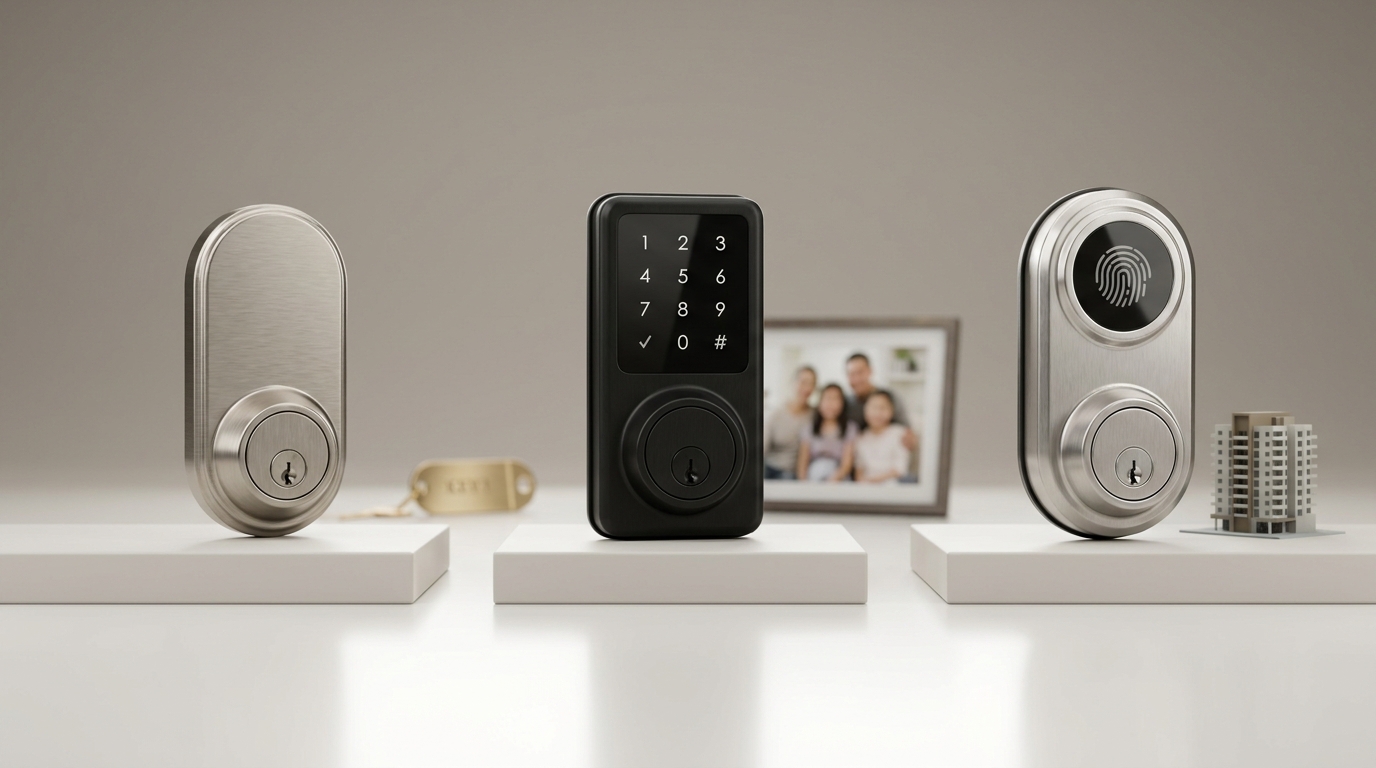
Default decision weights (example template): Security 30%, Compatibility 25%, Installation fit/ease 20%, Power/battery 15%, Support/warranty 10%.
- Why each criterion matters
- Security — physical strength (ANSI/BHMA grade) and encryption prevent forced entry and remote compromise. Yale is commonly listed as ANSI/BHMA Grade 2 (mechanical durability = withstands 5 ramming blows) and uses 128‑bit AES for digital comms (source: BoltLockAndKey — 2025). Source: boltlockandkey.com — 2025
- Compatibility — native Wi‑Fi vs BLE vs Z‑Wave/Matter determines remote control and which hubs you need. Yale supports 2.4 GHz Wi‑Fi, BLE and Matter (via hub); Z‑Wave is available as an optional module (source: SmartLockAdvice — 2025). Source: smartlockadvice.com — 2025
- Installation fit/ease — retrofit vs full-replace affects install time, drilling and whether you keep the existing deadbolt.
- Power/battery — realistic battery life (months under heavy use) dictates maintenance cadence; expect ~6 months under heavy Wi‑Fi use (source: BoltLockAndKey — 2025). Source: boltlockandkey.com — 2025
- Support/warranty — access to firmware updates and support response matters for properties with many guests.
Adjusted example weights by use-case (pick the row that matches you):
- Rental / Airbnb: Compatibility/Removal 35%, Security 25%, Installation 20%, Power 10%, Support 10% — favor retrofit, code provisioning and simple app control.
- Family Home: Security 35%, Compatibility 20%, Installation 15%, Power 20%, Support 10% — favor fingerprint/keypad and family admin features.
- Condo / Remote Access: Compatibility 40%, Security 25%, Installation 15%, Power 10%, Support 10% — favor built-in Wi‑Fi / Matter support for remote control.
- Landlord / Multi-Unit: Installation/Management 35%, Security 25%, Compatibility 20%, Power 10%, Support 10% — prioritize quick retrofits and multi-code management.
Quick decision flow:
- If you need remote access without a hub — choose a model with built-in Wi‑Fi or buy the Yale Wi‑Fi bridge (use condo weights above).
- If you want non-invasive installs and to keep existing deadbolts — pick a retrofit model such as the Yale Approach (see table below).
- If you need many user codes, fingerprint access, or robust family controls — pick Assure Lock 2 / Assure Lock 2 Touch.
Pitfall: Don’t treat all “smart” features as equal — buyers often overweight app features and underweight physical grade and door-fit constraints.
Best picks by budget: a concise comparison table with measurable specs for each recommended Yale model
Table: quick specs for the practical shortlists (budget bands and recommended use-cases). Missing numbers are flagged and next steps are given.
| Model | SKU | Retail price band | Install time (est.) | Battery life (months, heavy Wi‑Fi) | ANSI/BHMA grade | Protocols | Keypad / keyed / fingerprint | Retrofit vs full-replace | Monthly maintenance cost |
|---|---|---|---|---|---|---|---|---|---|
| Yale Approach (Retrofit) | N/A | Under ~$150 (budget) | ~20 minutes (retrofit) | ~6 months (heavy Wi‑Fi) (benchmark) | Grade 2 (mechanical) | BLE; app; optional bridge for remote | Keypad + app; retains existing keyed cylinder | Retrofit — preserves existing deadbolt | No reliable data found |
| Yale Assure Lock 2 (Assure 2 family) | N/A | $199–$299 | 30–60 minutes (full or partial replace) | ~6 months (heavy Wi‑Fi) | Grade 2 | BLE; Wi‑Fi via module/bridge; Matter via hub; optional Z‑Wave | Keypad; optional fingerprint (Assure Lock 2 Touch) | Full-replace (face/trim swapped) | No reliable data found |
| Assure Lock 2 Touch (fingerprint variant) | N/A | $199–$299 (model dependent) | 30–60 minutes | 3–6 months (reported ranges) | Grade 2 | BLE + Wi‑Fi module options | Fingerprint (up to 95 prints), keypad | Full-replace | No reliable data found |
Short recommendation blurbs:
- Approach (budget / landlords / Airbnb) — Best where you must preserve existing keyed cylinders and install quickly. Marketed as a retrofit option under $150 with ~20‑minute installs (source: SmartLockAdvice — 2025). Source: smartlockadvice.com — 2025
- Assure Lock 2 (families / condos) — Best midrange pick ($199–$299) for families who want keypad or fingerprint options and Matter/Wi‑Fi when add‑ons are included (source: SmartLockMFG — 2026). Source: smartlockmfg.com — 2026
Callouts — required add-ons and approximate price brackets (use when planning total cost):
- Wi‑Fi Bridge / module: approx. $40–$80 (adds remote/cloud access when model lacks built-in Wi‑Fi).
- Z‑Wave module: approx. $50–$100 if you need Z‑Wave hub integration.
- Professional install: No reliable data found — recommended to collect 2–3 local locksmith quotes (research task for editorial team).
Retail price ranges for Yale Assure models are commonly reported at $159–$289; plan for add-ons and possible pro install on top of MSRP (source: BoltLockAndKey & SmartLockMFG). Source: boltlockandkey.com — 2025 Source: smartlockmfg.com — 2026
Head‑to‑head: Yale vs August, Schlage Encode, and Kwikset Halo — security, compatibility, and install compared
Quick bullets comparing core differences to help decide by brand.
- Encryption & tamper
- Yale — 128‑bit AES for digital comms; tamper alerts and activity logs are supported (source: BoltLockAndKey — 2025). Source: boltlockandkey.com — 2025
- Schlage Encode Plus — known to offer ANSI/BHMA Grade 1 mechanical and built-in alarm features (source: BoltLockAndKey — 2025). Source: boltlockandkey.com — 2025
- BHMA/ANSI grade
- Yale — typically Grade 2 in listed models (good for most homes and rentals).
- Schlage Encode Plus — Grade 1, higher mechanical resistance for high-security needs.
- Native Wi‑Fi or bridge
- Yale — many Assure models require an optional Wi‑Fi module or bridge for cloud features; Approach is retrofit/BLE-first (source: SmartLockAdvice — 2025). Source: smartlockadvice.com — 2025
- August — often uses Wi‑Fi or proprietary bridges and focuses on retrofit ease (keeps the existing deadbolt).
- Kwikset / Schlage — models vary; some offer built-in Wi‑Fi or HomeKit support.
- Install complexity
- Yale Approach / August — retrofit options typically ~20 minutes on standard doors.
- Schlage full-replace models — 30–60 minutes, may require adjusting strike plates.
- Reliability & returns — No reliable public data found for documented return/failure/warranty claim frequencies; do not invent percentages; consult manufacturer warranty and Consumer Reports for independent results.
Summary table: strengths/weaknesses
- Yale — stronger for retrofit flexibility and modular Matter/Z‑Wave add-on options; Grade 2 hardware and broad platform compatibility when modules are added.
- Schlage — leads in mechanical Grade 1 options and integrated alarm features.
- August — convenience for retrofits that keep existing deadbolts; depends on existing hardware quality.
Retrofit vs full-replace for landlords and short‑term rentals: a practical swap-and-manage scorecard (unusual, Yale-specific)
This section compares the practical pros/cons of Approach retrofit vs Assure full‑replace for rental management and gives a guest-code lifecycle workflow.
- Approach (Retrofit)
- Install time: ~20 minutes; keeps existing keyed cylinder and strike — marketed as quicker for landlords (source: SmartLockAdvice — 2025). Source: smartlockadvice.com — 2025
- Management: Create temporary codes via Yale Access app; ideal for short stays and quick turnovers.
- Invasiveness: Low — no large trim changes.
- Assure Lock 2 (Full‑replace)
- Install time: 30–60 minutes; replaces hardware and offers more admin features (multiple user codes, fingerprint options).
- Management: Supports hundreds of codes in some summaries (250 codes cited in model summaries; confirm with spec sheet) (source: SmartLockMFG — 2026). Source: smartlockmfg.com — 2026
Guest-code lifecycle (stepwise workflow)
- Create code tied to reservation dates (use Yale Access app or portal).
- Deliver code to guest, instruct on app and keypad use, note fallback keyed access.
- Set auto-expiry: schedule code to expire at checkout time.
- Audit after departure: confirm code removal and change master admin if tenant turnover requires it.
- Log any anomalies in property notes and escalate to locksmith or support if a pattern emerges.
Landlord pre-purchase checklist
- Verify door prep and strike compatibility (see door measurement guidance below and our installation-guides/door-measurement-and-prep).
- Confirm local building/lease rules for changing locks in multi-unit buildings.
- Keep keyed backup and record master codes securely.
- Plan a replacement schedule for batteries and bridges; add Bridge/module cost into TCO.
Pitfall: Don’t assume lease/building rules allow unilateral lock changes — consult building management and local law.
Door-prep and oddball compatibility matrix: euro cylinders, multipoint frames, metal/insulated doors, and backset/bore checks (unusual, highly specific to Yale)
Measure before you buy. Confirm these specs or the lock may not fit or operate correctly.
- Standard Yale spec checks (verify on your door):
- Bore diameter: 2‑1/8″ (standard) — Yale retrofit models fit this bore (source: SmartLockAdvice — 2025). Source: smartlockadvice.com — 2025
- Door thickness: 1‑3/8″ to 1‑3/4″
- Backset: 2‑3/8″ or 2‑3/4″
- Retrofit models often advertise “no drilling” but confirm strike plate clearance and faceplate fit.
- Non-standard scenarios that frequently fail or need pro help:
- Euro cylinders — most Yale deadbolt products are not compatible with European-style multipoint euro cylinders. No reliable data found on direct compatibility; verify with Yale support.
- Multipoint locking systems (common on some uPVC / European doors) — these frequently require specialized locks; confirm before buying.
- Metal storm doors or thick insulated doors — check through-bore depth and spindle clearance; you may need extension kits.
- Offset or non‑standard strike plates — may need chiseling, which converts a retrofit to a partial replace.
If your door fails these checks — remediation options:
- Adapter kits or longer screws/spindles (ask the vendor or Yale support).
- Professional locksmith install to modify strike or bore.
- Choose a different lock family or a specialist multipoint-compatible solution.
Research gap: No reliable data found in public sources on Euro cylinder and multipoint compatibility for Yale — editorial team: pull official Yale spec sheets and confirm with Yale support before final publication.
Real-world failure modes, step‑by‑step troubleshooting, and when to escalate to service (link to troubleshooting cluster)
Expected symptoms, triage steps and escalation flow to avoid premature replacement.
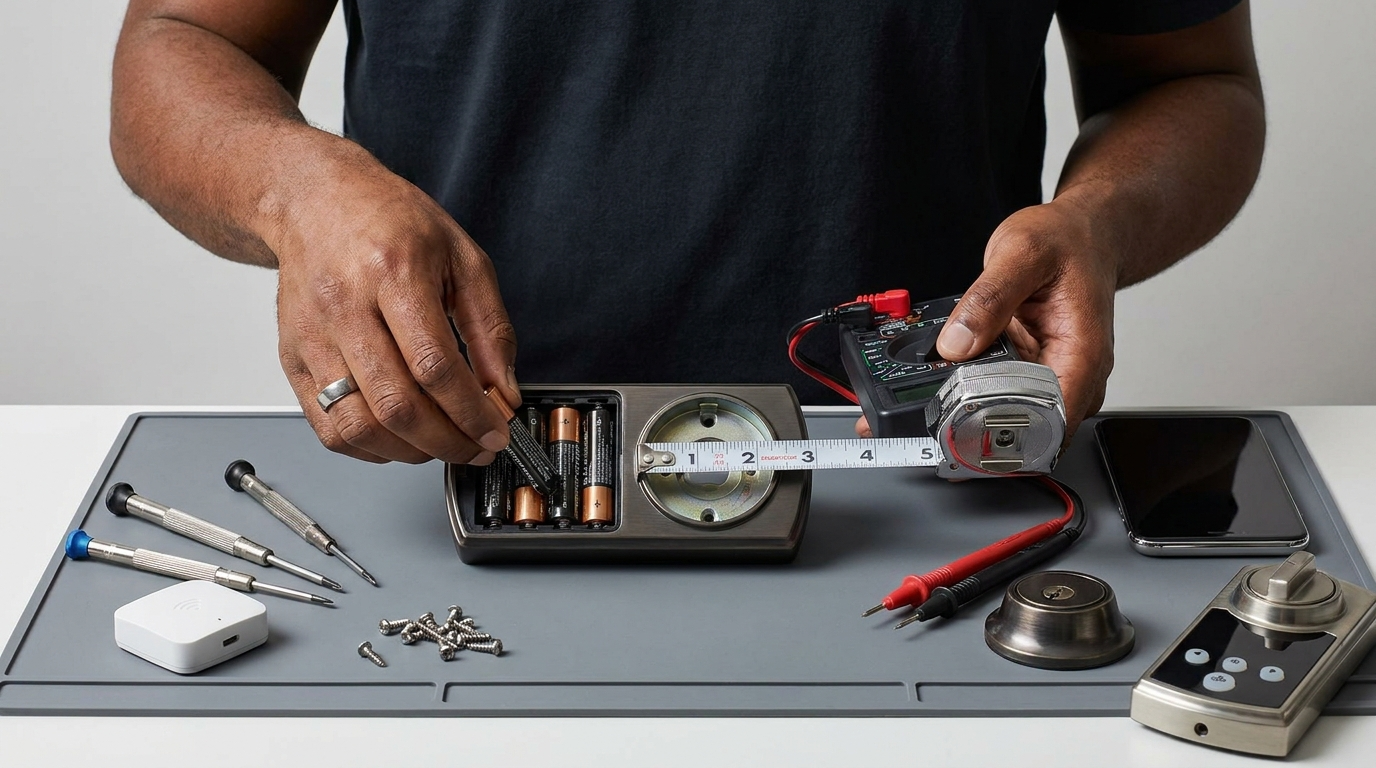
Common failure modes
- Battery drain pattern: heavy Wi‑Fi use — expect roughly ~6 months before battery replacement is needed (source: BoltLockAndKey — 2025). Source: boltlockandkey.com — 2025
- Connectivity drops: bridge/hub failures or 2.4 GHz Wi‑Fi issues.
- Mechanical jam: motor stalls due to door misalignment or hardened deadbolt/strike friction.
- Keypad or app pairing problems after phone/OS update.
- Firmware update issues: some users report instability after updates — No reliable data found on bricking frequency; verify firmware notes with Yale support.
Triage checklist (fast path)
- Swap to fresh batteries (alkaline recommended) and retry.
- Test local operation using the physical keypad or key — if local works, issue is connectivity.
- Reboot Wi‑Fi router and any Yale bridge. Confirm 2.4 GHz SSID and password are correct.
- Check door alignment and strike — close door slowly while watching the bolt; if it drags, adjust strike or hinges.
- Factory reset only after backing up admin codes and following the manual; consult the model manual or our smart-lock-troubleshooting/connectivity-and-bridges troubleshooting page.
Escalation flow
- If swap batteries and alignment check fail → try bridge/router reboot → if still failing, capture logs/screenshots and contact Yale support with model + firmware version.
- If lock motor shows intermittent failure after alignment check → schedule locksmith for inspection before replacement; motor replacements are sometimes cheaper than full units.
- Warranty claim: collect purchase receipt, serial number and app logs; contact Yale support for RMA steps.
Internal deep-dive and measurement pages: see smart-lock-troubleshooting/battery-and-power and installation-guides/door-measurement-and-prep for step-by-step guides.
Research gaps to flag to editorial: No reliable public data found for motor/keypad failure rates, firmware bricking frequency, BLE/Wi‑Fi range in meters, or professional install costs—research tasks listed in the brief remain.
Security tradeoffs: specific attack surfaces, Yale mitigations, and what independent testing is still missing
Understand attack surfaces and realistic mitigations — no smart lock is “unhackable.” Be precise.
- Attack surfaces
- Bluetooth replay or interception — theoretical risk if device pairing is insecure; Yale uses encrypted BLE with AES to reduce replay risks (source: BoltLockAndKey — 2025). Source: boltlockandkey.com — 2025
- Wi‑Fi bridge vulnerabilities — an exposed bridge or weak home network credentials can be an attack path.
- Keypad brute-force — physical brute force or rapid code attempts; many models support lockout or tamper alerts.
- Physical bypass — Grade 2 devices resist forced entry to that spec; Grade 1 (e.g., some Schlage models) offers higher mechanical resistance.
- Yale mitigations
- 128‑bit AES encryption on supported communications and tamper alerts/activity logs (source: BoltLockAndKey — 2025). Source: boltlockandkey.com — 2025
- DoorSense and auto-lock features reduce window of exposure from an unlocked door.
- Fingerprint (Assure Lock 2 Touch) adds biometric access for families.
- Independent testing gaps
- No reliable published lab penetration test results or comprehensive CVE listing for Yale smart locks were found in the public sources reviewed — editorial to research CVE databases and Consumer Reports for independent audits.
- Recommendation: buyers seeking highest assurance should check CVE listings, request firmware update cadence from Yale support, and consider Grade 1 mechanical solutions where physical attack resistance is critical.
Conclusion
Match your priority-weighted checklist to a model: choose Yale Approach for fast, low-cost retrofits and rental turnover; pick Assure Lock 2 or Assure Lock 2 Touch for families and condos that need keypad or fingerprint access and modular Wi‑Fi/Matter support.
Plan for add-ons (Wi‑Fi bridge or Z‑Wave module), expect ~6 months battery life with heavy Wi‑Fi use, and confirm door prep (2‑1/8″ bore, 1‑3/8″–1‑3/4″ thickness) before you buy. For precise model specs and firmware/warranty details, check official spec sheets and contact Yale support.
Ready to choose? Compare the shortlists above, measure your door, and add a Wi‑Fi bridge if remote access is required. If you need help, read more installation and troubleshooting guides linked above or get local locksmith quotes before purchasing a yale smart lock.
FAQ
Which Yale smart lock is best for landlords and short-term rentals?
Yale Approach (retrofit) is the best budget and landlord pick for quick, non-invasive installs and guest code management; Assure Lock series suits larger multi-unit deployments where full-replace and advanced code management are desired.
How long do Yale smart lock batteries last in real use?
Expect roughly ~6 months under heavy Wi‑Fi use; BLE-only use typically lasts longer (source: battery-life benchmark). Source: boltlockandkey.com — 2025
Will a Yale smart lock fit my door?
Check for a 2-1/8″ bore, 1-3/8″–1-3/4″ door thickness and 2-3/8″ or 2-3/4″ backset; many retrofit models avoid drilling but non-standard/euro/multipoint doors may need a pro. Source: smartlockadvice.com — 2025
Are Yale smart locks secure compared with mechanical deadbolts and other brands?
Yale uses 128-bit AES and ANSI/BHMA Grade 2 hardware (resistant to forced entry to Grade 2 spec); Schlage Encode Plus uses Grade 1 hardware and built-in alarm features that may offer higher mechanical resistance. Source: boltlockandkey.com — 2025
Do I need a Wi‑Fi bridge for Yale locks?
Many Yale models require a Wi‑Fi bridge or optional module for remote/cloud features — Yale devices typically use 2.4 GHz Wi‑Fi for remote connectivity. Source: smartlockadvice.com — 2025