

top rated smart plugs can save money and add Alexa convenience—if you pick models that balance low cost with real safety and reliable 2.4 GHz Wi‑Fi control. This guide is a budget‑first, test‑first plan so you leave the store (or checkout) with a shortlist you can trust.
Key Takeaways
- Use a weighted 10‑point rubric (reliability, amps/wattage, 2.4 GHz support, local/cloud control, Alexa feature parity, energy‑meter accuracy, size, outdoor rating, firmware policy, warranty/price) tuned for budget buyers to compare models numerically before buying.
- For public pricing range, expect budget models around EUR 12.99 and mainstream/value models up to EUR 42.90 — prioritize models that balance that price with documented max power ratings in the 1.8–3.68 kW range for safety (zerofy 2026; TechGearLab 2026).
- Cheap plugs can be fine for lamps and low‑draw devices, but buyers must accept tradeoffs (limited firmware updates, possible cloud‑only control) — verify Alexa routine compatibility and app update cadence before buying (use the checklist below).
- Choose confidently: a budget-first weighting system for comparing top rated smart plugs
- Compare at a glance: a hands-on comparison table of the most relevant specs for budget buyers
- Best picks by budget: under €15, best value with energy monitoring, most compact, and best outdoor budget plug
- The true cost of the cheapest smart plugs: replacement risk, firmware gaps, and energy‑meter drift
- Local LAN vs cloud control: a pre-purchase Alexa compatibility checklist
- Outlet‑blocking & physical fit: how to test a plug for crowded power strips and duplex outlets
- Common failure modes, safety stop‑points, and a buyer’s troubleshooting flowchart
- Conclusion
- FAQ
Choose confidently: a budget-first weighting system for comparing top rated smart plugs
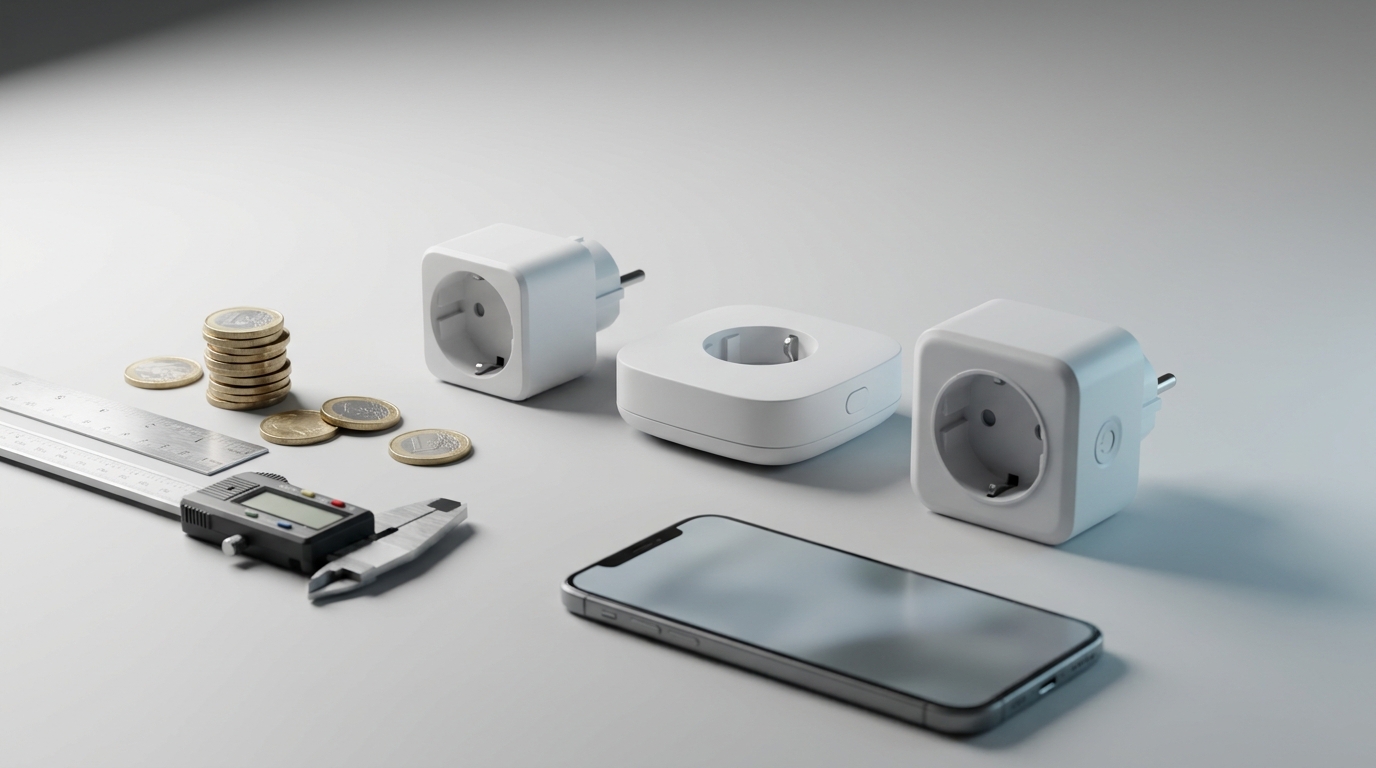
Budget shoppers need a repeatable, numeric way to compare “top rated smart plugs” so price isn’t the only decision driver. Below are the 10 criteria I use and why each matters to an Alexa‑first, low‑cost buyer.
- Reliability (0–5): Real‑world online reports of offline/dropouts and review consistency.
- Amps / Wattage (0–5): Safety ceiling: documented max current and watts from datasheet.
- 2.4 GHz support (0–5): Budget Wi‑Fi plugs commonly require 2.4 GHz—confirm support.
- Local vs cloud control (0–5): Local LAN control reduces outages and privacy risk.
- Alexa feature parity (0–5): Routines, renaming, groups, and multi‑account handling.
- Energy‑meter accuracy (0–5): Prefer published lab results; otherwise mark as unknown.
- Size / footprint (0–5): Will it block adjacent outlets or fit behind furniture?
- Outdoor rating (0–5): IP rating required for any outside use.
- Firmware policy (0–5): Update cadence and security patch record.
- Warranty / price (0–5): Longer warranty raises acceptable price for budget buyers.
Simple point matrix and example
Score each criterion 0–5, sum to 0–50. Recommended thresholds: 36+ = Good budget buy; 28–35 = Acceptable with caveats; <28 = Avoid for primary circuits.
Example (scored quickly): TP‑Link Kasa clone — Reliability 4, Amps 4, 2.4 GHz 5, Local 3, Alexa 4, Energy 2, Size 4, Outdoor 0, Firmware 2, Warranty 3 = 31 (Acceptable; confirm local control and datasheet).
Public price context: budget models commonly appear near EUR 12.99 and value models up to EUR 42.90 (zerofy, 2026).
Pitfall to avoid: Treating “works with Alexa” as full feature parity—confirm routines and local behavior before buying.
Compare at a glance: a hands-on comparison table of the most relevant specs for budget buyers
Below is a 6‑column starter table focused on what matters under a tight budget: price tier, verified power limits (or note if datasheet missing), Wi‑Fi band, Alexa notes, and whether energy monitoring is present. Before any purchase, require a manufacturer datasheet to confirm amps/wattage—do not rely on retail copy.
| Model | Price | Max Current (A) & Wattage | Wi‑Fi band | Alexa support notes | Energy monitoring present? |
|---|---|---|---|---|---|
| Amazon Smart Plug | Budget/value tier (see price range) | Datasheet required — verify before plugging into high‑draw devices | Usually 2.4 GHz for budget models — confirm | Works with Alexa (direct); test routine creation | No |
| WeMo Mini | Value tier | Datasheet required | 2.4 GHz expected | Confirmed Alexa compatibility in reviews (TechGearLab, 2026) | No |
| TP‑Link Kasa (HS100/HS110) | Value tier | HS110 includes energy meter—datasheet needed for exact accuracy | 2.4 GHz; Kasa often recommended in Home Assistant threads | Good Alexa feature parity; widely used in DIY setups | HS110: Yes; HS100: No |
| Meross / Shelly (budget Wi‑Fi models) | Budget to value | Range varies; confirm datasheet (1.8–3.68 kW range reported across models) | Mostly 2.4 GHz | Some models work with Alexa; check local control notes | Some models offer energy monitoring |
How to read this if you’re under €20: prioritize confirmed amps/wattage and 2.4 GHz support. Compact footprint and a documented energy meter are bonuses but secondary for lamps. Max power ratings across budget models commonly lie in the 1.8–3.68 kW range—confirm per model (zerofy 2026; TechGearLab 2026).
Pitfall to avoid: Publishing a table without manufacturer datasheet verification—always require the datasheet for amps/wattage before final recommendation.
Best picks by budget: under €15, best value with energy monitoring, most compact, and best outdoor budget plug
Shortlist of practical budget picks and the tradeoffs to expect. These examples are grouped by use case; verify datasheets and local control before buying.
- Best under €15 for reliable Alexa control: Amazon Smart Plug — direct Alexa integration makes setup trivial; tradeoff: no energy meter and usually cloud‑backed control. (Model cited as budget/value in reviews; see TechGearLab, 2026.)
- Best value with energy monitoring: TP‑Link Kasa HS110 (or HS300 family for strips) — energy meter present on HS110; accuracy varies and requires datasheet validation. Good community support but check firmware update policy.
- Most compact for outlet strips: WeMo Mini — small footprint but check that the plug doesn’t block adjacent vertical duplex outlets; WeMo is a commonly recommended budget pick (TechGearLab, 2026).
- Best outdoor budget pick: Only buy devices with an explicit outdoor / IP rating—otherwise use a weatherproof enclosure or a purpose‑built outdoor smart plug. (See the outdoor plug safety checklist in our smart-plug/outdoor-plugs).
Who should buy each: lamps and bedside lights — any of the budget picks; small fans and chargers — prefer models with documented amp/watt margins; space heaters and kettles — do not use budget plugs unless datasheet shows adequate amperage and certified safety margin.
Pitfall to avoid: Recommending a plug for high‑draw appliances without checking the wattage/amp spec—many budget guides miss this.
The true cost of the cheapest smart plugs: replacement risk, firmware gaps, and energy‑meter drift
Cheap initial price hides ongoing risks. Track these long‑term costs before you buy.
- Replacement frequency: Budget hardware can fail earlier—factor a 1–3 year replacement possibility into 3‑ and 5‑year TCO.
- Firmware/security updates: Many low‑cost vendors do not publish regular changelogs—mark as “No reliable data found” until you request the policy from the manufacturer.
- Energy‑meter drift: Independent, model‑level accuracy data is scarce—plan for ±5–15% uncertainty unless a lab test exists.
Where data is missing: There is no reliable public dataset for long‑term failure rates, firmware cadence, or energy‑meter accuracy across budget models—collect datasheets, FCC filings, iFixit teardowns, or community logs next. Price context: budget models commonly show prices near EUR 12.99 up to EUR 42.90 in the public listings (zerofy, 2026).
Pitfall to avoid: Assuming early positive reviews guarantee long‑term reliability—the Research Findings show “No reliable data found” for long‑term failure rates and firmware cadence and further primary research is required.
Local LAN vs cloud control: a pre-purchase Alexa compatibility checklist
Before you buy, run these reproducible checks inside the return window so “works with Alexa” isn’t a surprise later.
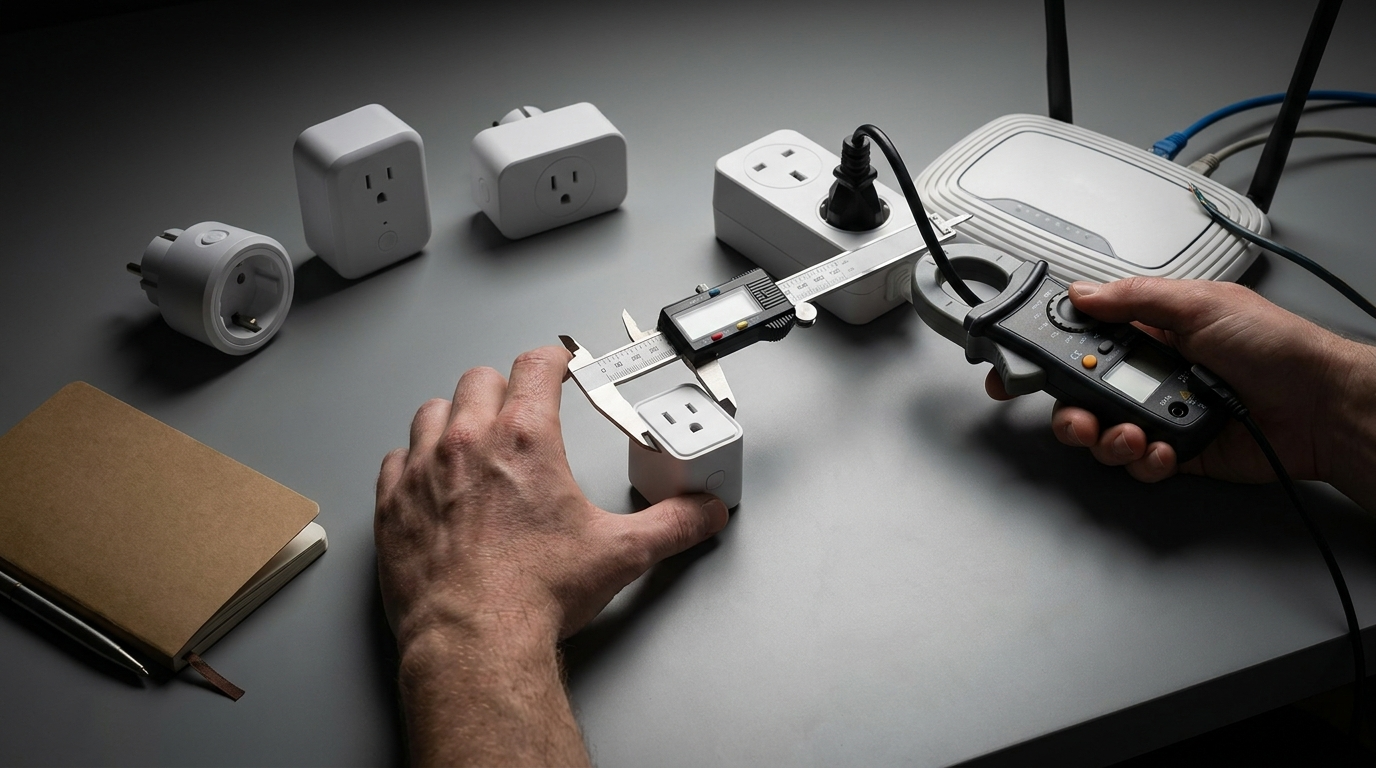
Steps to test (do these in the store if allowed, or immediately at home):
- Install vendor app and complete pairing to your 2.4 GHz Wi‑Fi. Confirm the app shows current state.
- Add the device in the Alexa app. Rename it and place it in a test group/room.
- Create a simple Alexa routine (e.g., “When I say Goodnight, turn off Test Lamp”) and trigger it manually.
- Test behavior with cloud disconnected: disable internet on a guest SSID or unplug router WAN and check if Alexa still sends local commands (some models fall back to cloud only).
- Confirm multi‑account behavior: invite another household Alexa account (if applicable) and re‑test routine triggers and device sharing.
Confirmed compatibility examples in mainstream reviews include WeMo Mini, Amazon Smart Plug, and TP‑Link Kasa—these are commonly noted as Alexa‑friendly, but still require local vs cloud checks (TechGearLab, 2026; community notes echo Kasa reliability nuances in DIY setups, Home Assistant, 2026).
Pitfall to avoid: Assuming the Alexa badge equals local control or full routine support—test routine triggers and multi‑account behavior before you finalize the buy.
Printable pre‑purchase testing checklist (one‑page print style)
- Confirm product page datasheet: max amps / wattage present? If not, do not buy for high‑draw loads.
- Pair on your 2.4 GHz SSID and confirm stable connection in your intended outlet.
- Add to Alexa app, rename device, and place in a test group/room.
- Create & run a routine using the device (record screenshots if you can).
- Test offline behavior: disable WAN and confirm Alexa/local app still controls the plug (if local control advertised).
- Physically test fit in target outlet and behind furniture (see physical fit tests below).
- Confirm firmware update history or policy on vendor site; prefer models with recent updates.
- Keep packaging for return window and photograph model/SKU and datasheet page for warranty claims.
Print this page and keep with the plug box while you test during the return window.
Outlet‑blocking & physical fit: how to test a plug for crowded power strips and duplex outlets
Physical fit is often the top practical limitation for budget plugs—measure and test before you commit.
In‑home test protocol
- Measure plug width and depth from datasheet. If dimensions are not on the page, mark as “datasheet required.”
- Test on vertical duplex outlet and stacked duplex outlet. Check adjacent outlet clearance and switch access.
- Try the plug in your typical power strip and behind furniture; even compact plugs can protrude or hit skirting.
Acceptable outcome: plug does not block adjacent outlet or can be angled/rotated to avoid blocking. If it blocks, either buy a compact model or replace the strip with a right‑angled outlet/strip.
Max power ratings matter here too—don’t place several high‑draw devices on a single strip without checking combined loads. Expect model-rated max power values to be in the 1.8–3.68 kW range across budget offerings; verify the model’s datasheet (zerofy, 2026; TechGearLab, 2026).
Pitfall to avoid: Buying by shape alone—some compact plugs still protrude behind furniture or block odd outlet faces; measure and test.
Common failure modes, safety stop‑points, and a buyer’s troubleshooting flowchart
Common failure modes and a short troubleshooting sequence budget buyers can apply at home.
- Common failure modes: Wi‑Fi dropouts in dense networks, DHCP/mesh conflicts, overheating under high loads, firmware bricking after update, intermittent Alexa routine failures.
- Realistic mitigations: Move the plug to a nearby outlet, set a static DHCP lease, test 2.4 GHz-only operation, replace poorly performing mesh node, or revert to factory default if firmware issues occur.
Troubleshooting sequence
- Restart router and plug power (soft reboot).
- Factory reset the plug and pair again.
- Assign a reserved/static IP via router DHCP to avoid lease churn.
- Force 2.4 GHz connection or isolate to a test 2.4 GHz SSID.
- Swap the plug to another outlet or circuit to rule out wiring/load issues.
- Monitor for heating during a 30‑minute high‑load soak test. If heating is persistent, stop using the plug.
Explicit stop‑use safety criteria: visible overheating, tripped breakers correlated to the plug, melting plastic, persistent arcing, or any burning smell—stop using immediately and replace. Community threads and Home Assistant user reports often document these failure patterns and mitigations (see Home Assistant community discussions on smart plugs for DIY notes: Home Assistant, 2026).
Pitfall to avoid: Continuing to use a plug that shows repeated thermal events or trips breakers—stop using immediately and replace.
Conclusion
Budget shoppers can find reliable, Alexa‑compatible smart plugs if they compare models with a numeric rubric, insist on datasheet‑verified amps/watt specs, and run the pre‑purchase tests in this guide. Use the weighted rubric and printable checklist to shortlist and validate models before you buy. If you want a compact bedside plug or an energy‑metered unit, prioritize models that meet the 1.8–3.68 kW safety band and show recent firmware activity—then test Alexa routines immediately. Ready to compare models side‑by‑side? Start with our smart-plug-buying-guide and the safety checks in smart-plug/safety-and-electrical. Choose, test, and buy with confidence—your next top rated smart plugs purchase should work reliably and safely.
FAQ
How do I know a smart plug will work with my Alexa routines?
Verify the model is listed as “works with Alexa,” add it to the Alexa app, and test routine creation and execution in your return window; many budget guides don’t test routines, so always confirm yourself.
Can I use a cheap smart plug with a space heater or other high‑draw appliance?
Only use plugs with an amp/watt rating that exceeds the appliance’s draw — many models list max power between 1.8–3.68 kW, but always check the datasheet (zerofy, 2026).
Are Wi‑Fi smart plugs usually 2.4 GHz only?
Most budget Wi‑Fi smart plugs target 2.4 GHz for range and compatibility; confirm on the product page — community notes recommend testing on 2.4 GHz for reliability (Home Assistant, 2026).
How accurate are energy‑monitoring smart plugs?
Accuracy varies and independent calibration data is scarce — the Research Findings show “No reliable data found” for energy‑monitoring accuracy, so prefer models with published lab tests or conservative claims.
Which smart plug is the safest budget pick for outdoor use?
Only buy plugs with an explicit outdoor/weather IP rating; if a product lacks a clear outdoor rating, do not use it outdoors.
When should I stop trying to fix a flaky smart plug and replace it?
Stop and replace if the plug repeatedly overheats, trips breakers, produces melting/arc evidence, or fails to reconnect after a factory reset and firmware reinstall.