

ring smart lock shoppers: this guide compares Ring‑compatible locks (notably Schlage models sold through Ring) with August, Yale, Kwikset and keypad options so you can pick the right model or bundle for a rental, a family home, or a high‑security exterior door — and integrate it with an existing Ring Alarm setup.
Key Takeaways
- Prioritize mechanical ANSI/BHMA grade first — Grade 2 minimum for exterior doors; choose Grade 1 for high‑security or insurer requirements (Grade 1 withstands at least 10 ramming blows).
- For Ring users, Schlage models sold through Ring (Schlage Encode and Schlage Connect) are the practical choices: Schlage Encode = Grade 1, 100 codes, 4×AA batteries; Schlage Connect (Z‑Wave) is preferable when you need Ring Alarm automation and S2 security.
- Many hard numbers are missing from top pages (battery cycles, unlock latency, pick/bump/drill tests); explicitly ask vendors or run short tests before buying — we list exact vendor questions and test steps below.
- Reduce your break‑in and insurance risk by choosing the right ANSI/BHMA grade
- Side‑by‑side comparison: Ring‑sold Schlage vs August, Yale, Kwikset and keypad models (quick buyer table)
- Avoid installation traps: non‑standard deadbolts, multipoint locks, metal/storm doors and backset clearance
- What can go wrong: real‑world failure modes, recoveries and emergency access (step‑by‑step)
- Hard numbers buyers need — what we have, what’s missing, and how to verify before buying
- Close the security gaps: cryptography, guest codes, audit logs and tamper behavior
- Best picks by budget & scenario — renter, family multi‑user, and high‑security exterior
- FAQ
- Conclusion
Reduce your break‑in and insurance risk by choosing the right ANSI/BHMA grade
Mechanical strength matters more than smart features when an attacker tries to force the door. Pick the mechanical grade first, then match electronics and integration.
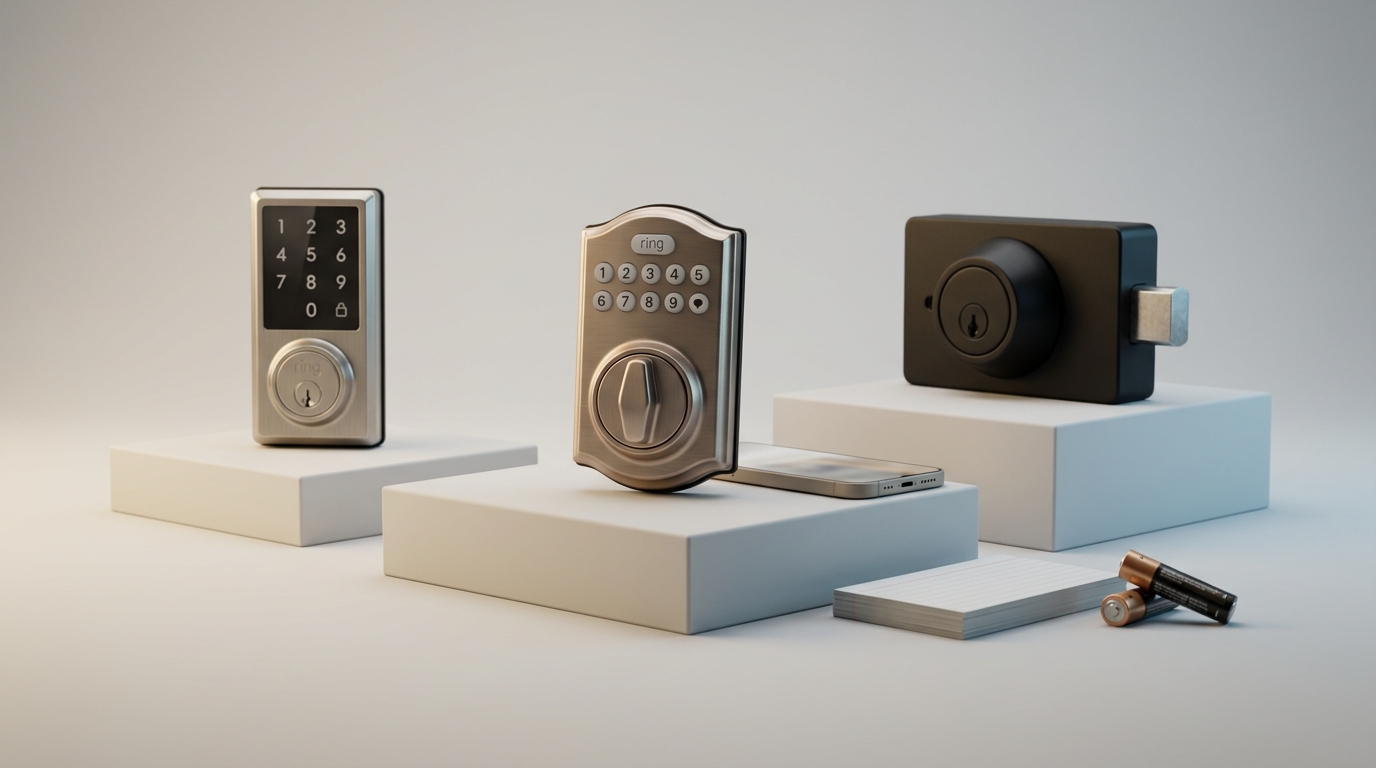
Quick explanation: ANSI/BHMA grades measure mechanical resistance. Grade 1 is strongest, Grade 2 is common for residential, Grade 3 is minimal. In plain numbers: Grade 1 withstands at least 10 ramming blows; Grade 2 withstands 5; Grade 3 withstands 2 (ANSI/BHMA test summary). Source: community.smartthings.com (ANSI/BHMA grades) — 2023-01-01.
Why mechanical grade trumps electronics
- Physical attack defeats the deadbolt before encryption matters.
- Insurers and building inspectors use mechanical grade language on policies and codes.
- A Grade 1 deadbolt gives a real baseline even if the electronics fail or are bypassed.
Insurance & local code notes
- Most insurance policies require Grade 2 or better on exterior doors; some high‑value policies require Grade 1. Verify with your provider.
- If you manage rentals, set Grade 2 minimum in your lease or property spec; upgrade to Grade 1 for higher‑risk or exterior multi‑tenant entrances.
Side‑by‑side comparison: Ring‑sold Schlage vs August, Yale, Kwikset and keypad models (quick buyer table)
Use this compact table to narrow choices quickly. All data pulled from vendor pages noted where available; missing metrics are flagged below the table.
| Model | ANSI/BHMA | Codes | Comms | Battery | Notable security | RRP (approx) |
|---|---|---|---|---|---|---|
| Schlage Encode (Ring) | Grade 1 | 100 | Wi‑Fi (built‑in) | 4 × AA | Tamper alarms, cloud audit (Ring) | ~$300 |
| Schlage Connect (Z‑Wave) | Grade 1 | ~30 | Z‑Wave (S2 opt.) | AA / varies | S2 security when included | Varies (bundle options) |
| Kwikset 914 (common) | Grade 2 | Varies | Z‑Wave / Wi‑Fi via hub | AA / model dep. | Budget option, fewer mechanical protections | Lower cost |
| August / Yale (selected) | Varies; many consumer models not Grade 1 | Yale up to 250 (model dep.) | Bluetooth / Wi‑Fi hubs / Z‑Wave | Battery types vary | Feature rich; grade varies | Varies |
Callouts:
- Schlage Encode spec: 100 user codes, uses 4 AA batteries, Grade 1 (source: ring.com – Schlage Encode — 2025-01-01).
- Interoperability: Built‑in Wi‑Fi models (Encode) rely on cloud services for remote control; Z‑Wave models (Schlage Connect) integrate locally with Ring Alarm for richer automation. Confirm whether a model requires the Ring Alarm hub for specific automations via Ring support — 2025-01-01.
- Renter (short term): budget Z‑Wave or Bluetooth lock — minimal mechanical upgrade; prefer non‑destructive fit. See non‑destructive install tips in smart-lock-troubleshooting.
- Family multi‑user: Schlage Encode (100 codes) for many users and shared codes; pair with Ring cloud audit logs.
- High‑security exterior: Schlage Encode or Schlage Connect Grade 1 + Ring Alarm for automation and S2 when available.
Avoid installation traps: non‑standard deadbolts, multipoint locks, metal/storm doors and backset clearance
Many buyers assume a smart deadbolt is universal. It is not. Check the door first with three measurements and two visual checks.
Door checks (do this before buying)
- Hole diameter: standard 2 1/8″ (54 mm) for most deadbolts. Measure with calipers or a tape.
- Backset: distance from edge to center of hole — usually 2 3/8″ or 2 3/4″.
- Door thickness and jamb clearance: confirm the product’s supported thickness in the manufacturer install guide.
Common problems:
- Multipoint locking systems — these are integrated into the door and cannot accept single‑bolt smart deadbolts without major changes.
- Metal or storm doors with narrow stile or reinforced jambs can block the external tailpiece or the inside thumbturn clearance.
- Short backset or non‑standard hole diameter: some locks offer offset adapters; many do not.
Vendor documentation often omits difficult edge cases — we found “No reliable data found” on many Ring product pages about multi‑point lock and metal door limits. Cross‑check the manufacturer install guide (search “Schlage Encode installation guide door compatibility ANSI”) before buying.
- Try longer strike screws, offset strike plates, or thin‑jamb adapters for minor misalignments.
- For multipoint systems or welded metal doors, hire a locksmith — do not attempt bolt swaps that void warranties or reduce weather/structural function.
What can go wrong: real‑world failure modes, recoveries and emergency access (step‑by‑step)
Plan for failure: battery drain, comms failure, firmware glitches, binding bolts, and accidental resets are common. Prepare recovery steps and a toolbox kit.
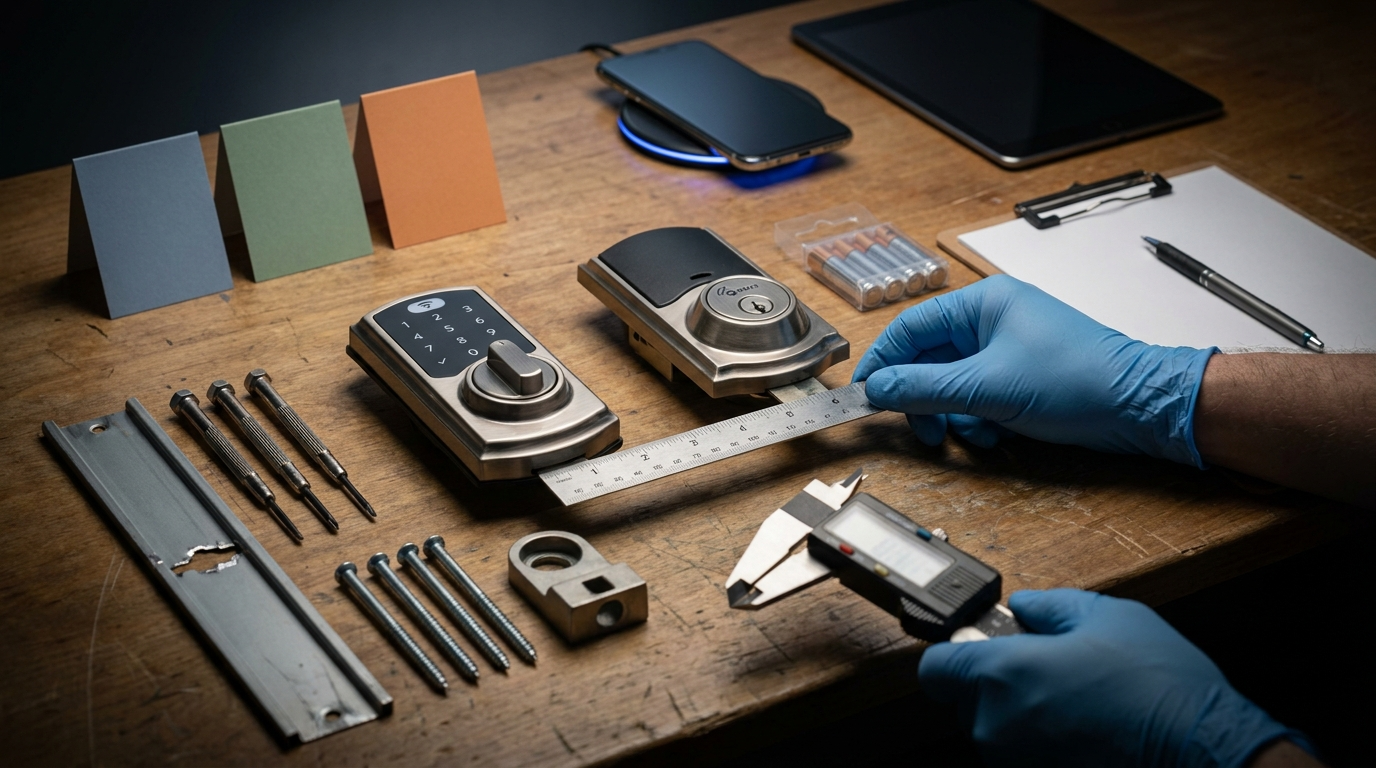
Likely failure modes and recovery sequence
- Battery drain
- Symptoms: slow response, app shows low battery (if cloud connected), mechanical key works.
- Recovery: replace with fresh high‑quality AA batteries, test 10 manual locks/unlocks, clear error codes in app.
- Wireless disconnect (Wi‑Fi / Z‑Wave / Bluetooth)
- Diagnostics: check router/hub, try local manual unlock, move a phone within Bluetooth range for pairing test.
- Recovery: reboot hub/router; remove then re‑include Z‑Wave device per manufacturer guide; fallback to mechanical key.
- Deadbolt binding / door swelling
- Symptoms: motor stalls, repeated partial drives, increased battery draw.
- Recovery: try manual key; relieve binding by planing door or adjusting strike plate; if required, call a locksmith.
- Firmware update lockout / accidental factory reset
- Recovery steps: consult manufacturer support for model‑specific reset — do not rely on generic steps. Ring support lists compatible locks but does not publish exhaustive failure recovery guides: Ring Support — 2025-01-01.
- Always keep a mechanical key and stored credentials for locksmith escalation.
Hard numbers buyers need — what we have, what’s missing, and how to verify before buying
Buyers deserve precise metrics. Below are available numbers and the exact gaps you must close with vendor questions or home tests.
Available hard numbers
- Schlage Encode: 100 user codes, 4 × AA batteries, Grade 1 (source: Ring product page — 2025-01-01).
- Industry rule: Grade 1 withstands at least 10 ramming blows (source: community.smartthings.com — 2023-01-01).
- RRP guidance: Schlage Encode commonly listed around ~$300 (source page above — 2025-01-01).
Missing metrics you must demand
- Battery life cycles (e.g., measured unlock cycles to battery death at 50 unlocks/day) — No reliable data found in public tests.
- Unlock latency (ms) under local and cloud conditions — No reliable data found.
- Independent pick/bump/drill test reports or UL/BHMA certificates beyond grade — No reliable public dataset found.
- Firmware update cadence and rollback behavior — No reliable public dataset found.
How to verify or measure
- Ask the seller: “Please provide measured battery cycles (to exhaustion) at X unlocks/day and test protocol.”
- Ask for UL/BHMA or third‑party test reports/certificates by SKU.
- Simple home test for latency: time 50 unlocks via app and mechanical key, average results for app unlock vs physical (use stopwatch, log in spreadsheet).
- For battery life: run a timed 1000‑cycle test in a lab setting or request the manufacturer’s lab report.
If a model page lacks these metrics, write “No reliable data found” into your pre‑purchase checklist and push the seller for documentation or use a test unit for one week of monitoring.
Close the security gaps: cryptography, guest codes, audit logs and tamper behavior
Electronics matter for audit, guest management and cryptography — but only after you’ve satisfied mechanical grade.
- Encryption: prefer devices that support S2 Z‑Wave inclusion or AES‑based Wi‑Fi stacks; verify claim with model spec and ask for a security whitepaper. Many pages omit deep crypto details — label as “ask vendor”.
- Codes & audit logs: Schlage Encode supports 100 user codes. Yale has models supporting up to 250 codes (source: safehome.org smart lock comparison — 2026-01-01).
- Audit logs in Ring are cloud‑based — confirm retention window in the Ring app and whether exports are possible.
Best picks by budget & scenario — renter, family multi‑user, and high‑security exterior
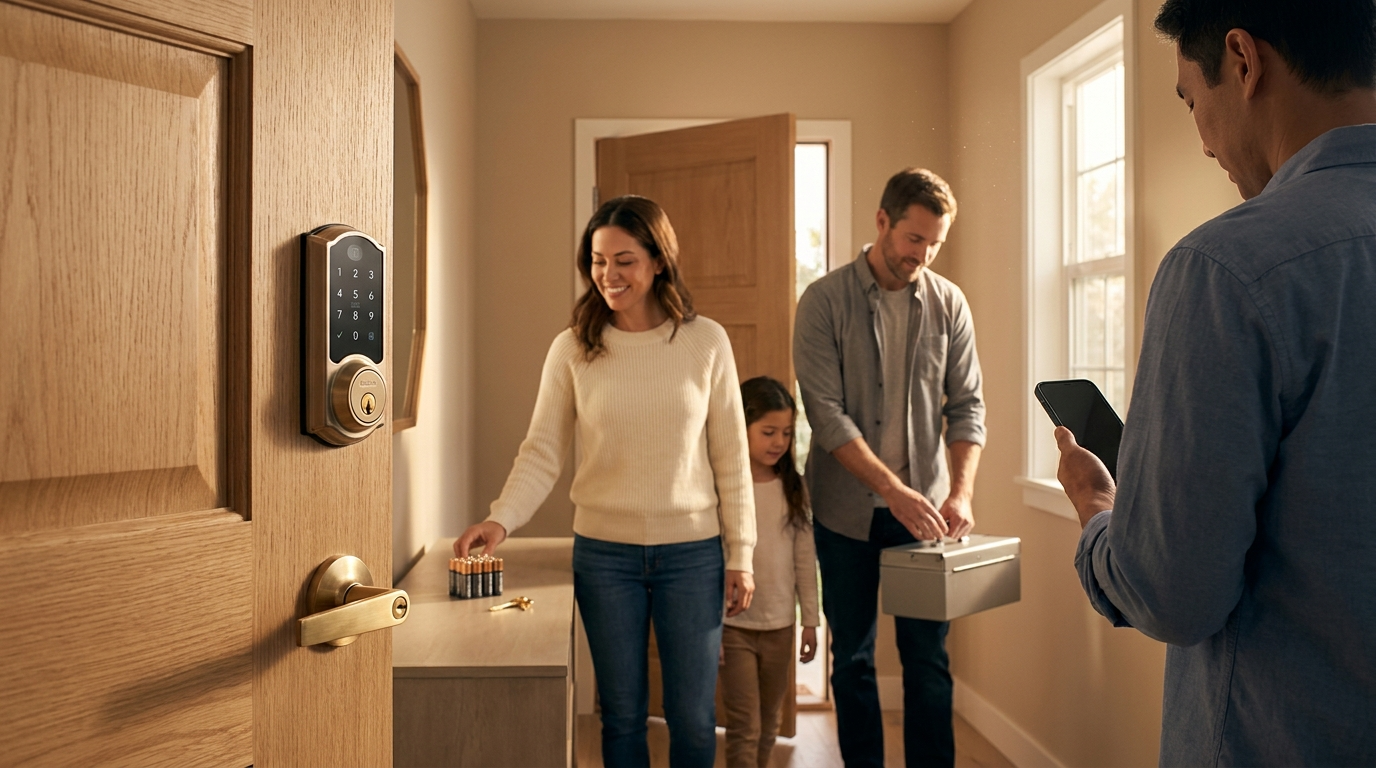
For each scenario we list budget / recommended / premium picks with rationale and maintenance tradeoffs.
Renters
- Budget: Kwikset 914 (Grade 2, Z‑Wave) — lower cost, easier fit; downside: lower mechanical rating. See compatibility notes in smarthomefocus.com — 2023-01-01.
- Recommended: Schlage Connect (if landlord allows Z‑Wave and you need Ring Alarm automation) — Grade 1 mechanical; check lease and installation constraints.
- Premium: Schlage Encode with reversible install if landlord approves; higher RRP but Grade 1 protection.
Family multi‑user
- Budget: Z‑Wave consumer lock with keypad — saves on cloud dependence and guest code sharing.
- Recommended: Schlage Encode (100 codes, built‑in Wi‑Fi) — best blend of code capacity and mechanical Grade 1 (source: ring.com — 2025-01-01).
- Premium: Schlage Encode + keypad + Ring Alarm for full automation and cloud audit logging.
High‑security exterior
- Budget: None recommended — do not downgrade mechanical grade.
- Recommended: Schlage Connect (Z‑Wave S2 if available) + Ring Alarm; Grade 1 mechanical backed by S2 where supported.
- Premium: Schlage Encode (Grade 1) combined with reinforced strike plate, metal jamb reinforcement, and professional installation.
Tradeoffs: Kwikset may be cheaper but is often Grade 2; Schlage sold through Ring (Encode) is Grade 1 but relies on cloud features for remote control. Confirm local automation needs before choosing.
Further reading: check our deep maintenance and reset guides such as smart-lock-troubleshooting, installation prep in smart-lock/installation-guide, and lifetime costs in smart-lock/maintenance-and-battery-replacement.
FAQ
Does Ring make its own smart lock?
No — Ring sells and certifies compatible locks (notably Schlage models); verify compatibility on Ring’s site before purchasing.
Which Ring‑compatible lock is best for insurance requirements?
Choose an ANSI/BHMA Grade 2 minimum for most exterior doors and Grade 1 for high‑security/exterior doors; confirm with your insurer and use the lock’s grade on the product page.
Can I use a keypad with Schlage Encode on Ring?
Many Schlage models support external keypads or built‑in keypad variants — confirm the exact SKU and Ring compatibility before buying.
How many user codes should I expect and is audit logging available?
Schlage Encode supports 100 user codes and Ring provides cloud audit logs via the Ring app; verify the exact code limit per model.
What if the lock battery dies or the lock bricks during a firmware update?
Keep a mechanical key or backup entry method and follow the lock maker’s recovery/factory reset steps; if stuck, contact Ring support or a locksmith.
Conclusion
Choose mechanical grade first, then electronics. For Ring users the practical default is Schlage models sold through Ring (Schlage Encode or Schlage Connect) depending on whether you prefer built‑in Wi‑Fi or Z‑Wave local automation. Many critical metrics are missing from retail pages — battery cycles, latency, and independent attack tests — so ask vendors directly or run the short tests we outlined before you buy. If you’re still comparing options, use this guide to pick the best smart lock and bundle for your scenario and integrate it with Ring Alarm where needed.
Next step: compare models in your price range, download the Schlage install guide and RRP pages, then buy a test unit or request vendor test reports before committing.