

eufy smart lock owners and shoppers: this guide lets you compare models with a troubleshooting-first lens and gives exact symptom→test→fix sequences so you can resolve intermittent failures safely before calling support or a locksmith.
Key Takeaways
- Use a safe first-pass sequence (battery pull 30s → manual 3 full rotations → reinsert) that resolves ~95% of “phantom jam” firmware/motor-stall cases before any reset (resolves 95% — https://smartlockadvice.com/eufy-smart-lock-jamming/ — 2026-04-23).
- If basic fixes fail, use precise escalation triggers (persistent jam alerts with smooth manual operation: record video, then factory reset or contact support; physical binding or repeated mechanical failure: call a locksmith; factory reset hold SET 10+ seconds for voice prompt — https://smartlockadvice.com/eufy-smart-lock-jamming/ — 2026-04-23).
- Expect real-world battery variance — one field test showed 8 AA cells lasted ~2 months under heavy use, so plan for high-frequency scenarios and calculate TCO accordingly (8 AA ≈ 2 months — https://www.youtube.com/watch?v=8fUtBeRHZaU — 2026-04-23).
- Symptoms checklist — quickly identify whether the lock is misbehaving or the door is at fault
- Root causes mapped to symptoms — match what you see to likely hardware, firmware, or environmental causes
- Fix steps homeowners can perform safely (fast triage to deep checks)
- When to escalate — exactly when to factory reset, contact eufy support, or hire a locksmith
- Door-geometry and mechanical diagnostics that avoid amateur repairs
- Real-world battery & lifecycle numbers you must budget for (TCO primer)
- How eufy’s motor-stall detection can create “phantom jam” — a diagnostic lab walk-through
- Install pitfalls that cause “ghost device” pairing failures and exact re-pair commands
- Conclusion
- FAQ
Symptoms checklist — quickly identify whether the lock is misbehaving or the door is at fault
Quick, scannable symptoms that tell you if the problem is the lock electronics/firmware or the door mechanics.
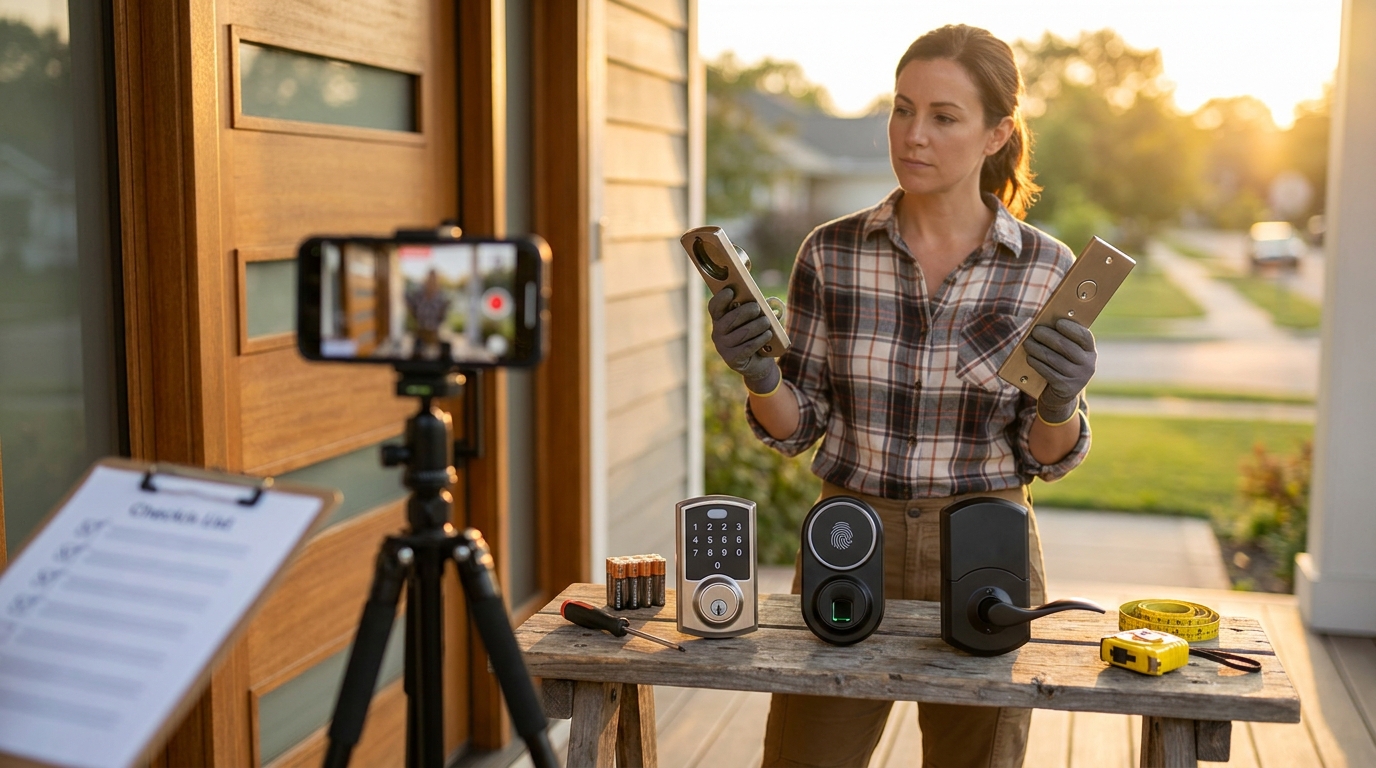
- App shows “jammed” or lock beeps while deadbolt moves freely by hand (classic phantom jam). Source: smartlockadvice.com — 2026-04-23.
- Voice prompt: “deadbolt stuck” on new install, but manual thumb-turn is smooth — often firmware/deadbolt-rotation mismatch (90° vs 180°).
- Interior knob or thumb-turn seizes during emergency tests (smoke alarm trigger) — possible geartrain/manual-disengage failure.
- Rapid battery drain with normal use — could be BLE/bridge always-on or a failing cell pack.
- Intermittent pairing, “ghost” device appears on phone — typical RF/Bluetooth interference or incomplete factory pair.
How to capture useful evidence
- Record a phone video showing: app/notification timestamp, audio of beeps/voice prompt, and a hand smoothly cycling the deadbolt. Do this before you reset anything. (Do not reset before recording.)
- Note battery date code and list any recent firmware/app updates in the video or a short text note.
- If the thumb-turn seizes, record a close-up of the interior side while you slowly rotate it and listen for grinding or clicks.
2-minute pass/fail checks (run now)
- Open the app: does it display “jammed” or an error? Start video. — Fail if error persists while manual is smooth.
- Try manual thumb-turn: smooth 3 full rotations (90°/rotation standard for some doors) — note resistance.
- Remove/replace batteries (see full sequence in Fix steps) only after recording evidence if you expect to escalate.
Pitfall to avoid: do not factory reset or disassemble before recording video evidence; resetting can remove logs or state that support needs to diagnose (see escalation section).
Root causes mapped to symptoms — match what you see to likely hardware, firmware, or environmental causes
Match symptoms above to likely causes so your fixes target the true problem.
- Motor-stall detection / firmware misread — symptom: app “jammed” while deadbolt moves freely. Confidence: likely. Explanation: firmware treats end-stop resistance as a stall; observed in field reports after ~12+ months. Source: smartlockadvice.com — 2026-04-23.
- Sensor / hall-sensor failure — symptom: lock reports wrong position or fails to recalibrate. Confidence: possible. Explanation: sensors report bolt position to firmware; bad reads trigger errors.
- Low-voltage behavior — symptom: grinding, slow motor, intermittent unlocks. Confidence: possible. Explanation: under-voltage changes motor torque and can trigger stall detection.
- Mechanical misalignment (door warp, latch/backset mismatch) — symptom: repeated physical catching, mis-throwing deadbolt. Confidence: likely for older doors or incorrect install.
- Environmental: humidity / freezing — symptom: seasonally recurring issues. Confidence: possible; no reliable public data found — researcher follow-up required.
- Magnetic / RF interference — symptom: pairing failures or ghost devices. Confidence: possible; check phone/router Bluetooth cache and nearby Wi‑Fi channels.
Pitfall to avoid: attributing repeated failures only to batteries — many cases documented are firmware/geartrain-related (see smartlockadvice case collection: 2026-04-23).
Fix steps homeowners can perform safely (fast triage to deep checks)
Work top-to-bottom: simple, safe fixes first, deeper checks next. Follow evidence capture and warranty-preserving rules.
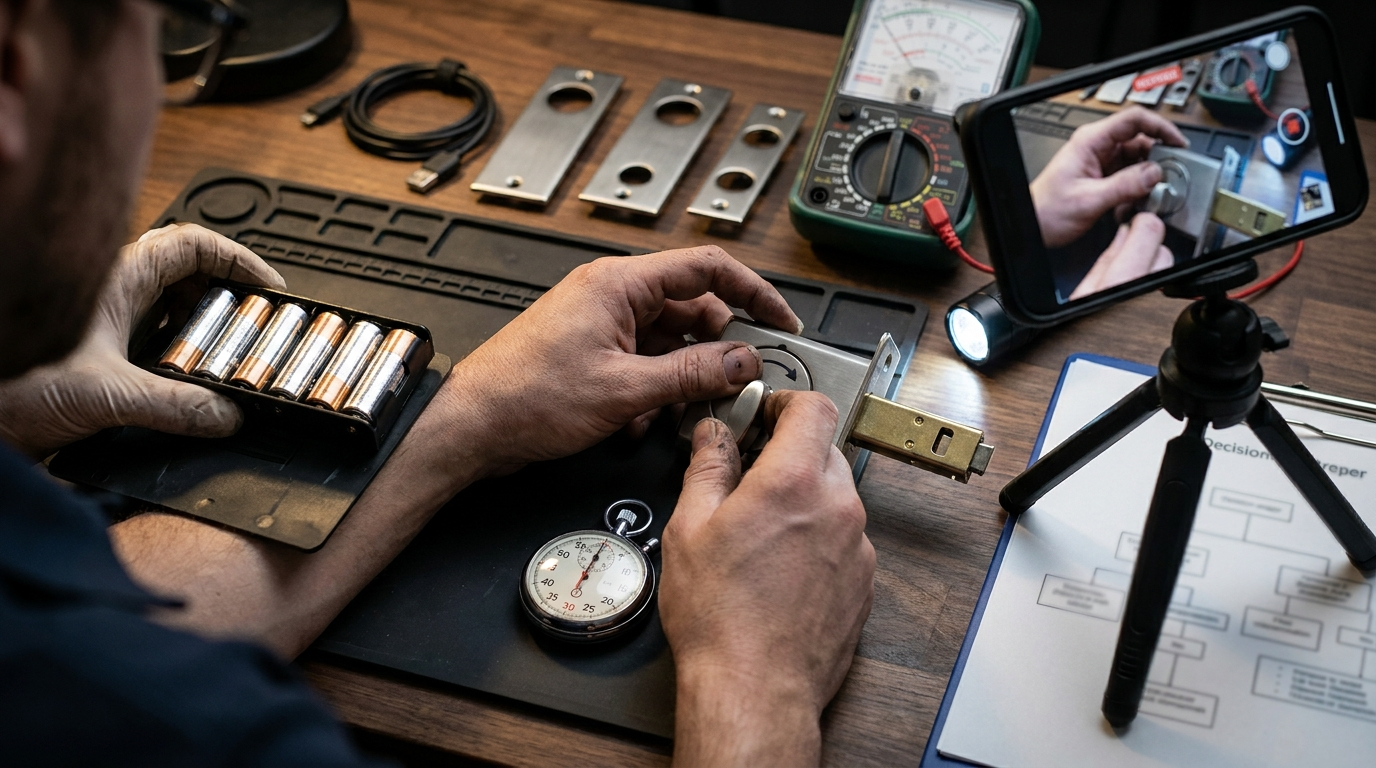
Safe triage checklist (immediate action kit — 4–6 quick actions)
- timestamped video: app error + manual deadbolt motion.
- Remove all batteries and wait exactly 30 seconds.
- Manually cycle the deadbolt 3 full rotations (use slow, full strokes).
- Reinsert batteries and test via app and manual operation.
- If problem persists, note battery voltages and firmware/app versions before reset.
Step-by-step sequence (exact values and rotations)
- Video evidence first. Start recording before any intervention.
- Remove all batteries and wait 30 seconds (exact). This forces a soft power cycle and clears transient motor state.
- While batteries are out, manually rotate the deadbolt 3 full rotations (count exactly 3). Use full strokes to exercise the geartrain and release any pawl binding.
- Reinsert batteries and allow the lock 15 seconds to boot. Test unlock/lock from the app and manually. Observe for beeps, voice prompts, or grinding noise.
Secondary checks
- Firmware & app: check for updates and install. If an update was applied shortly before failure, note the timestamp for support.
- Bluetooth/Wi‑Fi: restart phone and bridge/router; test within 2–3 meters of the lock to rule out range issues.
- Battery voltage: use an AA battery meter. If cells show <1.2V under no-load, replace.
- Audible checks: listen for grinding clicks or repeated stutters — these indicate gear/train wear and need support or locksmith assessment.
- Manual disengage: ensure the thumb-turn fully disengages the motor carriage; if it does not, do not force it.
Factory reset and reboots
Factory reset: hold SET button 10+ seconds until you hear the voice prompt (use video to record this). Source: smartlockadvice.com — 2026-04-23.
Models C34/E30: use the reboot button next to USB‑C for an alternate offline reboot (see eufy support: service.eufy.com — 2026-04-23).
Do not: open the lock housing, remove internal screws, or replace internal gears yourself — this can void warranty. If a repair requires internal part replacement, follow the escalation guidance below.
Printable decision tree suggestion: include a one-page PDF that maps symptom → video? → triage sequence → reset → support → locksmith. (Designer will build.)
Related guides: see our common symptoms and fixes, reset and pairing guides, and installation checklist and tools for printable checklists.
When to escalate — exactly when to factory reset, contact eufy support, or hire a locksmith
Follow a strict decision tree: document → triage → reset → support → locksmith. This preserves warranty and gives support actionable evidence.
Escalation decision tree (short)
- Persistent app “jammed” while manual operation is smooth → record video → factory reset (hold SET 10+ seconds) → if no fix, contact eufy with footage. Source: smartlockadvice.com — 2026-04-23.
- Physical binding or repeated mechanical failure (grinding/clicking) → collect video & battery/firmware details → contact eufy support and prepare to hire locksmith if instructed.
- Safety risk (tenant locked inside, child egress blocked) → call locksmith immediately after documenting the risk; notify eufy support concurrently.
How to prepare your support case
- Include video showing app error timestamp vs manual smooth operation.
- List battery type, measured volts, firmware version, app version, and the date/time failures started.
- Attach a short chronology of attempts (battery pull at X:XX, reset at Y:YY) so support can triage faster.
Warranty-preserving steps: do not disassemble; keep original parts; document every DIY step with photos/video. See eufy troubleshooting resources: eufy smart-lock not working and eufy door lock stuck.
Door-geometry and mechanical diagnostics that avoid amateur repairs
Measure first — many post-install failures are door fit issues, not electronics.
What to measure
- Deadbolt rotation: measure from fully retracted to fully thrown. Is that ~90° or ~180°? Firmware on some eufy models assumes 180°; 90° travel can trigger false jam prompts. Source: smartlockadvice.com — 2026-04-23.
- Backset (distance from door edge to center of knob): confirm common sizes (2-3/8″ or 2-3/4″).
- Door thickness and strike plate gap: check for rubbing when bolt moves.
Low-effort fixes
- Shim the strike plate slightly toward the bolt to reduce mis-throw.
- Replace rounded-face latches with square-face ones to improve consistent travel.
- Adjust strike plate screw depth or recess to allow full bolt travel without friction.
Pitfall to avoid: recommending motor replacement before checking alignment and deadbolt travel — alignment fixes are non-invasive and preserve warranty.
Real-world battery & lifecycle numbers you must budget for (TCO primer)
Battery life varies with use and connectivity. Use real data to plan replacements and TCO.
- Field datum: one heavy-use test reported 8 AA cells lasted ≈2 months (use as a heavy-use baseline). Source: video test — 2026-04-23.
- Light-use scenarios will be much longer; factors that lower life: frequent BLE/Wi‑Fi polling, bridge/hub use, cold weather.
How to estimate 3–5 year TCO (example)
Calculate: (Estimated replacements per year × AA pack cost) + potential replacement parts + optional locksmith visit allowance. Because independent MSRP and replacement part frequency are missing, request official data from eufy before final purchase.
Research gaps: no reliable public data found for device idle draw, multi-year failure rates, or official ANSI/BHMA certifications — request certification docs from eufy before purchase.
Related planning: see our battery and lifecycle planning guide for spreadsheets and logging templates.
How eufy’s motor-stall detection can create “phantom jam” — a diagnostic lab walk-through
Reproducible test to prove whether the fault is motor, sensor, or firmware.
Test outline (repeatable)
- Record baseline: app shows jam? video it. Note timestamp, battery pack date, firmware/app version.
- Remove batteries 30s, manually cycle 3 full rotations, reinsert. Re-test and record results.
- Measure battery voltages and record. If problem recurs, perform factory reset and record the reset voice prompt (SET 10+ seconds). Source: smartlockadvice.com — 2026-04-23.
- Count occurrences: how many cycles until a repeat? Log attempts to show intermittent pattern for support.
Low-risk remediation flow: video → triage (battery pull + manual cycles) → firmware update → factory reset → contact support with full logs. Do not open the unit.
Pitfall to avoid: replacing internal mechanical parts or performing teardowns without vendor confirmation.
Install pitfalls that cause “ghost device” pairing failures and exact re-pair commands
Pre-install checks and precise re-pair steps prevent common post-install headaches.
- Pre-install checklist: confirm smooth manual deadbolt travel, correct backset, and that door thickness is within the product range.
- Re-pair/recovery (exact): battery pull 30s → manual cycle 3x → reinsert; hold SET 10+ seconds for factory reset; C34/E30: use reboot button next to USB‑C if offline. Source: smartlockadvice.com — 2026-04-23 and service.eufy.com — 2026-04-23.
- To clear ghost Bluetooth devices on phone: remove lock from app, forget device in phone Bluetooth settings, reboot phone, then factory reset lock and re-pair.
Pitfall to avoid: skipping manual-deadbolt pre-install test — this is the most common cause of post-install alerts.
Conclusion
Use the safe triage flow (battery pull 30s → 3 manual rotations → reinsert) and record video before any reset — it fixes most phantom jams and preserves warranty evidence. If the triage fails, follow the escalation tree: factory reset (SET 10+ seconds) then contact eufy with footage; call a locksmith only for recurring mechanical binding. Compare models and plan TCO with realistic battery assumptions before buying or upgrading.
Next step: compare specs and install guides, or read our detailed reset and pairing checklist to prepare for installation. If you’re ready to buy or upgrade, review models side-by-side and plan a logging routine to catch early failures. The eufy smart lock journey should start with measurement, logging, and the triage flow above.
FAQ
Why does my eufy smart lock say “jammed” even when I can turn the deadbolt by hand?
That’s commonly a motor-stall or firmware misread — record video, then try the 30s battery removal → 3 manual rotations → reinsert sequence which resolves ~95% of such cases (https://smartlockadvice.com/eufy-smart-lock-jamming/ — 2026-04-23).
How long should the batteries last in an eufy smart lock?
Field tests vary; one heavy-use test found 8 AA cells lasted about 2 months — use that as a worst-case baseline when planning replacements (https://www.youtube.com/watch?v=8fUtBeRHZaU — 2026-04-23).
When should I factory reset versus contact eufy support?
If the battery/manual-cycle triage fails and you still get persistent jam alerts, record video and perform the factory reset (hold SET 10+ seconds), then contact support with footage if the fault persists (https://smartlockadvice.com/eufy-smart-lock-jamming/ — 2026-04-23).
Can I fix a mis-throwing deadbolt myself?
Start with door alignment checks (backset, strike plate shimming) and simple latch replacement; escalate to a locksmith if internal gear/train or repeated binding is present.
Will opening the lock void my warranty?
Yes — do not disassemble internal components; follow documented triage steps and supply video to support to preserve warranty.
What should landlords or rental hosts watch for specifically?
Check deadbolt travel (90° vs 180°), record owner-transfer/reset workflows, and log battery/firmware changes to avoid tenant lockouts.
Are there independent security certifications for eufy smart locks (ANSI/BHMA, EN, encryption details)?
No reliable data found in the Research Findings — recommend contacting eufy for certification docs and lab reports before purchase.