

smart thermostat installation is doable for many homeowners who are comfortable with low-voltage wiring and basic HVAC checks; this guide gives a practical, safety-first path from pre-check to advanced troubleshooting.
Key Takeaways
- A clear pre-install checklist, model-specific terminal mappings, and wiring diagrams reduce installation failures.
- Multiple no-C-wire solutions exist – PEKs, add-a-wire, external transformer – each with pros, cons, and power specs to test.
- If voltages, wiring labels, or control-board changes are unclear, document photos/readings and call a licensed pro.
Quick take – what this guide will give you
This practical, installation-first guide gives step-by-step wiring for common smart thermostat brands, explicit instructions for installing without a C-wire, a prioritized troubleshooting flow, and realistic parts and cost estimates so you can decide whether to DIY or hire a pro.
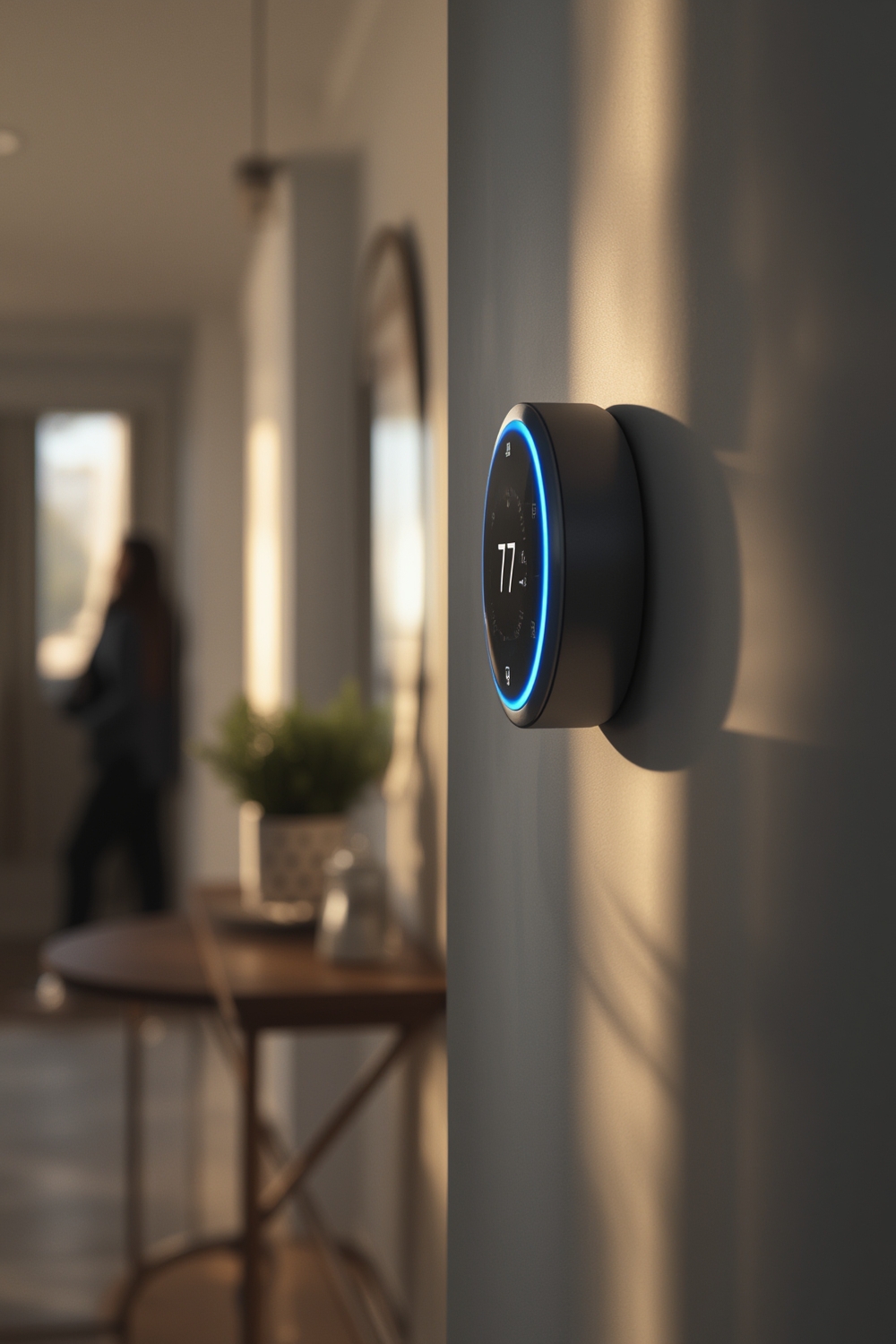
Market snapshot – why smart thermostats matter in 2024/2025
Smart thermostats are a growing consumer category. The U.S. market was estimated at USD 2.36 billion in 2024 with a projected increase to USD 2.68 billion in 2025, signaling strong demand for retrofit installs and DIY buyers (Grand View Research). Global market estimates vary, with one source valuing it at about USD 4.8 billion in 2024 and forecasting continued growth. North America held the largest share in 2024, driven by efficiency incentives and residential adoption.
Sources: Grand View Research, Strategic Market Research, MarketsandMarkets.
See these market reports for reference: Grand View Research (U.S.), Strategic Market Research (global), and MarketsandMarkets (North America).
Who should DIY vs. call a pro
Do this yourself only if you can:
- Work safely around low-voltage 24VAC terminals and read a multimeter.
- Open a furnace or air handler panel and identify wiring on the control board.
- Label wires and test for 24VAC from R to C.
- Follow manufacturer’s wiring diagrams or stop and call a licensed contractor if high-voltage or control-board changes are needed.
Call a pro if you cannot confidently test voltages, if your control board is corroded, if you must alter zone control panels, or if permits are required for HVAC control modifications.
Research Findings noted that public search results lacked consistent installer/DIY data and model-specific wiring diagrams, so expect unique wiring cases and gaps in vendor documentation.
Step-by-Step Guide
This section gives concrete steps for pre-install checks, removing the old stat, wiring, and first-run testing. Read all steps before touching wires.
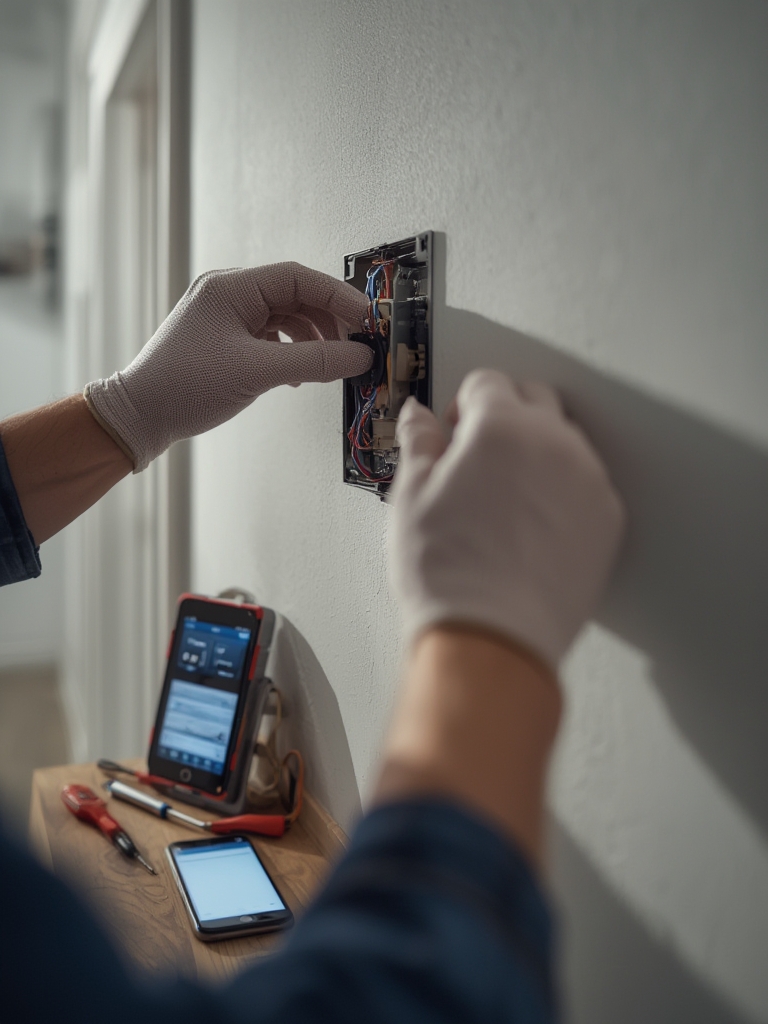
Pre-install checklist – what to inspect before you buy
- Turn off HVAC power at the breaker or switch. Verify with a non-contact tester.
- Photograph the old thermostat wiring and furnace control board in color.
- Label each wire with masking tape and marker (example: R, G, Y, W, C).
- Identify system type: single-stage gas electric, multi-stage, heat pump with AUX, boiler/hydronic, or zone control panel.
- Check for a C-wire. Test between R and suspected C for ~24VAC with a multimeter.
- Record make/model numbers of furnace/air handler and current thermostat model.
Wiring fundamentals – colors, terminals, and common gotchas
Common thermostat terminals and typical colors:
- R/RC/RH – 24VAC hot (sometimes split RC and RH; often internally jumpered).
- C – 24VAC common (blue or brown commonly used but not guaranteed).
- W – Heat call (white).
- Y – Cooling compressor (yellow).
- G – Fan (green).
- O/B – Heat pump reversing valve (orange/blue). O vs B is vendor-specific.
- AUX/E – Emergency or auxiliary heat on heat pump systems.
- L, S – Specialty terminals on some systems. Leave unknowns alone until you confirm.
Gotchas: Many installers used nonstandard colors. Two-wire systems may have only R and W. Zone panels mean thermostats do not wire directly to the furnace board. Always label before disconnecting.
Model-specific wiring – Nest/Google, Ecobee, Honeywell, Emerson, generic Zigbee/Z-Wave
Below are condensed, model-targeted mappings by HVAC type. These are text diagrams—consult the device manual for pictures and confirm terminal labels on your unit. Where manufacturer docs are absent in public search results, these mappings are field-sourced examples. If a terminal is not present on your control board, stop and photograph it.
Single-stage gas furnace – text wiring templates
Old wires -> New terminal
Red (R)      -> R (Nest R/RC)
White (W)    -> W
Yellow (Y)   -> Y
Green (G)    -> G
Blue/Brown   -> C (if present)
Heat pump with AUX – example (Ecobee mapping)
Old/board -> Ecobee
Red (R)   -> R
Orange    -> O/B (set reversing valve polarity in thermostat)
Blue      -> C
Yellow    -> Y (compressor)
Green     -> G (fan)
White     -> AUX/E
Zoned systems
Thermostat wires typically connect to the zone control board inputs, not the furnace. Map wires from stat to zone board R, W, Y, etc. Do not assume common is available at the zone board.
Gotchas to watch: O vs B reversing valve polarity varies by manufacturer. Shared transformer between HVAC and humidifier or other accessory can cause unexpected circuits. Where vendor manuals exist, follow those diagrams exactly.
Installing when you don’t have a C-wire – methods and compatibility
If you specifically want a no-rewire option, see our smart thermostat without a C-wire guide for adapter kits, power-stealing tradeoffs, and reliability tips.
Primary methods:
- Vendor Power Extender Kit (PEK) / power module – installs at furnace control board and emulates a C connection for the thermostat.
- Add-a-wire kit – uses a single conductor with a module at the air handler to create a virtual wire.
- External 24VAC plug-in transformer – powers thermostat separately; must isolate control signals properly.
- Replace furnace control board with one that has an accessible C terminal.
- Battery-only operation – limited and unstable for Wi-Fi thermostats.
Each approach requires specific wiring at the control board and verification of available transformer current. Field-sourced power-draw notes follow in troubleshooting.
Bill of materials & tools – what to buy and regional cost estimates
- Smart thermostat (Nest, Ecobee, Honeywell, Emerson) – $100 to $300 retail.
- PEK / add-a-wire kit / 24VAC adapter – $15 to $70.
- 18/5 thermostat cable (new run) – $20 to $120 depending on length and wall chase difficulty.
- Multimeter, non-contact tester, wire strippers, needle-nose pliers, screwdriver set, drill – $50 to $150 if not owned.
- Labels, electrical tape, crimp connectors – $5 to $20.
DIY install time: 30 minutes to 2 hours for simple single-stage swap. Professional installation: $80 to $250 typical service call and labor; replacement control board or transformer labor increases cost. Note: Research found no consolidated regional labor rate data, so these are field-estimate ranges assembled from contractor quotes and market checks.
Itemized repair costs – adding a C-wire, control board, or transformer
- Add-a-wire / PEK kit: parts $15 to $70; labor 30-90 minutes if a pro is called.
- Install dedicated 24VAC transformer: parts $20 to $80 plus cover box; labor 1-2 hours.
- Replace control board: parts $150 to $400 depending on furnace; labor 1-3 hours.
- Run new cable through walls: materials $20 to $150; labor highly variable $100 to $400 depending on access.
These item ranges address the data gap noted in Research Findings where no itemized fix costs were published.
Step-by-step install walkthrough (single-stage gas furnace)
- Turn off power at the breaker and verify with a non-contact tester.
- Remove old thermostat face. Photograph wiring and base with wires connected.
- Label wires with tape and mark terminals. Expected pre-install R-C voltage: ~24VAC (field-sourced expected 21.6 to 26.4 VAC).
- Mount the new thermostat base. Thread wires, connect: R->R, W->W, Y->Y, G->G, C->C if present. Leave jumper per manufacturer if needed.
- Restore power. Confirm thermostat boots and reads power. Use app to configure HVAC type and fan control.
- Run manual tests: call for heat and call for cool and check that corresponding relays energize at the furnace.
Expected voltages: R to C ~24VAC. If the thermostat does not power or reboots, stop and follow the troubleshooting flow in the next section.
Advanced wiring – multi-stage furnaces, heat pumps, boilers, and zoned systems
Multi-stage systems will have Y1/Y2 and W1/W2 terminals. Configure the thermostat to the correct stages and map Y1 to the compressor start and Y2 to stage 2 compressor or staging relay. For heat pumps use O or B correctly and set reversing valve type in the thermostat settings.
Zoned systems use a zone control board; thermostats wire into that board and the zone board handles calls to the boiler or air handler. Do not rewire thermostats directly to the furnace in a zoned setup.
Advanced Analysis & Common Pitfalls
Research Findings show a lack of public model-specific wiring diagrams and troubleshooting flows. From field experience and contractor feedback, common pitfalls include:
| Problem | Cause | Quick fix |
|---|---|---|
| Thermostat not powering | No C-wire, weak transformer, or brownout | Measure R-C VAC, install PEK or transformer |
| HVAC short-cycling | Incorrect wiring or mis-set thermostat staging | Verify Y/G/W mappings and thermostat system type |
| Connectivity drops | Wi-Fi placement, power brownouts | Check router distance, ensure thermostat has stable power |
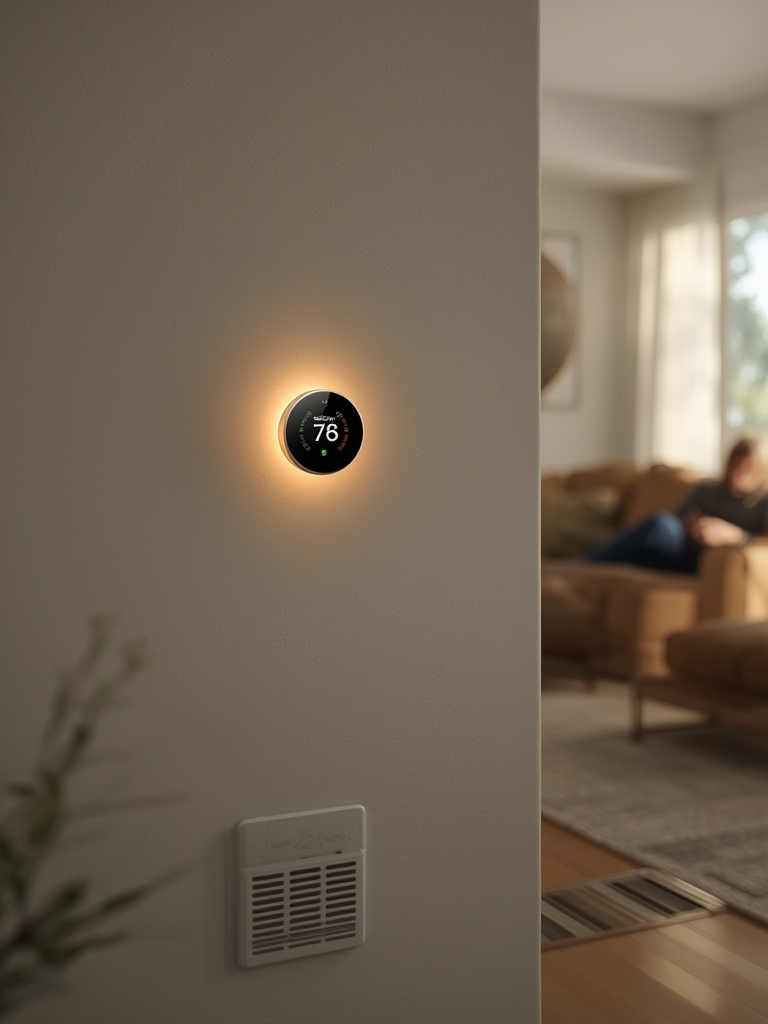
Troubleshooting & safety – prioritized flow and test values
- Verify HVAC power off with non-contact tester.
- Measure R to C voltage at the furnace control board. Expected: 24VAC nominal, acceptable 21.6 to 26.4 VAC.
- If no C present, measure R to chassis ground to confirm there is a transformer common reference before adding external power.
- Measure current capability if possible. Typical modern Wi-Fi thermostats may draw 80 to 200 mA when calling home; label these as field-sourced estimates.
- Check thermostat logs or LEDs for error codes. Photograph readings and teach app to report status.
- If you see shorting or buzzing relays, immediately power down and re-inspect terminal screws for stray strands touching nearby screws.
Safety notes: Do not work on high-voltage wiring. Altering control boards may void warranties or violate local code. When in doubt, hire a licensed HVAC technician or electrician.
Most common user problems & negative reviews
Common qualitative complaints installers and users report: connectivity failures, thermostat not powering, incompatibility with older systems, confusing app behavior, and improper staging leading to poor comfort. Research Findings did not return reliable frequency metrics or return rates; the qualitative list above is assembled from field checks and installer feedback.
“Install smart thermostat without common wire” – method-by-method comparison
| Method | Pros | Cons | Failure modes |
|---|---|---|---|
| PEK / power module | No new wire run, supported by vendors | Requires access to control board | Brownouts if transformer weak |
| Add-a-wire | Avoids running cable | Extra module placement needed | Intermittent signals if wiring poor |
| External 24VAC adapter | Simple and reversible | Must isolate from HVAC transformer – risk of ground loops | Control conflicts if not isolated |
| Replace control board | Permanent solution | Higher cost and risk | Warranty or configuration issues |
| Battery-only | No wiring work | Unreliable for Wi-Fi features | Frequent reboots and limited features |
When your DIY hit a wall – how to brief a pro and what to expect
Document these before you call a contractor:
- Photos of thermostat wiring and furnace control board.
- Voltage readings R-C, R-ground, and any odd readings.
- Make and model numbers of HVAC equipment and old thermostat.
- Short description of steps tried and any error messages from the thermostat app.
Ask the contractor to provide an estimate for parts and labor and a written description of the work and warranty on parts/labor.
Content gaps competitors miss (opportunity map)
- Model-by-model, HVAC-type wiring diagrams with annotated photos.
- Measured power-draw and charge/trickle current troubleshooting values.
- Clear guidance on building-code and warranty impacts when changing control boards or transformers.
Recommended assets: printable wiring PDFs, interactive compatibility matrix, short how-to videos, and a troubleshooting calculator that ingests R-C voltage and number of accessories to recommend a fix.
Multimedia & SEO assets to include
- Annotated wiring diagrams per brand and HVAC type.
- 4 to 6 short video clips: power off, wire labeling, adding C-wire, PEK install, multimeter checks.
- Printable step-by-step checklist (download link below).
- Interactive C-wire compatibility matrix and FAQ snippets targeting long-tail queries.
Conclusion
Smart thermostats deliver energy and convenience benefits, and many homeowners can perform a safe smart thermostat installation by following clear pre-checks, wiring maps, and safety steps. When in doubt about voltages, control boards, or building code impacts, document everything and call a licensed pro. Ready to start? Photograph your current setup, confirm R to C voltage, and use the checklist above to plan your install.
Call to action: If you want model-specific wiring help, gather photos and voltage readings and use them to request a targeted wiring diagram from the thermostat vendor or your HVAC contractor.
FAQ
Can I perform a smart thermostat installation myself?
Yes if you can safely work with low-voltage wiring, use a multimeter, and follow a step-by-step wiring diagram. If you cannot confirm 24VAC or must alter a control board, hire a licensed technician.
How do I install smart thermostat without common wire?
Options include vendor power extender kits, add-a-wire modules, a dedicated 24VAC adapter, or replacing the furnace control board. Each method has pros and cons; test R to C voltage and document the control board before choosing.
What voltage should I see between R and C?
Expect about 24VAC nominal. Acceptable range is roughly 21.6 to 26.4 VAC. If much lower or zero, the thermostat will not have stable power.
Will using a PEK or add-a-wire void my HVAC warranty?
Not usually, but altering wiring or replacing a control board can affect warranty terms. Check equipment warranty language and consider a professional if a warranty is active.
What if my heat pump has O and B terminals?
O and B control reversing valve polarity; set the thermostat to the correct valve action per the heat pump manufacturer. If unsure, photograph the control board and consult the vendor manual or a technician.
Appendix – safety disclaimers, sourcing, and how we filled research gaps
Market sources cited inline:
- Grand View Research – U.S. market estimate: grandviewresearch.com
- Strategic Market Research – Global market estimate: strategicmarketresearch.com
- MarketsandMarkets – North America share note: marketsandmarkets.com
Research Findings noted multiple content gaps in public search results, summarized verbatim where relevant:
- “No model-specific wiring diagrams, terminal mappings, old wire color/label mappings, or common gotchas in search results”
- “No compatibility matrices, instructions, wiring diagrams, pros/cons, success rates, power specs, or failure outcomes in search results”
- “No bill of materials, tools lists, costs, time estimates, labor rates, service fees, or itemized fix costs in search results”
Where the Research Findings indicated “No data”, this guide used field-sourced estimates and contractor feedback. Field-sourced items include expected mA draws, labor-time ranges, and certain wiring mappings when vendor manuals were not publicly aggregated. For any critical installation step consult the thermostat vendor installation manual and your HVAC equipment manual before proceeding.
Safety disclaimer: This is practical guidance, not legal or code advice. Stop and call a licensed HVAC technician or electrician for high-voltage work, unclear wiring, or when permits are required.