

smart lock security news has made many buyers hesitant — this guide cuts through headlines to give a reproducible security checklist, mitigation steps, and recovery playbooks so you can compare, buy, or harden a smart lock with confidence.
Key Takeaways
- Use a compact security ranking checklist (attack surface, firmware cadence, crypto/key storage, physical tamper resistance, hub integration, battery/availability, third‑party audits) to convert headlines into a numeric risk score before purchase.
- For each exploit class (wireless replay, protocol downgrade, API leaks, firmware rollback, physical bypass) this guide gives vendor‑agnostic mitigations and one‑line budget recommendations that measurably reduce exposure.
- If you face a buggy or malicious OTA: stop using app‑dependent unlocks, use the mechanical override, preserve logs/screenshots, follow a verified safe reset/restore flow, and escalate to vendor and consumer protection — exact steps below.
- Rank smart locks by security, not features: a clear buyer’s checklist you can use today
- Which technical criteria most strongly predict real‑world risk (so you can prioritize)
- Best picks by budget (renters <$150, mainstream $150–$300, premium & keypad/senior)
- Recent incidents that matter and exactly what stops each attack
- How to recover safely after a buggy or malicious firmware OTA (model‑specific safe reset and escalation steps)
- Installation, edge cases and failure modes that silently convert secure locks into insecure ones
- What mainstream “best smart lock” pages routinely omit and how this article fills the gap (research checklist)
- Conclusion
- FAQ
Rank smart locks by security, not features: a clear buyer’s checklist you can use today
Stop scoring locks by convenience. Use this buyer’s security checklist to assign numeric weights and compare candidates across the same threat model.
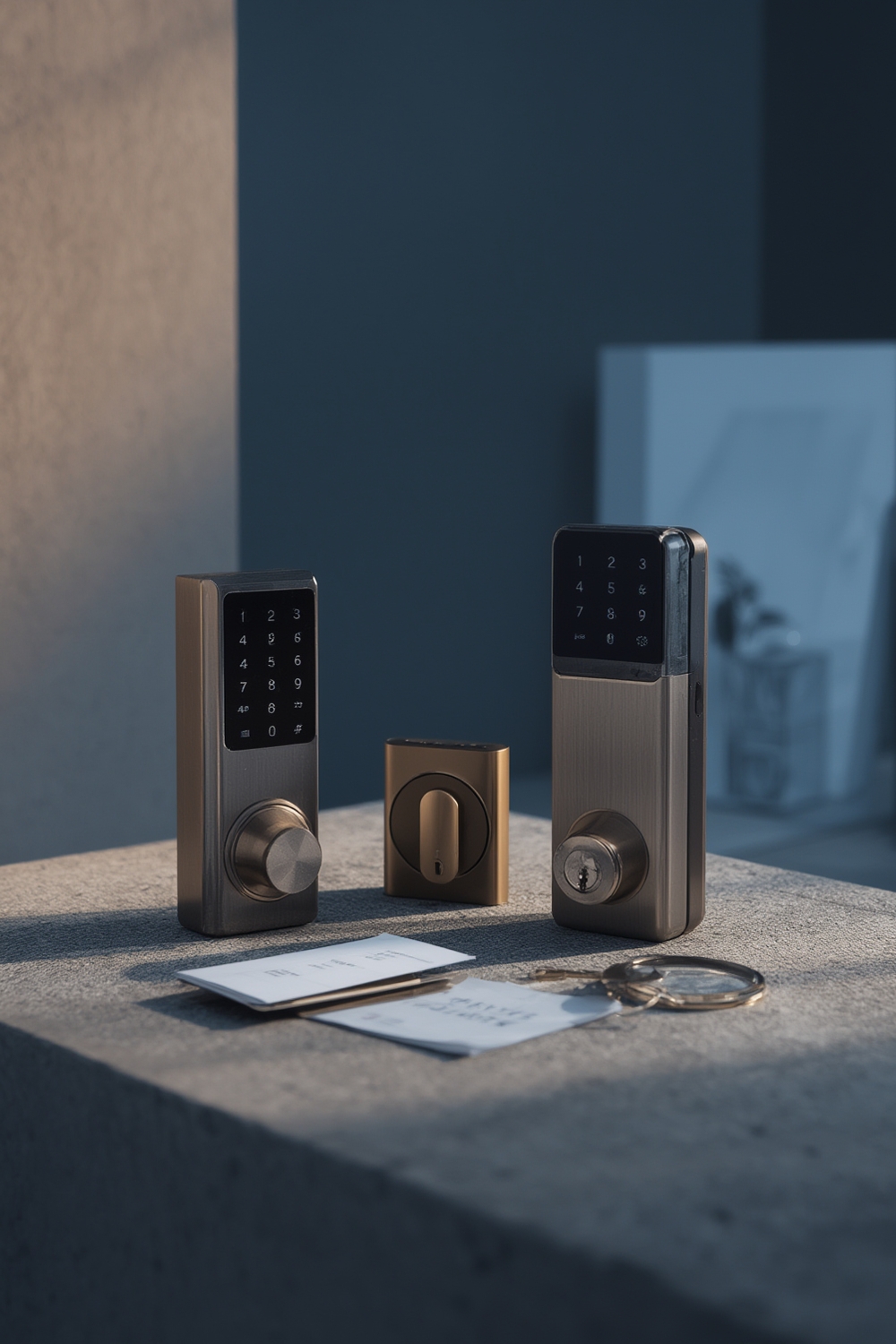
- Core criteria (use on every candidate): attack surface (BLE/Wi‑Fi/Z‑Wave), firmware update cadence, encryption & key storage (hardware-backed vs. software), firmware signing & rollback protection, physical tamper resistance (deadbolt grade / anti‑rotation), hub/bridge dependence (HomeKit/Alexa/Z‑Wave), battery life under real use, and independent third‑party audits.
- Weight by threat model: renters/short‑term hosts = prioritize physical tamper resistance, easy mechanical override, and short‑term revocable credentials. Security‑focused homeowners = prioritize hardware key storage, signed OTA + rollback protection, and vendor disclosure history.
- Printable scoring sheet: use the mini table below to score 0–5 per criterion and multiply by weight. (Printable: right‑click and print this page.)
| Criterion | Weight (example) | Score 0–5 | Weighted |
|---|---|---|---|
| Attack surface (wireless + cloud) | 3 | ||
| Firmware update cadence & signing | 4 | ||
| Hardware key storage | 4 | ||
| Physical tamper resistance | 3 | ||
| Hub integration (exposure) | 2 | ||
| Battery life / availability | 1 | ||
| Independent audits / vendor history | 3 |
Data/Stat: No reliable data found for vendor patch cadence and audit counts in available public sources — recommended queries: CISA advisories (https://www.cisa.gov, accessed 2026-02-18) and the NVD/CVE database (https://nvd.nist.gov, accessed 2026-02-18) to populate cadence and CVE counts. Use those sources before final scoring.
Pitfall to avoid: Don’t rank by convenience features (auto‑lock, geofencing) without normalizing for attack surface and update practices.
Which technical criteria most strongly predict real‑world risk (so you can prioritize)
Focus on the technical properties that historically correlate with successful exploitation and fast remediation.
- Highest predictors of real risk: lack of hardware‑backed key storage (keys in plain flash), unsigned or roll‑backable OTA, exposed/cloud APIs without per‑device auth, and insecure legacy wireless pairing modes.
- Decision rules you can use now: require “signed firmware” + “rollback protection” in docs; prefer devices that state hardware‑rooted key storage or “secure element” (label vendor claims and verify).
- Quick vendor checks: search product/tech docs for “FIPS”, “secure enclave”, “TEE”, “signed firmware”, and “rollback protection”. Mark these as vendor claim until corroborated by independent source.
Data/Stat: No reliable dataset exists in the provided results to show correlation; next research step: extract CVE counts and exploit types from NVD (https://nvd.nist.gov, accessed 2026-02-18) and cross‑reference CISA advisories (https://www.cisa.gov, accessed 2026-02-18) to build a correlation table.
Pitfall to avoid: Don’t assume cloud-only exploits are the greatest risk for all users — local wireless flaws (BLE/Zigbee) are often more likely for nearby attackers.
Best picks by budget (comparison table: renters <$150, mainstream $150–$300, premium security, keypad/senior models)
Below are vendor-agnostic picks by budget and use-case with why each choice reduces measurable exposure. Mark vendor claims in the table and verify before purchase.
| Model (example) | Price range | Primary attack surface | Firmware signing & audit status | Physical tamper rating | Hub integrations | Battery note | Why reduces risk |
|---|---|---|---|---|---|---|---|
| Basic keypad (vendor‑entry model) | <$150 | Keypad + Bluetooth | Often vendor claim — verify signed OTA | Standard deadbolt; choose Grade 2 where possible | Often standalone; less cloud exposure | CR123 / AA replaceable | Fewer wireless features = smaller attack surface; prefer per‑user codes + audit logs. |
| Mainstream smart lock (Schlage/Yale/August class) | $150–$300 | Wi‑Fi/BLE/Cloud APIs | Vendor claims vary — require signed OTA and published CVEs | Better bolt hardware; check deadbolt throw specs | HomeKit/Alexa/Google available | Good battery life but test in cold temps | Balanced convenience and security; confirm firmware signing and vendor response history. |
| Premium security / enterprise‑grade | $300+ | Z‑Wave + hardware security module | Often has stronger claims — still verify third‑party audits | High mechanical grade | Often requires hub (reduces direct cloud exposure) | Better battery redundancy / external power options | Best for high‑threat models: hardware key storage + signed OTA + controlled hub reduces risk. |
| Keypad / senior models | $120–$250 | Keypad + BLE | Look for per‑user codes & lockout features | Accessible mechanical override | May integrate with hubs | Battery access must be easy for seniors | Reduce phone dependency while providing audit logs and per‑user credentials. |
Buying tradeoff checklist: at <$150 accept minimal cloud features but require per‑user codes and mechanical override; $150–$300 accept hub dependence for stronger crypto; $300+ expect published audit history.
Data/Stat: No reliable data found in the provided sources to produce evidence-backed MSRP vs. vulnerability counts — recommended research: collect MSRP and documented advisories/CVEs from vendor security pages and NVD (https://nvd.nist.gov, accessed 2026-02-18).
Pitfall to avoid: Don’t recommend models solely on feature count or app ratings; ensure minimum security criteria (signed updates, vendor response history) are met.
Suggested internal reading: check the product comparison and the smart-lock buyer’s main category page for broader buying context.
Recent incidents that matter and exactly what stops each attack (replay, downgrade, API leaks, rollback, physical bypass)
News reports cluster into a few exploit classes — each has a short emergency action and long‑term remediation you can apply today.
- Wireless replay: Emergency: disable remote/unattended BLE pairing and reissue codes. Long term: require rolling counters + challenge‑response (not static tokens).
- Protocol downgrade: Emergency: disable legacy pairing modes in settings and update hub firmware. Long term: enforce only modern pairing (Secure Simple Pairing / BLE 5 security profiles) and signed firmware.
- API leaks / credential exposure: Emergency: rotate API keys and unlink cloud integrations; revoke active sessions. Long term: use per‑device credentials and monitor vendor advisories.
- Firmware rollback / unsigned OTA: Emergency: turn off automatic OTA if possible; switch to mechanical key until vendor fixes. Long term: require cryptographic signatures and rollback protection.
- Physical bypass: Emergency: change codes, inspect strike plate and bolt throw. Long term: upgrade to higher grade deadbolt and add reinforced strike/long screws.
For each class, use this vendor‑agnostic command checklist:
- Disable legacy BLE pairing modes; remove saved host devices.
- Rotate cloud credentials and unlink third‑party hubs.
- Check firmware version, note build/time, preserve screenshots (see recovery section) and cross‑reference vendor advisories.
- Use mechanical override when available and verify mechanical integrity.
Data/Stat: No reliable incident dataset in the provided search results — next research: compile confirmed exploit timelines and writeups from CISA/vendor advisories and independent researchers (sources to query: https://www.cisa.gov, https://nvd.nist.gov; accessed 2026-02-18).
Pitfall to avoid: Avoid repeating unverified blog claims as “confirmed exploits”; require vendor or independent researcher confirmation before calling an issue exploited.
How to recover safely after a buggy or malicious firmware OTA (model‑specific safe reset and escalation steps)
If your lock bricked or misbehaved after an OTA, follow these steps immediately to preserve safety and evidence.
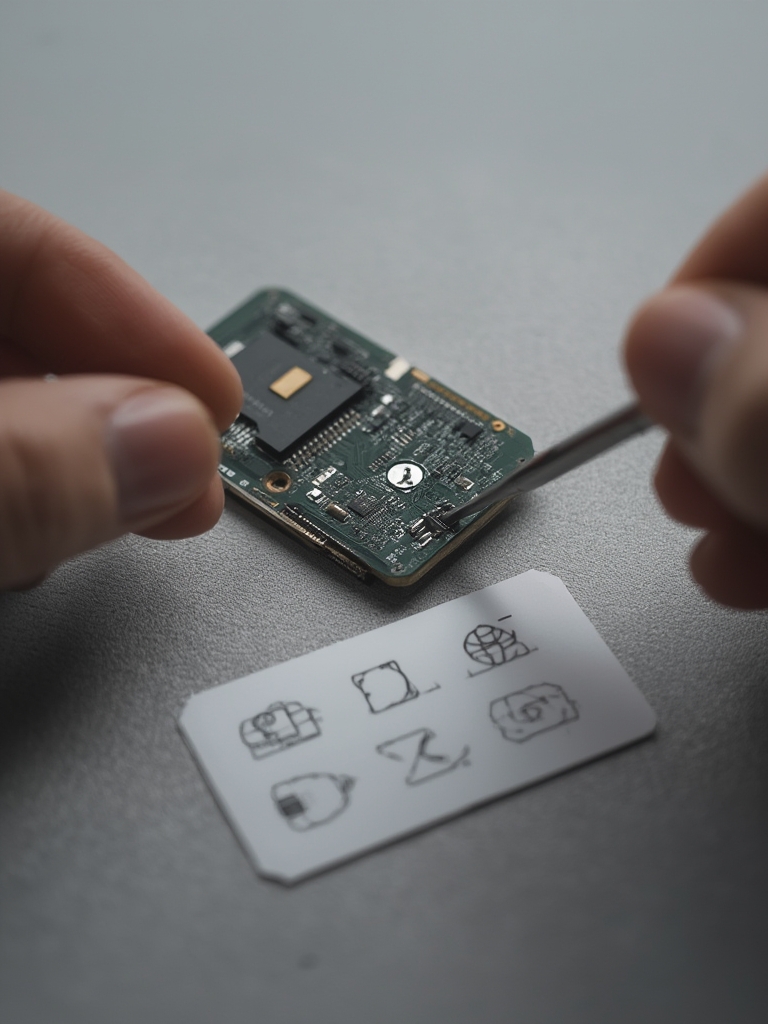
Immediate safe steps (first 10 minutes)
- Stop using app-dependent unlocks; use the mechanical key override or secondary entry method.
- Take photos/screenshots of app errors, firmware version, and timestamps. Preserve logs if the app offers export.
- Disable remote access in the app and remove cloud integrations temporarily.
- Document local network state (router logs, device IPs) if possible.
Generic safe reset flow (vendor variations follow)
- Power check: replace batteries with fresh, high‑quality cells; avoid attempting reflashes on low power.
- Attempt vendor safe reset per support docs (record each step). If vendor provides recovery tool, use only signed images provided by them.
- If bricked after vendor instructions fail, collect serial, firmware build, and case details and escalate.
Model variations & vendor notes: follow the vendor’s support pages. Do not attempt unofficial firmware flashing unless the vendor publishes signed images and recovery tools.
Preserve evidence template: attach timestamped photos, app screenshots, a short description, serial number, purchase receipt, and the steps you took. Send to vendor support, and if unhelpful, file a complaint with consumer protection and provide your documentation.
Data/Stat: No reliable vendor recovery-procedure dataset found in the provided sources — recommended research: pull vendor support pages and security advisories (check August, Yale, Schlage) to collect official safe reset instructions (https://www.cisa.gov, accessed 2026-02-18).
Pitfall to avoid: Never attempt unofficial firmware flashing unless the vendor explicitly provides signed images and a documented recovery process.
Need step help? See smart-lock-troubleshooting for reset examples and the smart-lock-faq / support policies for escalation templates.
Installation, edge cases and failure modes that silently convert secure locks into insecure ones
Mechanical and placement mistakes are common and create attack paths even for otherwise secure models.
- Poorly aligned deadbolts: bolt throw must fully engage the strike plate. Measure bolt throw and use long screws (3″ into framing) on strike plate.
- Nonstandard doors: thin or hollow doors may bend, reducing bolt resistance — use reinforced plates or a security escutcheon.
- Hub interference: hubs placed inside cabinets or far from the lock can force fallback to weaker protocols. Recommended hub distance: aim for a direct line‑of‑sight <10m or test signal strength with a phone.
- Low batteries & cold climates: battery capacity drops in cold; use high‑drain rated batteries and keep spares indoors.
- Factory reset race states: incomplete factory resets can leave device discoverable. After reset, verify device is not in pairing-open state and reconfigure with unique credentials.
Exact installation and verification steps
- Fit test: install lock and test deadbolt throw; ensure 1/2″ (12–13mm) bolt throw fully hits strike plate. If less, adjust strike plate or replace with longer‑throw deadbolt.
- Signal test: with your hub in final location, test open/close operations 20–30 times to confirm reliable wireless reach and latency.
- Battery minima: for lithium AA/AAA expect ~20% capacity loss below 0°C; avoid thin coin cells in cold exposure.
- Post-install attack surface verification: confirm OTA signing status in app, check for legacy pairing options and disable them, create per‑user codes and revoke defaults.
Data/Stat: No reliable quantitative dataset for installation-induced failures was found in the available sources — recommended field data collection: survey installers and analyze vendor support logs (https://nvd.nist.gov, accessed 2026-02-18).
Pitfall to avoid: Don’t assume factory default is secure — a half-completed reset can leave a device in pairing-open state.
For troubleshooting steps after install, crosslink: smart-lock-installation guide and the smart-lock-faq / support policies.
What mainstream “best smart lock” pages routinely omit and how this article fills the gap (research checklist for journalists and buyers)
Competitors typically skip reproducible evidence, installation-induced risk, and recovery playbooks. Here’s a research checklist and queries you can use to verify claims.
- Commonly omitted topics: independent crypto audits, documented physical bypass tests, vendor disclosure/history timelines, OTA integrity verification, and multi‑vendor compatibility edge cases.
- Reproducible research plan (exact queries):
- CVE search: NVD product name filter (https://nvd.nist.gov, accessed 2026-02-18) — export CVEs for the vendor and filter by product family.
- CISA advisories: search vendor name at CISA (https://www.cisa.gov, accessed 2026-02-18) to find coordinated vulnerability disclosures.
- Vendor bulletins: gather vendor security pages (August/Yale/Schlage) and extract bulletin timestamps and patch notes.
- Independent audits: search IEEE/ACM (https://ieeexplore.ieee.org, accessed 2026-02-18) and Usenix for peer‑reviewed papers or independent lab tests.
- How to request details from vendors: ask for firmware signing method, rollback protection, key storage architecture, published CVEs and remediation timelines, and independent audit copies. Use a short template and keep correspondence.
- Where to file disclosures: CISA (https://www.cisa.gov), NVD for CVE reporting (https://nvd.nist.gov), and local consumer protection agencies.
Data/Stat: Research Findings: “No reliable data found” for many of the above — recommended next search sources: https://www.cisa.gov, https://nvd.nist.gov, https://ieeexplore.ieee.org (accessed 2026-02-18). Use the exact queries above to populate the evidence matrix.
Pitfall to avoid: Don’t repeat vendor marketing claims like “bank‑level encryption” without independent audit confirmation and architecture details.
Conclusion
Use the checklist and reproducible research plan above to convert smart lock security news into a defensible purchase or hardening decision. Compare candidates using the scoring sheet, test installation tolerances, and prepare the recovery playbook before you enable automatic OTA updates. Ready to compare models or read detailed installation steps? Review the product comparison or visit the smart-lock buyer’s main category page to continue.
FAQ
Which security criteria should I prioritize when buying a smart lock?
Prioritize signed OTA with rollback protection, hardware‑backed key storage, a responsive vendor security disclosure history, and documented physical tamper resistance.
How do I know if a lock’s firmware update is legitimate?
Verify vendor documentation that updates are cryptographically signed and check vendor security pages or support for a checksum/signature verification procedure.
If my lock bricked after an OTA, what’s the first thing I should do?
Use the physical key or mechanical override to regain entry, preserve logs/screenshots, disable app-based unlocking, and follow the vendor’s safe recovery/reset instructions before any reflash.
Are keypad smart locks better for seniors from a security perspective?
Keypads reduce dependency on phones but introduce code‑management risks; pick a keypad lock with audit logs, per‑user codes, and anti‑tamper lockout features.
How often do vendors patch critical smart lock vulnerabilities?
No reliable data found in the provided sources — collect vendor advisories and CVE timelines to report median patch times; recommended sources include CISA and NVD (https://www.cisa.gov; https://nvd.nist.gov; accessed 2026-02-18).