

light automation home planning is a different project than buying a single smart bulb — this guide gives a room-by-room, vendor-aware plan for a whole-house rollout that contractors and homeowners can act on.
Key Takeaways
- Objective selection checklist: choose protocols and topology (Zigbee/Z‑Wave/Thread/Matter vs Wi‑Fi vs proprietary) against retrofit constraints and dimmer/load specs — use hub-based solutions for whole-home reliability and hubless Wi‑Fi where rewiring isn’t possible.
- Hard budgeting and installer thresholds: expect professional-module hardware tiers (example: Savant modules $120–240 each) and larger panel/module costs (example: Lumin panel $2,100–2,900 + $4,000–6,000 install); factor electrician time for line-voltage work.
- Resilience-first architecture: design local logic (hubs/processors), UPS-backed hubs, distributed repeaters, and phased deployment so scenes and voice stay responsive during cloud outages.
- Pick the right control topology so your whole-home lighting works reliably every time
- Room-by-room device blueprint (living room, kitchen, bedroom, bathroom, outdoor) that matches features to use-case
- Compare systems and prices: a one-page comparison table for buyers (protocols, local control, average hardware cost, installer complexity)
- Network, wiring & electrical checklist to avoid surprises during install
- Architect a resilient, low-latency whole-home control layer (local logic, UPS, failover, phased expansion)
- Common failure modes and a step-by-step recovery playbook when a room or zone goes offline
- Best picks by budget & use-case — exact bundles for renters, retrofit, new build, energy-saving, entertainment
- Conclusion
- FAQ
Pick the right control topology so your whole-home lighting works reliably every time
Start by mapping your priorities: local responsiveness, retrofit cost, and long-term resilience. Pick a protocol and topology to match.
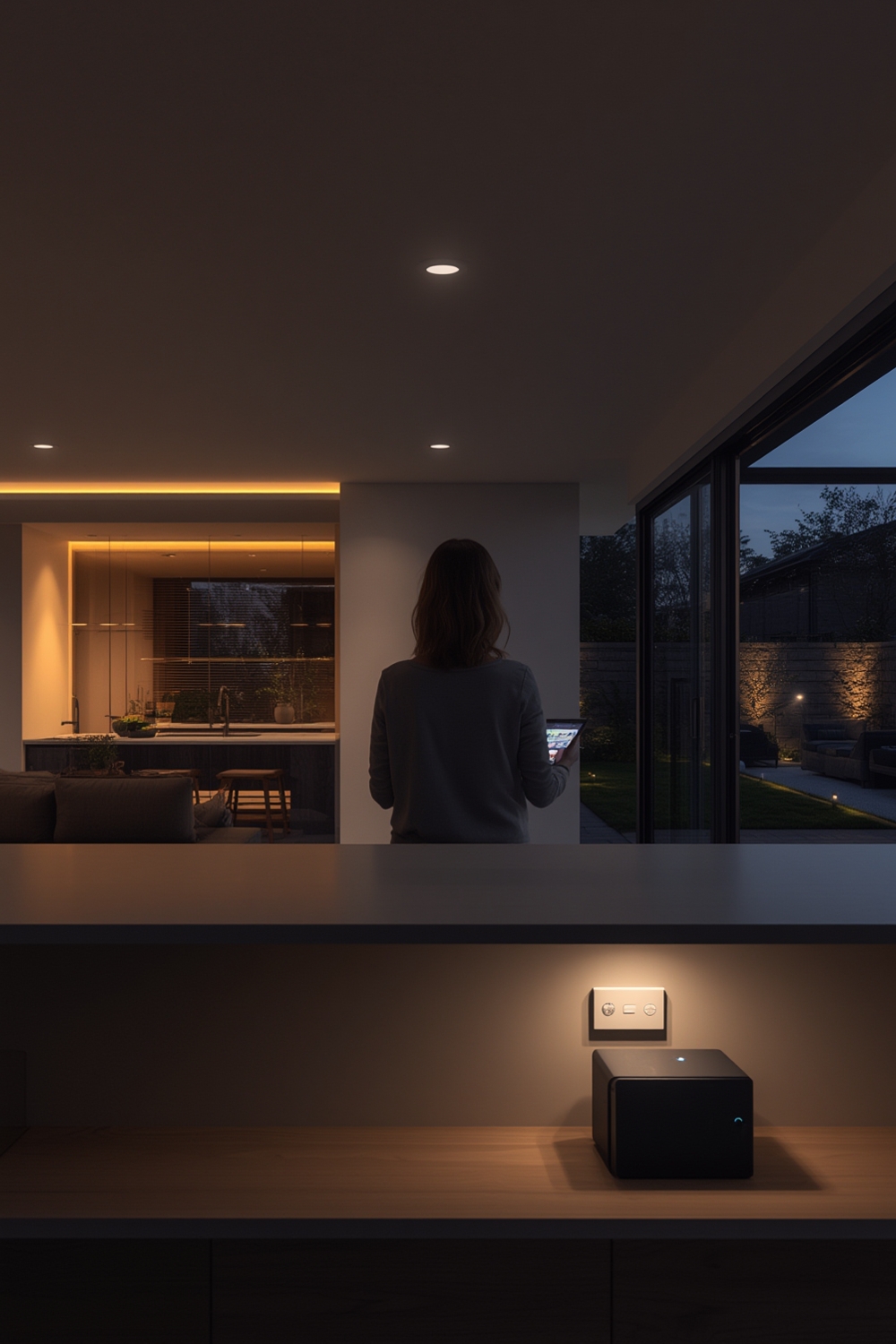
Protocol comparison — practical trade-offs
- Zigbee: mesh, low-power battery device support, requires a local hub/bridge for cloud-independent scenes. Good for dense mesh lighting with many battery-powered sensors. (See protocol primer: Vesternet — designing a whole-home automation system — 2024-01-01).
- Z‑Wave: similar to Zigbee, strong interoperability for certified devices and good router/repeater behavior on mains devices. Requires a hub for local orchestration.
- Thread / Matter: emerging IP-first approach; Thread provides low-power mesh and Matter promises standardized device semantics — good for future-proofing but verify supported devices for lighting in your vendor list.
- Wi‑Fi (hubless): simplest for renters — many bulbs and plugs connect directly to Wi‑Fi, but beware latency under network load and scene efficiency on large fleets.
- Proprietary RF / Wired (Lutron, Crestron): vendor-specific but engineered for full-house reliability and local processing; often the best option when AV and security integration matter.
Local vs cloud control
Local processing reduces latency and prevents cloud outages from breaking core scenes. For high-reliability whole-home installs, favor systems that can run scenes locally (examples: Crestron and Lutron hub-based solutions — see vendor comparison at CustomControls — Crestron vs Lutron vs Control4 — 2024-01-01).
Hub vs hubless — decision checklist
- If you are a renter: use hubless Wi‑Fi bulbs / plug-in dimmers to avoid rewiring.
- If you plan whole-house coverage with mixed sensors and switches: choose a hub-based Zigbee/Z‑Wave/Thread strategy or Lutron/Crestron for local failover.
- Security & subscription: ask vendors whether remote access, cloud backups, or advanced scenes require a paid subscription; many pro systems offer basic local control without mandatory subscriptions (confirm per vendor).
Budget anchor: professional module hardware scales exist — Savant modules are reported at $120–240 each (SolarTechOnline — Smart electrical panel guide — 2025-01-01).
Room-by-room device blueprint (living room, kitchen, bedroom, bathroom, outdoor) that matches features to use-case
Map device types to the functional need in each room to avoid overbuying. This blueprint prioritizes wiring-friendly modules in built homes and plug/bulb solutions for retrofit/renters.
Living room
- Devices: in-wall dimmers or relay modules, keypad scene controllers, smart bulbs for lamps. For AV setups use Crestron/Control4 integration and Lutron keypads for tactile scenes (CustomControls — 2024-01-01).
- Use-case: multiroom entertainment — prioritize local scenes and low-latency switching.
- Starter bundle example: 1 keypad, 2 in-wall dimmers or relay modules; trade-off: higher initial cost for reliable scenes vs cheaper bulbs that conflict with physical switches.
Kitchen
- Devices: task-light dimmers (in-wall), under-cabinet LED drivers on relay modules, motion sensors for pantry lights.
- Note: task vs ambience dimmer compatibility is critical — use Lutron-like solutions for predictable dimming behavior (AV-Experience — choosing lighting systems — 2024-01-01).
Bedroom & Bathroom
- Devices: precise dimmers with schedules for circadian scenes in bedrooms; moisture-rated outdoor/bathroom fixtures or remote relay drivers for bathrooms.
- Starter bundle: bedside smart keypad + one dimmer circuit; bathrooms often use relay modules outside wet zones.
Outdoor
- Devices: outdoor-rated smart switches or keypads, photocell integration for sunset/sunrise automation.
- Always verify IP rating and local code for exterior wiring.
Budget and reliability anchor: professional-grade modules are a known cost center — Savant modules $120–240 each is one market benchmark (SolarTechOnline — 2025-01-01).
Pitfall to avoid: don’t plan to “replace every bulb with a smart bulb” without wiring and multi-switch conflict checks. For wiring basics see home-automation-basics: wiring essentials and retrofit approaches at home-automation-basics: retrofit strategies.
Compare systems and prices: a one-page comparison table for buyers (protocols, local control, average hardware cost, installer complexity)
| Protocol / System | Local control? | Hub required? | Typical per-device price | Best retrofit / new-build fit | Subscription risk |
|---|---|---|---|---|---|
| Zigbee | Usually (via hub) | Yes (bridge/hub) | No reliable data found — Research next: collect Philips Hue/Aqara SKU prices from vendor pages | Retrofit where hub is acceptable | Low (vendor cloud optional) |
| Z‑Wave | Usually (via hub) | Yes (bridge/hub) | No reliable data found — Research next: pull Z‑Wave device pricing from manufacturer pages | Retrofit / new-build where certified devices required | Low |
| Thread / Matter | Local-first goal | Thread Border Router often required | No reliable data found — Research next: collect Thread/Matter device SKUs | New builds and future-proofed retrofits | Medium (service features may be cloud-based) |
| Wi‑Fi (hubless bulbs) | Depends (local via LAN vs cloud) | No | Low-tier bulbs: ~$15–50 each (buyer benchmark) | Renter-friendly retrofit | Medium (some vendors require cloud for advanced features) |
| Proprietary wired (Lutron/Crestron/Control4) | Yes — local processors | Yes — proprietary processors / panels | Professional modules: Savant modules $120–240 each; Lumin panel $2,100–2,900 + $4,000–6,000 install (see source) | New build / AV-centric homes | Low to medium (feature subscriptions possible; check vendor) |
Short translation for buyers: renters and low-cost retrofits: pick Wi‑Fi hubless bulbs or Lutron Caseta plug-in paths; whole-house reliability and AV integration: wired/proprietary systems (Crestron, Control4, Lutron). Avoid using MSRP-only figures; plan for installation and programming time. For panel anchors see reported Lumin panel examples: Lumin panel cost anchor — 2025-01-01.
If you want protocol deep dives, read home-automation-basics: protocols explained and hub planning at home-automation-basics: local control vs cloud.
Network, wiring & electrical checklist to avoid surprises during install
Before you buy devices, run this checklist with your electrician and network contractor.
Electrical checklist (contractor brief)
- Confirm neutral present at each switch location; if not present, note locations for conduit/wire runs.
- Record multi-gang box depths and spare conductor counts for multi-load switches; measure in-field — No reliable data found for a universal box-depth number. Research next: obtain manufacturer switch-box depth specs (Lutron/Leviton/Eaton spec sheets).
- Label circuits at the panel and note multi-load switches that share a neutral.
- Identify all 3-way and 4-way circuits; plan for compatible multi-way dimmers or auxiliary remotes.
Network checklist
- Mesh Wi‑Fi: plan placement to cover critical hubs and AV racks; vendor guidance varies — No reliable data found for node-per-square-foot counts. Research next: fetch node guidance from mesh vendors (Eero/Netgear/Aruba).
- Zigbee/Z‑Wave repeaters: place mains-powered devices every few rooms; vendor whitepapers differ — No reliable data found for exact spacing. Research next: consult Zigbee Alliance and Z‑Wave Alliance whitepapers.
- Reserve a VLAN for smart-home traffic and place hub endpoints on a UPS with 10–30 minutes runtime for graceful shutdowns.
When to hire an electrician: any time you touch neutrals, open the panel, alter shared neutrals, or install in-wall relay modules. Permits are often required for panel changes — check local code.
Architect a resilient, low-latency whole-home control layer (local logic, UPS, failover, phased expansion)
Design the control layer to keep core scenes, voice, and safety features working without internet.
Local-first architecture
- Primary hub or processor in a locked closet with UPS backup. For large homes, use per-area processors (Crestron-style) to reduce latency and avoid a single point of failure (CustomControls — 2024-01-01).
- Distributed repeaters and mains-powered routers to extend Zigbee/Z‑Wave meshes.
- Keep physical switches as failover for every primary circuit — scene-capable keypads are ideal.
UPS and network redundancy
- UPS for hubs and network gear; plan for 10–30 minutes of runtime for graceful fallback or longer if security systems require it.
- Separate VLAN or SSID for smart-home devices, and reserve DHCP/static leases for hubs and processors.
Phased expansion plan (example)
- Phase 0 — critical loads: entryway, exterior lights, one main living circuit (keep physical switches fallback).
- Phase 1 — main living: living room, kitchen, dining (scenes, AV integration).
- Phase 2 — bedrooms/outdoor: circadian scenes, landscape lighting.
- Years 5–10 — refresh: review Matter/Thread adoption and replace gateway-edge devices as necessary.
Cost anchor: professional processors and modules are a long-term cost; use the Savant module price range for scaling examples: Savant modules $120–240 each — 2025-01-01.
Common failure modes and a step-by-step recovery playbook when a room or zone goes offline
Expect LED flicker, mesh failures, OTA issues, and power interruptions. Use a fast diagnostic and staged recovery plan to restore service without escalating prematurely.
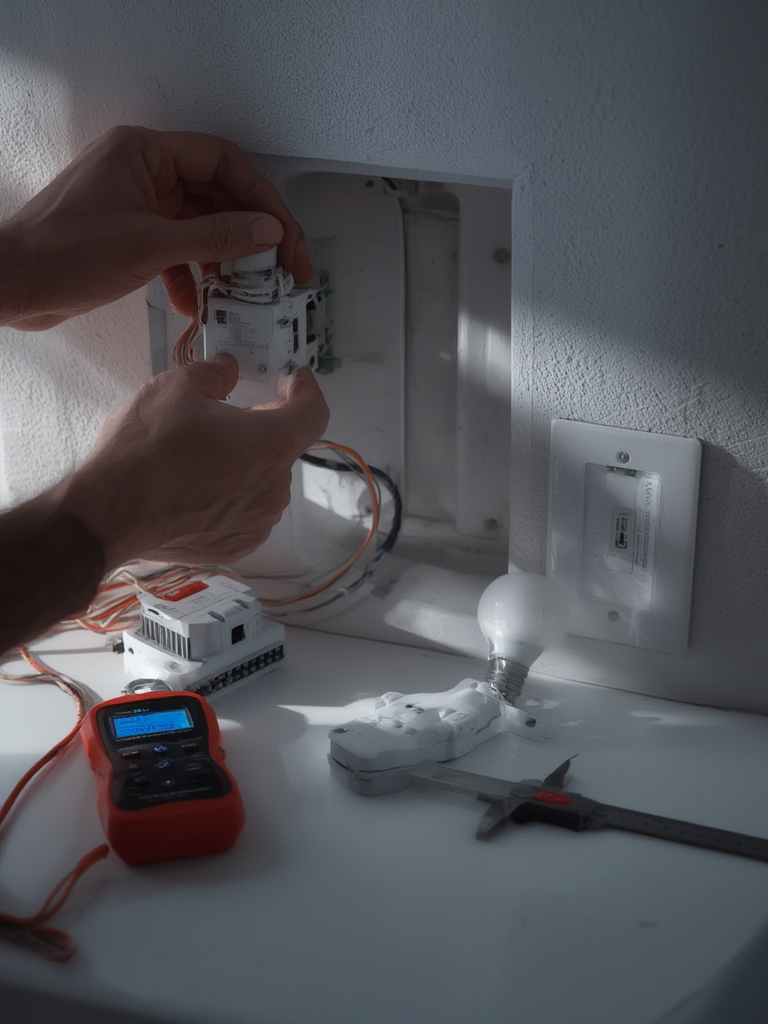
Top failure modes
- LED flicker / bulb-dimmer mismatch.
- Network saturation or interference causing delayed scenes.
- Ghost triggers from poorly wired multi-way circuits.
- Failed OTA updates that brick a cluster of devices.
- Power interruptions that leave hubs offline.
Stepwise diagnostic flow
- Isolate: confirm power to the circuit (switch ON/OFF), check breaker and local physical switch.
- Network vs power: if lights respond physically but not remotely, test hub connectivity and logs.
- Local switch test: swap in a known-working switch or bypass to validate load.
- Check hub logs and roll back recent OTA updates; restore a saved config if available.
- Fallback: restore physical switch control and schedule a maintenance window for integrator fixes.
Research-backed note: wireless systems are vulnerable to interference — mitigate with hybrid wired repeaters and local processors (DigitalLiving — whole-home lighting control guide — 2024-01-01).
When to escalate: call an integrator or electrician if you see panel-level issues, shared-neutral faults, or safety-tripping breakers. Maintain a configuration backup and avoid full-OTA fleet updates without staging.
Best picks by budget & use-case — exact bundles for renters, retrofit, new build, energy-saving, entertainment
Choose a bundle that matches your constraints. Below are three budget tiers and five use-case bundles with short checklists.
Budget tiers
- Economy: hubless Wi‑Fi bulbs & smart plugs — low upfront device cost, higher management overhead.
- Mid-range: Lutron Caseta hub + in-wall dimmers/keypads — balanced cost and reliability (recommended for many retrofits).
- Pro: Crestron / Control4 / Savant + professional programming & panels — highest reliability and integration for new builds and AV.
Use-case bundles
Renters: hubless Wi‑Fi bulbs + smart plugs (one-line trade-off: zero rewiring but limited multi-switch behavior). Buyer checklist: 1) Choose bulbs with local LAN mode if possible; 2) Use plug-in dimmers for lamps; 3) Reserve a smart plug per heavy-load device. (If you are renting, do Y: avoid in-wall changes.)
Retrofit: Lutron Caseta starter bridge + in-wall dimmers or plug-in lamp dimmers (trade-off: moderate cost, easy install). Buyer checklist: 1) Verify neutral at switches; 2) Ask electrician about multi-gang depth; 3) Request compatibility list for chosen bulbs. (Lutron recommended for retrofit; see expert comparisons AV-Experience — 2024-01-01.)
New build: Wired Crestron/Control4/Lutron with dedicated processors (trade-off: highest cost, best long-term reliability). Buyer checklist: 1) Specify per-area processors and UPS in specs; 2) Reserve spare conductors for future loads; 3) Include programming hours in the bid.
Energy-saving: Motion + daylight sensors integrated with scheduling (trade-off: depends on installation density). Buyer checklist: 1) Ask for daylight-harvesting integration; 2) Request motion sensor placement plan; 3) Include occupancy testing in final acceptance.
Entertainment / AV: Crestron or Control4 + Lutron keypads for low-latency scenes (trade-off: programming costs). Buyer checklist: 1) Confirm AV control integration on spec; 2) Reserve dedicated network for AV/hub traffic; 3) Ask for demo scenes in the proposal. (See Crestron/Lutron AV guidance at CustomControls — 2024-01-01.)
Cost anchors: professional modules and panels are material cost drivers — reference: Savant modules $120–240 each; Lumin panel $2,100–2,900 + $4,000–6,000 install — 2025-01-01.
Installer brief (one-page template)
Scope: Phase 0: Entry & exterior + living room main circuit. Phase 1: Kitchen & dining. Phase 2: Bedrooms & outdoor.
Requirements: Local scene execution; UPS for hub; physical switch fallbacks. Provide parts list with SKUs and programming hours.
Electrical notes: Confirm neutral at all designated switches; label shared neutrals; provide box depth measurements.
Deliverables: Wiring as-built, device compatibility matrix, programming schedule, training demo.
Electrician wiring checklist (printable)
- Locate and photograph panel, label circuits feeding lighting.
- At each switch: confirm neutral, note conductor colors, measure box depth, photo multi-gang layout.
- List 3‑way/4‑way locations and wire pairings.
- Confirm exterior fixture feed and disconnect methods.
- Sign off: electrician print name, license #, date.
No reliable data found for universal box-depth or conductor counts — Research next: pull NEC code references and manufacturer switch-box depth specs from Lutron/Leviton/Eaton spec sheets to include in a downloadable PDF.
For more wiring basics see home-automation-basics: wiring essentials and for retrofit strategies see home-automation-basics: retrofit strategies. For hub planning see our home automation hub guide.
Conclusion
A successful light automation home rollout starts with topology and wiring decisions, not app choices. If you are planning a whole-house project, use this room-by-room plan to shortlist systems, prepare a one-page electrician brief, and request detailed installer quotes. Compare Lutron/Crestron/Control4 proposals against a hub-based Zigbee/Z‑Wave alternative for phased deployments.
Next step: compare bundles and request two installer bids for Phase 0 to validate labor-hour and programming costs.
FAQ
What system should a renter choose to get whole-home lighting features without altering wiring?
Choose hubless Wi‑Fi smart bulbs and plug-in dimmers or Lutron Caseta plug-in solutions for non-invasive retrofit; they provide scenes and schedules without rewiring.
How much should I budget per room for a reliable whole-home lighting setup?
Expect hardware tiers from low (Wi‑Fi bulbs ~$15–50 each) to professional modules ($120–240 each) and factor professional wiring/panel work separately—use the budget-tier table in the guide to refine per-room totals.
When do I need a licensed electrician for light automation work?
Hire a licensed electrician whenever you add/alter neutrals, change multi-gang or multi-load circuits, touch the service panel, or install in-wall relay/dimmer modules.
How do I ensure scenes and voice controls keep working if a vendor cloud goes down?
Architect local processing (hub or edge processor), UPS for hubs, and physical switch fallbacks; prefer systems that support local scene execution.
What are the most common compatibility failures to test before install?
Test LED bulb + dimmer compatibility, multi-way switches, and OTA update processes—run a staged OTA on a small cluster first.
Do top systems require ongoing subscriptions?
Many core lighting systems (Lutron, Crestron, Control4) operate without mandatory subscriptions for basic control, but check vendor feature-adds (cloud backups/remote access) that may be subscription-based.