

The Core Concept: what the LD2410C can and can’t do natively
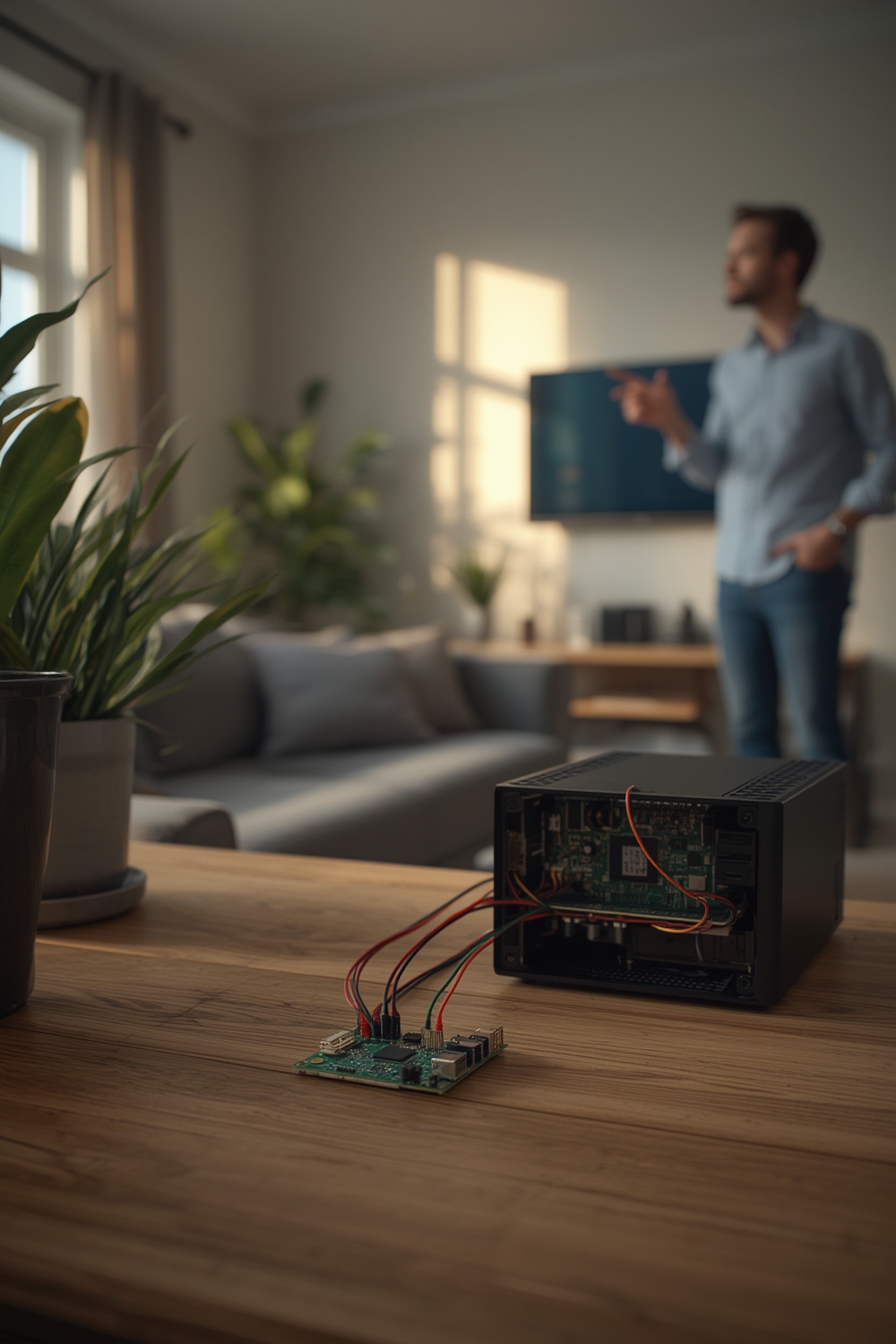
can the ld2410c sensor connect to home assistant by itself — short answer: no. The LD2410C is a 24GHz FMCW radar module with UART and limited Bluetooth for app configuration, but it does not have native Wi‑Fi, MQTT, USB HID, Zigbee, Z‑Wave or Matter support that Home Assistant can talk to directly.
Why this matters: Home Assistant needs a network or supported protocol to read sensor data. The LD2410C exposes UART (primary) and an unstable BLE interface. To integrate reliably you must add a microcontroller (ESP32/ESP8266) and use ESPHome (or a community HACS component) to forward data into Home Assistant over Wi‑Fi or MQTT.
Fact: the LD2410C UART runs at 256000 baud, 8N1 by default — that high baud is required for stable ESPHome UART parsing. Sources and community guides document UART-first integrations and warn about flaky BLE detection: see community threads and hands‑on notes at smarthomescene and the Home Assistant forum for examples (smarthomescene, HA forum thread, and a wiring/video demo on YouTube).
Key Takeaways
- LD2410C cannot connect to Home Assistant by itself — it needs an ESP32/ESP8266 bridge (ESPHome UART recommended).
- Use UART at 256000 baud; wire TX→RX and RX→TX and power with stable 5V/1A; BLE is unreliable for HA.
- ESPHome YAML + ESP32 works the same for Home Assistant OS, Supervised, Container and Core — no extra drivers required.
Table of Contents
Section 2: Step-by-Step Guide — connect LD2410C to Home Assistant
This section gives a concrete, tested path that beginners can follow. The method below is the recommended: LD2410C → ESP32 (ESPHome) → Home Assistant (auto‑discovered). It works the same across Home Assistant OS, Supervised, Container and Core installations because ESPHome speaks MQTT/Native API over the network.
Required parts
- LD2410C radar module (LD2410C / Hi‑Link SKU)
- ESP32 development board (WROOM or similar) — ~US$5
- USB A to micro/USB cable and 5V/1A power source
- Jumper wires (female‑to‑female)
- Optional: small enclosure and 2–3x dupont pins
Wiring (exact)
- Power: LD2410C VCC → ESP32 5V (ESP32 VIN or 5V pin). Use a stable 5V/1A supply. Ground: LD2410C GND → ESP32 GND.
- UART: LD2410C TX → ESP32 RX (default GPIO3 / U0RX). LD2410C RX → ESP32 TX (default GPIO1 / U0TX).
- Alternate pins: if serial conflicts, use software UART on GPIO16/17 or other usable UART pins (some users report swapping to GPIO16/17 fixes issues).
- Power on the ESP32 via USB after wiring.

ESPHome YAML (copy & paste)
Create a new device in ESPHome and paste this YAML. Change the Wi‑Fi and device names to match your network.
esphome:
  name: ld2410c_sensor
  platform: ESP32
  board: esp32dev

wifi:
  ssid: "YOUR_SSID"
  password: "YOUR_PASSWORD"

# Enable logging
logger:

# Native API for Home Assistant (discovery)
api:
  reboot_timeout: 0s

ota:

uart:
  tx_pin: 1    # ESP32 TX (to LD2410C RX)
  rx_pin: 3    # ESP32 RX (from LD2410C TX)
  baud_rate: 256000
  parity: NONE
  stop_bits: 1

ld2410:
  # default options; customize per community docs
  on_presence:
    then:
      - sensor.template.publish:
          id: moving_distance
          state: !lambda 'return 1;'

sensor:
  - platform: template
    name: "LD2410C Moving Distance"
    id: moving_distance
    unit_of_measurement: "cm"
Flashing steps (all HA types)
- Install ESPHome (add‑on or pip) — Home Assistant OS/Supervised: use ESPHome add‑on; Container/Core: use the ESPHome CLI or Dashboard container.
- Create new device and paste YAML above.
- First flash via USB from the ESPHome Dashboard (choose “Install” → “Plug in device and use local”).
- After successful flash, use OTA for future changes.
- Home Assistant will auto‑discover the ESPHome device; add it from Integrations.
Troubleshooting quick list
- “Sensors Unknown”: check baud (256000), check wiring (TX/RX correct and common GND), try alternate RX/TX pins.
- BLE shows but is unreliable: prefer UART over BLE for HA integration. If you use BLE, enable Bluetooth proxy on ESP32 and expect intermittent availability (forum notes).
- If data noisy: ensure stable 5V supply and keep sensor away from large metal or RF sources.
Section 3: Advanced Analysis & Common Pitfalls
The LD2410C is inexpensive and sensitive, but real‑world reliability requires attention. Below are the commonly reported pitfalls and how they affect Home Assistant deployments.
Known limitations
- No native Wi‑Fi/MQTT/TCP interfaces — you must add a microcontroller bridge (ESP32) or rely on BLE proxy (unreliable). Community consensus: use UART+ESPHome for best results (smarthomescene).
- High UART baud (256000) — some USB‑serial adapters/boards struggle; use a board with hardware UART support.
- Limited official datasheet details — sample/scan rates, certified RF filings (FCC/CE), and exact dimensions/firmware versions are often missing from vendor pages; expect to rely on community testing.
- BLE discovery works for setup but is not a stable HA data channel for automations.
| Interface | Works for HA? | Notes |
|---|---|---|
| UART (256000 baud) | Yes (via ESP32 + ESPHome) | Most stable; requires wiring and ESPHome YAML |
| Bluetooth (BLE) | Possible but unreliable | Good for initial config; not recommended for automation-critical sensors |
| Native Wi‑Fi / MQTT / Zigbee | No | Use ESPHome to expose to HA or MQTT |
Performance facts and gaps
From available sources: LD2410C is a 24GHz mmWave FMCW radar with ~6m detection range and ~60° angle, highly sensitive to slight motion. However, hard metrics like scan rate, latency, false positive/negative rates, and environmental specs are not published — community testing is anecdotal and not standardized (source).
Real-world reliability
- False positives: user reports vary; sensitivity to small motion makes the sensor detect breathing or minor shifts — tune filters in ESPHome or automations to avoid chatter.
- Pet immunity: no reliable independent tests; radar typically outperforms PIR for presence but may still detect pet motion depending on placement.
- Through‑wall: limited; mmWave penetrates thin materials poorly — do not expect accurate through‑wall presence detection.
Integration with other smart home systems
Expose LD2410C readings to Alexa/Google Home by integrating the ESPHome device into Home Assistant and enabling the appropriate cloud or local voice assistant integrations. If you prefer MQTT, configure ESPHome to publish to your broker and connect that broker to HA. There is no native Matter, Zigbee or Z‑Wave support on the device.
Recommended alternatives per use case
- Budget presence (rooms/energy saving): LD2410C + ESP32 — cheap and sensitive, total ~US$15 (device + board + cable).
- Security/low false alarms: consider camera or multi‑sensor setups; radar alone can be too sensitive for perimeter security.
- Battery powered / low power: choose PIR battery sensors — LD2410C needs 5V always on.
For more general smart home planning and device choices, see our guides on Home Automation Hub and the Best Smart Home Devices guide.
Conclusion
The short, pragmatic answer: can the ld2410c sensor connect to home assistant by itself? No — not directly. Use an ESP32/ESP8266 running ESPHome over UART (256000 baud) for a stable, supported integration into Home Assistant. BLE exists but is unreliable for automations.
If you’re building presence automations, plan for wiring, stable 5V power, and test placements to avoid sensitivity issues. For step‑by‑step flashing and YAML, follow the ESPHome method above and the community troubleshooting threads linked earlier.
Want more setup templates and automation examples? Read related guides on Home Assistant Raspberry Pi, Best Smart Light Switch, or our Smart Thermostat Installation tutorial for automation patterns you can reuse. Subscribe for updates and more hardware walkthroughs.
FAQ
Can the LD2410C be used without an ESP32?
No. The LD2410C lacks native Wi‑Fi or MQTT — it needs a microcontroller like an ESP32/ESP8266 to bridge UART data into Home Assistant. BLE is available for configuration but is not reliable enough for full integrations.
What are the exact UART settings for LD2410C?
Use 256000 baud, 8 data bits, no parity, 1 stop bit (256000, 8N1). ESPHome’s uart: section must match these settings.
Will LD2410C work with Home Assistant Core on Docker?
Yes. The integration path (ESPHome device over the network) is the same for Home Assistant OS, Supervised, Container, and Core. Flash the ESP32 via USB or OTA with ESPHome, then add the device to HA via the API or MQTT.
Is BLE a reliable replacement for UART?
No. BLE discovery is sometimes possible but often flaky. Community reports recommend UART via ESPHome for stable, automation‑ready data.
What are common fixes when sensors show “Unknown” in HA?
Check baud (256000), verify TX/RX wiring and common ground, try alternate UART pins (GPIO16/17), and reflash ESPHome. Many forum posts document these exact steps.