

home automation switches are a systems decision, not a decoration—choose wrong and you pay for rework, frustrated tenants, and repeated service calls. This guide treats switches as part of a whole‑home plan: measurable specs, electrician‑costed per‑circuit examples, multi‑protocol templates for 20–100+ endpoints, and a practical failure‑mode playbook most reviews skip.
Key Takeaways
- Use a measurable 10‑point checklist (protocol, neutral, max current, LED dimmer compatibility, hub requirement, OTA policy, footprint, UI/voice, security, idle power) to shortlist switches before pricing or aesthetics.
- Device retail price is typically only ~30–50% of installed cost; observed per‑switch retail price range: $14–$75 (source: homeautomationguy.io, 2023) and idle power ranges 0–1.6W (source: homeautomationguy.io, 2023). Always include electrician labor + contingency.
- For 20–100+ endpoints pick a hub‑first or hybrid architecture with segmented networks and dedicated Zigbee/Thread router nodes; avoid Wi‑Fi hubless for whole‑home scale due to cloud single‑point failure risks.
- Compare switches fast: the 10‑point specs checklist to evaluate compatibility and installability
- Best picks by budget — which switches to buy under $40, $40–$100, and $100+ (budgeted for whole‑home)
- Per‑circuit installed cost & ROI by use‑case (lighting dimmers, multi‑gang 3/4‑way, fans, garage/high‑amp)
- Multi‑protocol whole‑home architecture for 20–100+ switch endpoints — templates that reduce single points of failure
- Comparison table: side‑by‑side measurable spec matrix (must‑have for procurement)
- Failure modes matrix + rapid diagnostic playbook for whole‑home installs
- Installation & long‑term maintenance spec sheet for whole‑home projects (labels, SLA, firmware policy)
- Conclusion
- FAQ
Compare switches fast: the 10‑point specs checklist to evaluate compatibility and installability
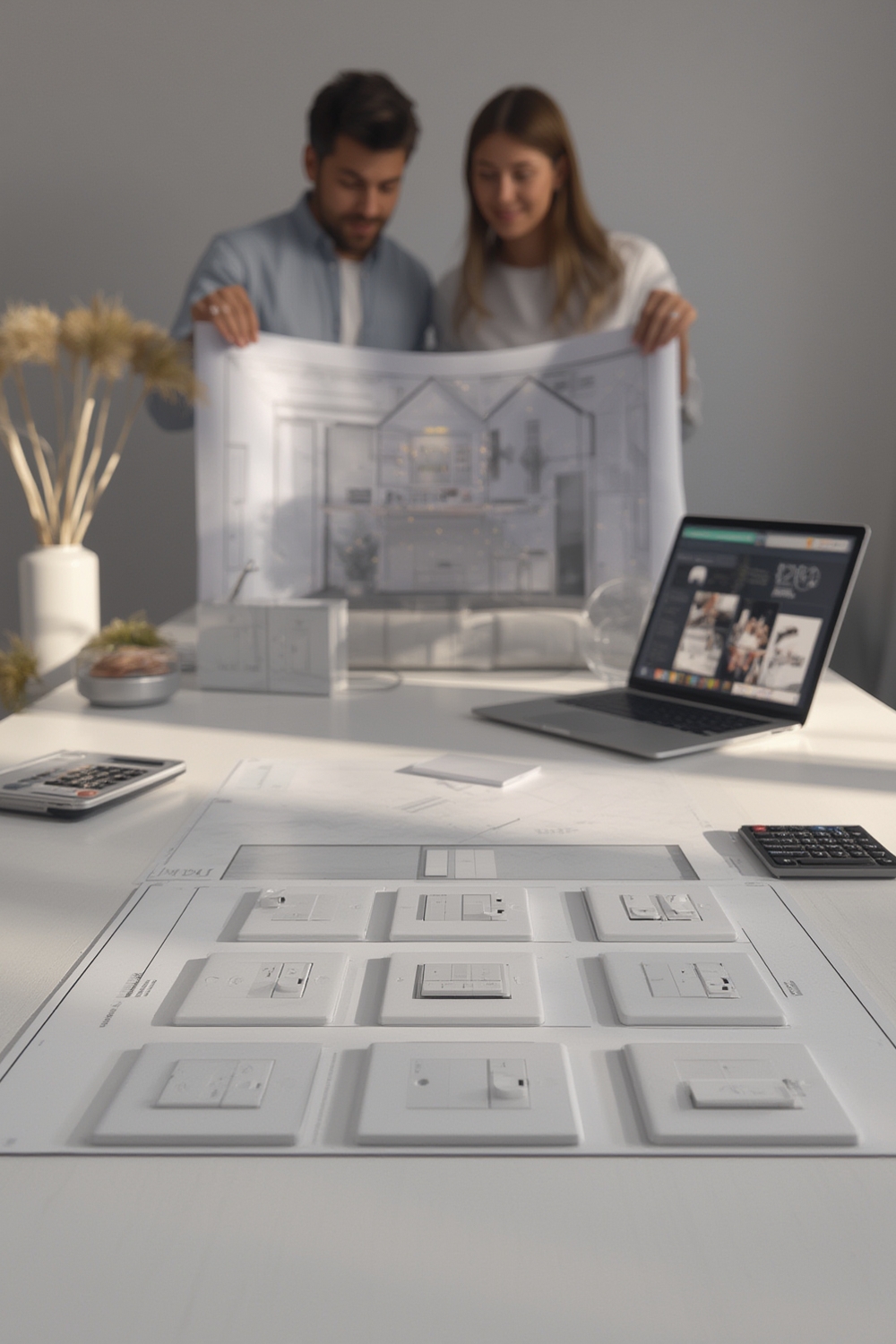
Capture these 10 measurable fields for each candidate switch before you price aesthetics or wall‑plate color. Taking these to the electrician saves hours and prevents rework.
| Criteria | Why it matters for whole‑home planning | How it impacts electrician scope / limits |
|---|---|---|
| Protocol compatibility (Zigbee/Z‑Wave/Thread/Wi‑Fi/Matter) | Determines mesh behavior, hub needs, and future upgrades (prefer multi‑protocol or Matter where available). | Hub installs, coordinator placement, and cross‑protocol bridges add hours. |
| Neutral‑wire requirement | Retrofit friendliness; no‑neutral models reduce drywall work. | No neutral → may need accessory modules or new runs; adds 0.5–2 hrs/circuit depending on access. |
| Max current / wattage (A or W) | Safety and correct sizing for lighting, fans, and high‑amp loads; assume standard residential 10–15A / 1200–1800W when checking ratings. | Overrated loads need contactors or dedicated circuits; electrician must verify load per circuit (see source: treatlife.tech, 2023). |
| Dimmer / LED driver compatibility | LEDs + drivers are the most common source of flicker and ghost switching. | May require add‑on neutral/driver modules or different dimmer type; testing with sample fixture recommended. |
| Hub vs hubless (local vs cloud) | Hub‑first reduces cloud single‑point failure risk at scale; Wi‑Fi hubless often cloud‑dependent. | Hub installs require placement and Ethernet runs; hubless may add Wi‑Fi density work (source: homeautomationguy.io, 2023). |
| OTA / firmware update policy | Update windows and rollback options affect long‑term support and security. | Vendor firmware SLA must be captured in procurement; electrician may need to stage updates on site. |
| Physical footprint / gang fit | Multi‑gang boxes and UK/EU sizing cause mechanical fit problems. | May require retrofit plates, deeper boxes, or multi‑module installs (adds parts/hours). |
| UI / voice / local API | Local API or Home Assistant compatibility lowers service calls; “Works with Alexa” is not enough. | Local control reduces cloud debugging time; electrician or integrator must map automation endpoints. |
| Security certifications | Auth and encryption posture; useful for property managers. | Devices without certifications require tighter network segmentation and monitoring. |
| Idle power (standby watts) | Whole‑home idle load scales with endpoints (observed 0–1.6W per device in 2023 research). | Small ongoing energy cost per device; include in ROI estimates (source: homeautomationguy.io, 2023). |
Printable field checklist (hand to electrician)
Copy these lines to a one‑page handoff: Model, Protocol, Requires neutral (Y/N), Max current (A/W), Dimmable (Y/N + list tested driver types), Hub required (Y/N), OTA local rollback (Y/N), Gang count, Mount depth (mm), Expected install hours, Notes.
Download: Procurement CSV template
Notes: per‑switch retail price range observed: $14–$75 (source: homeautomationguy.io, 2023). Don’t treat “Works with Alexa” as a substitute for protocol and neutral details.
Related reading: see our guide on home automation basics: choosing switches and DIY vs electrician installs for switches for wiring choices and when to hire pros.
Best picks by budget — which switches to buy under $40, $40–$100, and $100+ (budgeted for whole‑home)
Shortlist by tier, then run the 10‑point checklist above on your finalists. Every model below lists price source and date.
Under $40 (budget retrofit / rental)
- Moes WS‑EUB — Zigbee, 2‑gang, optional/no neutral — approx. $23 (source: homeautomationguy.io, 2023). Great for no‑neutral retrofits but test LED drivers.
- Lonsonho X804A — Wi‑Fi 4‑gang, cheap at ~$14 (source: homeautomationguy.io, 2023) — good for DIY 1‑room work; cloud and Tuya concerns for whole‑home scale.
$40–$100 (recommended for reliable whole‑home installs)
- Candeo C202 — Zigbee dimmer, $46, strong dimming compatibility (source: homeautomationguy.io, 2023). Good midrange whole‑home option.
- Aqara H1 EU — Zigbee, $50, robust build and optional no‑neutral variants (source: homeautomationguy.io, 2023).
- Moes WS‑EUD — ~$40, dimmable Zigbee option (source: homeautomationguy.io, 2023).
$100+ (enterprise / premium)
- No reliable data found for models above $100 in the supplied research. Sonoff NSPanel (~$75) approaches premium features but is under $100 (source: homeautomationguy.io, 2023).
- Next steps: research premium Matter/Thread native switches and check vendor enterprise docs.
Cloud vs local control: budget Wi‑Fi options often default to cloud; midrange Zigbee devices usually support local bridges. For whole‑home, prefer Zigbee/Z‑Wave/Matter or a hybrid that provides local control to avoid cloud outages (see protocols and Matter).
When to spend up: multi‑gang family rooms, main floor lighting scenes, and circuits with mixed LED drivers — spend up for tested dimmer compatibility, certified mesh routing, and vendor firmware transparency.
Per‑circuit installed cost & ROI by use‑case (lighting dimmers, multi‑gang 3/4‑way, fans, garage/high‑amp)
Show device price + electrician labor explicitly. We have retail device price data but no reliable universal electrician rate — record local quotes with our worksheet and always label estimates.
Example cost template (always show assumptions)
Installed cost = Device price + (Electrician hours × Electrician hourly rate) + parts (plates, boxes) + contingency (10–20%).
Sample placeholder calculation (example, not a quote): Candeo C202 ($46) + 1.5 hrs × $90/hr = $46 + $135 = $181 + $20 parts = $201 installed (label as example; research local electrician rates via HomeAdvisor or regional guides).
Note: “No reliable data found” for median electrician hours/cost — collect local quotes. Use our downloadable electrician worksheet to record hours and compare vendors.
Download electrician handout: Download one‑page electrician handout
Use‑case picks and notes
- Lighting dimmers — Budget: Moes WS‑EUB ($23, source: homeautomationguy.io, 2023); Mid: Candeo C202 ($46); Premium: research Matter dimmers. No ROI hard numbers available — label energy savings vs bulb lifespan improvements; include idle power 0–1.6W in annual estimates (source: homeautomationguy.io, 2023).
- Multi‑gang / 3‑way/4‑way — Lonsonho X804A (4‑gang ~$14) and Sonoff T3 variants for multi‑way; verify wiring diagram — many cheap models gloss over traveler wiring.
- Fans — Use dedicated fan controllers or models explicitly rated for motors (example: Treatlife fan dimmers; reference: treatlife.tech, 2023).
- Garage / high‑amp — No reliable high‑amp switch models listed in supplied research; assume standard 10–15A / 1200–1800W when checking ratings and consult vendor datasheets for higher loads (source: treatlife.tech, 2023).
ROI drivers: energy savings (small per switch), longer bulb life from soft‑start dimming, increased property value for professionally documented systems, and fewer return service calls when local control and robust mesh are in place.
Multi‑protocol whole‑home architecture for 20–100+ switch endpoints — templates that reduce single points of failure
At scale, architect for redundancy: separate control planes, dedicated mesh router nodes, and manual overrides at breaker level. Wi‑Fi hubless is risky for whole‑home due to cloud dependency; prefer hub‑first or hybrid models (source: homeautomationguy.io, 2023).
Hub‑first vs hubless vs hybrid
- Hub‑first (Zigbee/Z‑Wave + controller): Best reliability, local automations, easier mesh routing control.
- Hubless (Wi‑Fi): Fast for single rooms, but cloud outages and Wi‑Fi congestion create single points of failure.
- Hybrid: Use local controller (Home Assistant / enterprise hub) + cloud‑capable devices as backup and bridging for user convenience.
Deployment template for 20–100+ endpoints
- Zone mapping: Building → Floor → Zone → Room → Device (e.g., MainHouse→1F→Living→SouthWall→Switch01).
- Network segmentation: VLAN A = management/HA server (wired), VLAN B = IoT (no access to sensitive LAN), Guest Wi‑Fi isolated. See network segmentation for smart homes.
- Mesh placement: place Zigbee/Thread router nodes every 10–15m unobstructed; use in‑wall switches as routers where supported; avoid relying on cheap plug‑in devices as sole routers (source: homeautomationguy.io, 2023).
- Backup control paths: physical overridable switches (toggle to cut power), key switches for critical circuits, and a secondary failover hub with copy of automations.
- Naming & documentation: central spreadsheet with device model, MAC, serial, room, breaker ID, firmware version, and install date.
Recommended hardware roles: primary hub (Ethernet‑connected), secondary failover hub, Zigbee/Thread routers (in‑wall switches with routing capability), Ethernet backbone nodes (for hubs and wired controllers).
Comparison table: side‑by‑side measurable spec matrix (must-have for procurement)
Copy this table into procurement. All model prices below are from the cited research (source + date included).
| Model | Protocol | Neutral | Max current (A/W) | Dimmable | Hub required | OTA (local/cloud) | Gang | Voice/UI | Security notes | Est retail |
|---|---|---|---|---|---|---|---|---|---|---|
| Moes WS‑EUB | Zigbee | Optional/no | No reliable data found — verify datasheet | Yes (varies) | Yes (Zigbee) | No reliable data found | 2 | Alexa/HA via hub | No reliable data found | $23 — homeautomationguy.io, 2023 |
| Lonsonho X804A | Wi‑Fi | Depends | No reliable data found — verify | Depends | Hubless (cloud) | No reliable data found | 4 | Cloud app | No reliable data found | $14 — homeautomationguy.io, 2023 |
| Candeo C202 | Zigbee | Yes | No reliable data found — verify | Yes (LED) | Yes (Zigbee) | No reliable data found | 1 | HA compatible | No reliable data found | $46 — homeautomationguy.io, 2023 |
| Aqara H1 | Zigbee | Optional (EU) | No reliable data found — verify | No (per source) | Yes | No reliable data found | 1 | Local/API via hub | No reliable data found | $50 — homeautomationguy.io, 2023 |
| Sonoff NSPanel | Wi‑Fi/Cloud | Depends | No reliable data found | Depends | Hubless/cloud | No reliable data found | Panel | Cloud app/voice | No reliable data found | $75 — homeautomationguy.io, 2023 |
Download CSV procurement file: Download CSV
Failure modes matrix + rapid diagnostic playbook for whole‑home installs
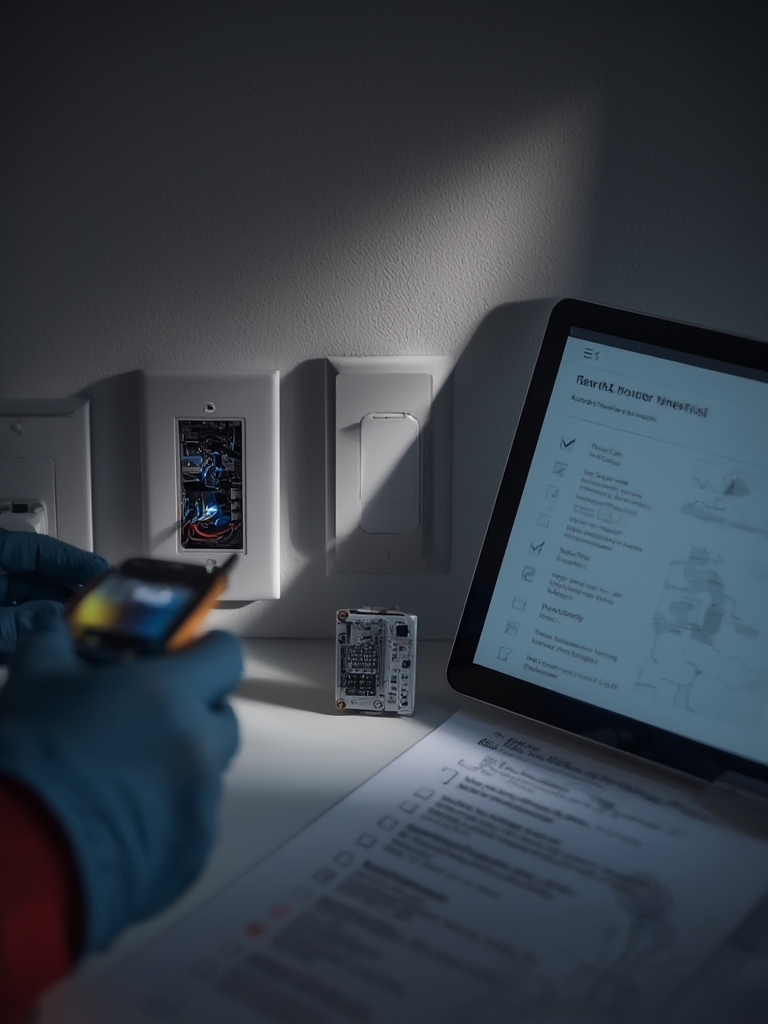
This section is action‑oriented: on‑site triage steps, what electricians must check, and long‑term fixes. Insert this checklist in your service SOP.
| Failure Mode | Immediate diagnostics | Immediate mitigation | Long‑term fix |
|---|---|---|---|
| LED/driver incompatibility | Swap lamp to verified dimmable LED; measure flicker under load. | Replace with compatible LED or install bypass load/resistor (temporary). | Specify tested LED drivers in procurement and document compatibility matrix. |
| Missing neutral | Open box, verify neutral presence with meter; check wiring diagrams. | Use no‑neutral switch variant or install neutral jumper from nearby circuit if code allows. | Prefer no‑neutral retrofit models or plan neutral runs in scope of work. |
| Mesh partitioning | Check device RSSI in controller; node count and router placement. | Add a temporary plug‑in router node or relocate hub closer. | Map mesh and install dedicated in‑wall router nodes every 10–15m. |
| OTA update bricking | Collect logs from hub; check latest firmware release notes. | Revert to local backup firmware if supported; put device in manual mode (physical toggle). | Require vendor OTA rollback policy in procurement; staged updates only. |
| Overload tripping | Measure load draw; compare to switch rating (assume 10–15A/1200–1800W when unsure — source: treatlife.tech, 2023). | Move load to dedicated circuit or install contactor rated for motors. | Label circuits that exceed standard switch ratings and use appropriate hardware. |
| Ghost switching | Check induced currents, neutral wiring, and firmware issues. | Install RC snubber or replace with different switch type; disable cloud triggers. | Document troubleshooting steps and require tested firmware in procurement. |
Triage flow: electrician on site vs remote support
- On‑site electrician: verify wiring, neutral, and load; capture meter readings and photos; preserve any physical toggles for manual override.
- Remote support: collect controller logs, device firmware version, and sequence of events; request MQTT/Hub logs when using Home Assistant.
- Escalation: if hardware suspected, issue RMA per vendor SLA; if firmware, stage rollback and test on single device before farm update.
Capture logs: ask for Hub logs, device serial, firmware build numbers, and time of failure. For Home Assistant, export supervisor log and relevant integration logs before reaching vendor.
Installation & long‑term maintenance spec sheet for whole‑home projects (labels, SLA, firmware policy)
Specify serviceability items in procurement and contract. Failure to require physical fallback and breaker documentation is the most common serviceability gap.
Minimum spec items to include in purchase/contract
- Physical labels on faceplate and breaker with device ID linked to central spreadsheet.
- Breaker mapping and photo of box; include in handover packet.
- Switch fallback mode: physical toggle or ability to cut power without losing manual control.
- Firmware update policy: vendor must provide update window, rollback option, and security patch schedule (if undocumented, note “No reliable data found” and require vendor datasheet).
- Remote diagnostics: device must expose logs via local API or hub for troubleshooting.
- Warranty & firmware SLA clause: require minimum 2‑year firmware support or explicit SLA (if vendor does not provide, mark as procurement risk).
Sample contract clause checklist (copy into RFP)
- Vendor must supply electrical datasheet with continuous current rating and wiring diagrams.
- Vendor must document OTA policy and rollback procedure, or permit local firmware flashing by integrator.
- Seller to supply a CSV of shipped device serials, MACs, and models on delivery.
- Warranty: minimum 2 years hardware + 2 years firmware security patches; otherwise list as risk.
Related internal materials: planning docs should link to home automation basics: choosing switches, network segmentation for home automation, and protocols and Matter for vendor evaluation and network design.
Conclusion
Whole‑home success comes from treating home automation switches as a systems design decision: use the 10‑point checklist to shortlist, add electrician hours to every device line item, pick a hub‑first or hybrid architecture for 20+ endpoints, and require firmware and fallback SLAs in procurement. Compare shortlisted models using the CSV and electrician handout provided, collect local electrician quotes, and then buy.
Next actions: download the procurement CSV, get 3 electrician quotes using the handout, and compare models by the measurable checklist before purchasing.
FAQ
How much should I budget per switch including electrician labor?
Device retail ranges in our research were $14–$75 (2023), but “No reliable data found” for universal electrician rates — use the provided labor‑hours worksheet and collect local quotes.
Can I retrofit smart switches without a neutral wire?
Some models support no‑neutral or optional neutral (examples: Moes WS‑EUB, Aqara H1 noted in 2023 reviews) but always confirm on the device datasheet and with your electrician.
Should I pick hubless Wi‑Fi or a Zigbee/Z‑Wave hub for whole‑home control?
For single rooms Wi‑Fi hubless may work; for 20+ endpoints a hub‑first or hybrid approach reduces cloud single‑point failure risk (source: homeautomationguy.io, 2023).
What are the common switch failure modes I should plan for?
Expect LED/driver incompatibility, missing neutrals, mesh partitioning, OTA issues, overload tripping, and ghost switching — this guide provides triage steps for each.
How do I name and zone switches for 20–100+ endpoints?
Use a zone‑first convention (Building → Floor → Zone → Room → Device) and document backup control paths and physical breaker IDs in a central spreadsheet.