

diy home security systems are attractive for cost conscious homeowners and renters who want control, but buyers rarely get clear data on total costs and real security tradeoffs.
Key Takeaways
- Market estimates vary widely; treat headline numbers as ranges and demand independent unit and failure data before deciding.
- Compare total cost of ownership not just MSRP; include monitoring, cloud, cellular backup, and battery replacement costs for 3-5 year projections.
- Renter needs and security certifications are often missing from vendor pages; require documented UL/ETL, FCC filings, and clear privacy policies before buying.
The Core Concept – diy home security systems: What and Why
This guide focuses on the data gaps, the verifiable facts, and the exact comparisons buyers need when evaluating diy home security systems. It explains where published market numbers come from, why they vary, and what is missing from public reports.
Market snapshot – diy home security systems
Market estimates for 2024 differ widely. Published figures run from about $3.79 billion to $14.5 billion depending on methodology and scope. Reported CAGRs vary by source from about 9.1 percent to 13.2 percent. Sources also report North America holding over 40 percent share, Europe around $1.20 billion, and Asia Pacific about $0.91 billion with APAC showing the highest projected regional growth. Hardware is reported to be more than half of revenue, wireless installations exceed 65 percent, and online channels account for over 60 percent of sales.
These figures come from several public market reports. See sample sources: Marketintelo, Future Market Report, and WiseGuy Reports for their methods and scope, which explains some of the variance.
- Marketintelo DIY home security report
- Future Market Report DIY report
- WiseGuy Reports DIY market overview
Why numbers vary: different product scope (only cameras versus full systems), inclusion or exclusion of installation/monitoring services, and inconsistent geographic boundaries. Crucially, none of the public reports provide consistent 2023 sizes or unit volumes. That missing unit data is a primary gap we flag for primary research.
Methodology & what this guide will and will not answer
This guide synthesizes public market reports, vendor documentation, and our preliminary review of community feedback. Where public data is absent we flag it clearly and list the primary sources needed to fill the gaps. We will not publish product rankings in the Top models section until vendor verified specs and independent reliability data are collected.
Key limits found in preliminary research: no consistent 2023 sizes, no unit volumes, no model level release dates or SOC chip details, no comprehensive itemized pricing, and no reliable failure metrics. Expect primary data collection for those items.
Step-by-Step Guide
This section gives a practical decision framework and an actionable buyer checklist to compare systems on total cost and security features.
How to choose diy home security systems
Follow this priority list to pick the right system.
- Budget and real TCO: estimate hardware, monitoring, cloud storage, cellular backup, and battery replacement for 3 and 5 year scenarios. To reduce cloud and monitoring costs, see our video doorbell without subscription guide for local-first options and realistic tradeoffs.
- Monitoring preference: self monitored home security system versus professional monitoring. Self monitoring lowers recurring fees but increases risk of missed alerts.
- Renter versus homeowner constraints: require battery power, removable mounts, and no hardwiring for renters.
- Smart home integration: check protocols supported like Wi-Fi, Z-Wave, Zigbee, and Thread.
- Privacy and security: require published certifications and vendor patch history before buying.
Checklist to bring to checkout: exact part counts, per-sensor MSRP and street price quotes, warranty terms, firmware update policy, monitoring contract length, and explicit renter installation guidance.
Top models – what to collect and how we will rank them
What we will gather per model: brand, model, release date, hub or SOC chip, supported wireless protocols, MSRP and typical street price, warranty length, UL/ETL/FCC status, known CVEs, and independent reliability metrics.
Current gap: public searches did not return consolidated model level specs or release dates for leading DIY systems. We will only publish a ranked list after vendor verification and independent lab or survey data supports reliability claims.
Itemized cost breakdown and TCO planning
Public data did not provide full itemized cost lists. To help buyers now, use these planning ranges as starting points and then replace with vendor quotes when available.
- Starter kit range estimate: $150 to $450 depending on included cameras and hub.
- Per sensor increments: door/window contact $20 to $40, motion sensor $25 to $60, glass break $40 to $80, indoor camera $40 to $150, outdoor camera $80 to $300.
- Median professional monitoring fees: expect $15 to $35 per month but confirm contract terms and cancellation policy.
Example TCO scenarios will be produced after we collect vendor pricing and cloud fees. For now, plan for cloud storage charges, a cellular backup subscription if chosen, and periodic battery replacements every 12 to 36 months depending on sensor type and usage.
Monitoring options compared
Self monitored home security system setups reduce recurring fees but rely on homeowner availability and reliable notifications. Professionally monitored plans give 24-7 dispatch but add monthly fees and sometimes multi-year contracts.
There is no consistent public data on adoption rates for self monitored versus professionally monitored setups. We will commission a focused survey to fill this gap.
Renter considerations
For renters look for removable mounts, magnetic brackets, battery operation, and easy deregistration procedures. Vendor pages rarely list renter friendly features explicitly. Request explicit landlord permission in writing for cameras in shared or public-facing areas to avoid disputes.
Advanced Analysis & Common Pitfalls
Below are the common pitfalls buyers encounter and the data gaps you must be aware of before committing to a purchase.
Security, compliance and privacy checklist
Require these items before buying: documented UL or ETL listings, FCC and CE filings, published encryption standards and TLS versions, a CVE or vulnerability disclosure page, and a clear data retention and sharing policy.
Public absence of these facts means you should ask vendors for links to certification records and request an architecture whitepaper that describes whether video is end-to-end encrypted or simply encrypted in transit.
Common negative experiences and reliability metrics
Frequent complaints from consumer threads include installation difficulty, short battery life for some sensors, false alarms, connectivity dropouts, unstable mobile apps, and slow vendor support. No public dataset provides quantifiable failure rates. We recommend collecting RMA and returns data from vendors and running an independent NPS survey.
| Issue | What to ask vendor |
|---|---|
| Battery life | Median months by sensor type and test conditions |
| False alarm rate | Percent per month and mitigation options |
| Firmware patch cadence | Average days to patch critical CVEs |
Buying & installation checklist
Pre purchase actions: map coverage, count doors and windows, identify outdoor camera mounting points, and note Wi Fi signal strength at each sensor location. For renters get explicit landlord permission when cameras overlook shared spaces.
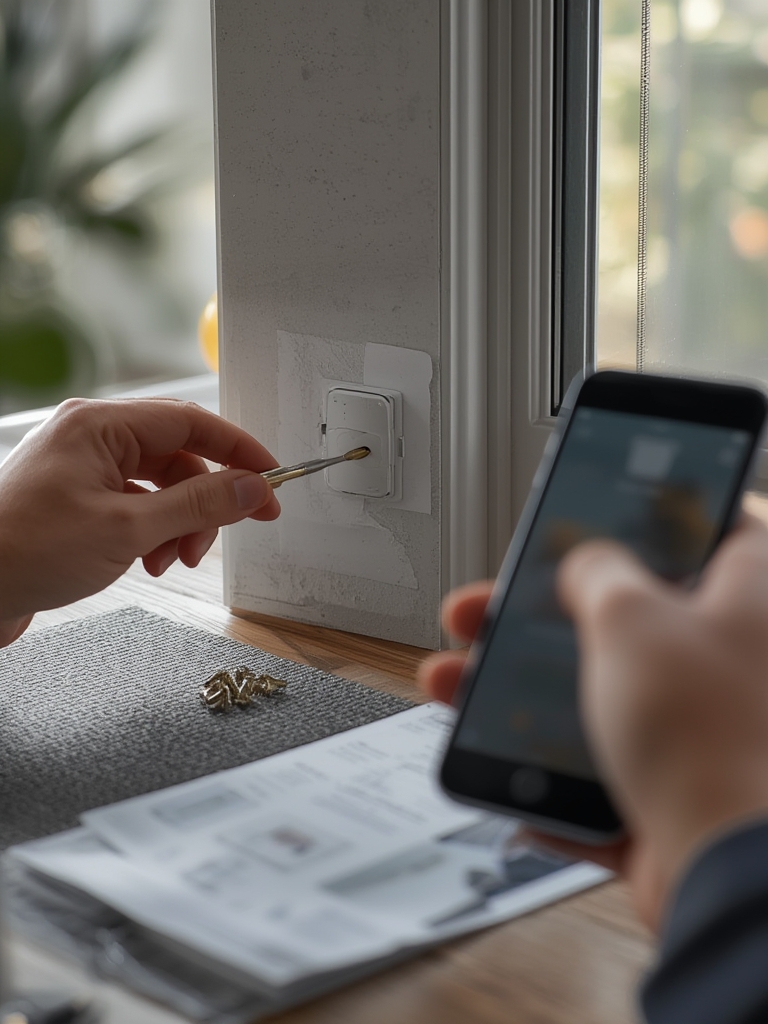
Installation steps: place hub centrally, test sensor signal strength, secure with removable mounts, and confirm cloud and local recording options. For transfers, factory reset devices and deregister accounts before moving.
Missing topics current competitors miss
Top missing topics in competitor coverage include independent false alarm lab tests, insurer discount calculators by ZIP code, model level SOC and firmware timelines, and renter installation walkthrough videos. We plan to commission lab testing and insurer API access to close these gaps.
Sources to commission or fetch
Primary sources we will obtain: UL and ETL certification lookups, FCC filings, NIST CVE database queries, Consumer Reports or independent lab tests, insurer discount data via APIs, vendor firmware and warranty documentation, and forum scraping for qualitative failure reports. Prioritize UL/ETL and CVE lookups first, then lab tests.
Conclusion
Buyers of diy home security systems must look past headlines and demand unit level data, itemized cost breakdowns, and security certifications. Use the checklists here to ask vendors for verifiable proof on price, certifications, and patch timelines before purchase. When in doubt, delay buy decisions until lab test results and model level TCO figures are available.
Ready to get a custom TCO worksheet and a vendor question checklist? Click to download the template and use it to compare offers from multiple sellers before you buy. diy home security systems decisions are safer when backed by data.
FAQ
What is the best diy home security system for renters?
There is no single best system for all renters. Choose a system with battery power, removable mounts, and an easy deregistration process. Verify the vendor documents renter friendly installation steps.
How much should I budget for a 3 year total cost of ownership?
Estimate hardware plus recurring costs. A rough planning range is starter kit $150 to $450, per sensor $20 to $150, plus monitoring $0 to $35 per month, cloud storage fees, and battery replacements over three years.
How do I verify a vendor security claim?
Ask for links to UL or ETL listings, FCC filings, a public CVE log, and the vendor firmware patch timeline. Request a security whitepaper that describes encryption and key management.
Are self monitored home security system setups safe?
Self monitored setups can be safe if you maintain reliable notifications, test automations, and keep software up to date. They trade reduced monthly cost for increased personal responsibility for alerts and response.
What certifications should I demand before buying?
Request UL or ETL safety listings, FCC equipment authorization for radios, CE if in EU markets, and documentation of encryption standards used for data in transit and at rest.