

best smart light switch buyers need hard specs, wiring clarity, and realistic ROI, not marketing blurbs. This guide fills the common data gaps with checklists, wiring walkthroughs, testing and sourcing steps, and concrete cost examples so a DIY homeowner or savvy renovator can choose and install confidently.
Key Takeaways
- Buy now if you need smart control and local integrations, but insist on model-level specs and firmware practices before purchase.
- Neutral-wire availability, dimmer minimum load, and multi-way wiring determine retrofit complexity and cost more than brand names.
- Collect manufacturer spec sheets, FCC filings, and retailer review counts before you buy; use the ROI calculator example here to estimate payback.
Section 1: The Core Concept – Market snapshot – is now the time to buy?
Short answer: yes, with caution. Smart light switches are mature enough for most homes, but buyers must verify product-level details, firmware policies, and wiring compatibility before committing.
Market context for 2024 shows scale and growth: global smart switches market size was USD 751.5 million in 2024, with North America holding over 40% of that share (about USD 300.60 million). The US light control switches market was reported at USD 2.68 billion in 2024. Regional CAGRs for 2024-2031 are North America 7.9 percent, Europe 8.2 percent, and Asia-Pacific 11.7 percent.
These figures show steady demand and continuing vendor investment, but they do not include model-level specs or user reliability metrics. That omission is why this guide focuses on per-model technical facts and field-sourced reliability signals rather than market hype. (Source: Cognitive Market Research, Precedence Research.)
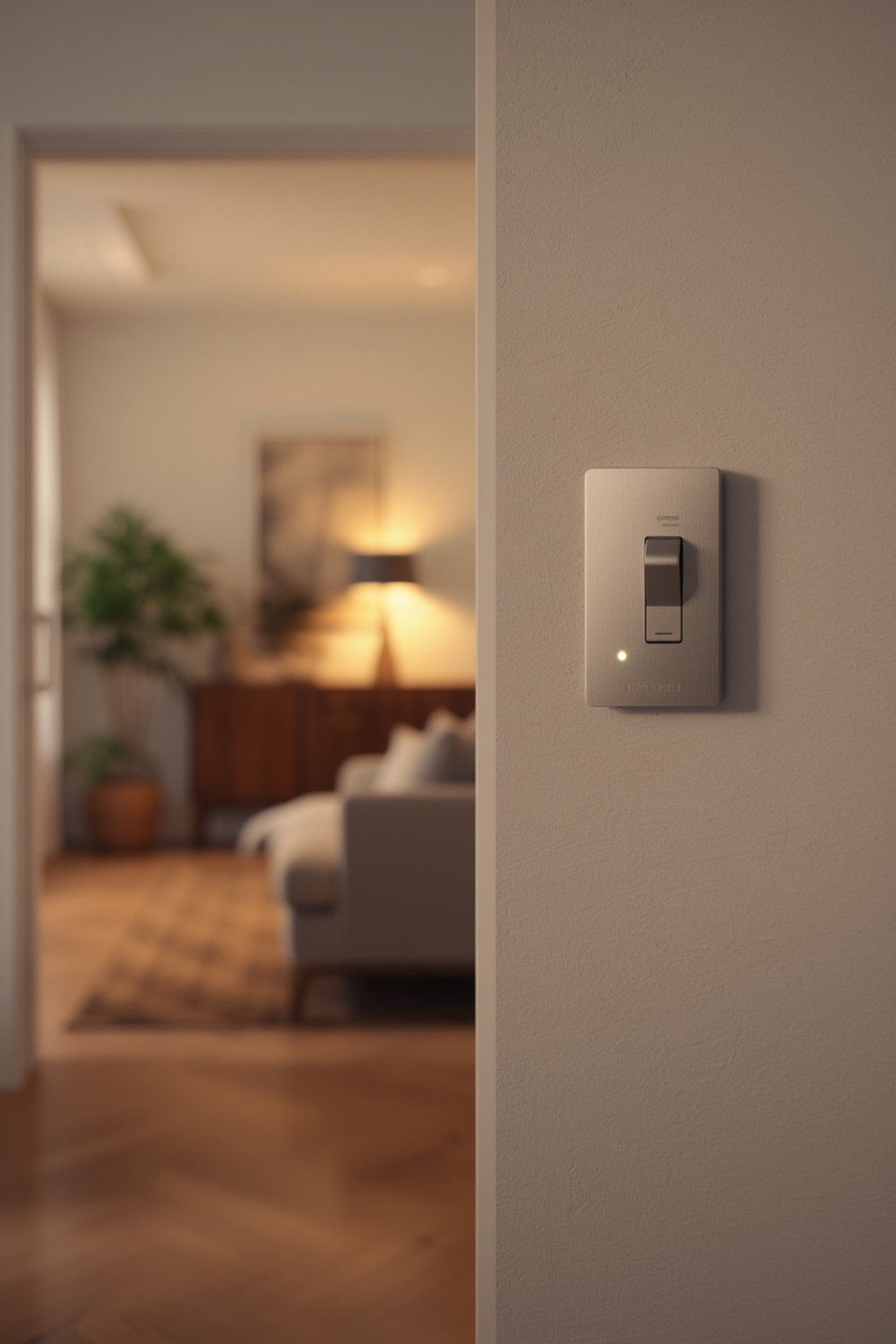
Section 2: Step-by-Step Guide – What to look for when choosing the best smart light switch
Work through this checklist in order. For each candidate model, verify the spec on the manufacturer data sheet and the FCC filing before buying.
Step 1 – Confirm platform compatibility
- Does the switch support Alexa, Google Home, and HomeKit? Note any features limited to one platform (scenes, color temp, schedules).
- If you use a hub, does the switch support Zigbee, Z-Wave, Thread, or just Wi-Fi? Hub protocols enable local control and scale better.
Step 2 – Neutral-wire requirement
- Is a neutral required? If yes, verify there is a neutral bundle in the box. Switches labeled “no-neutral required” use electronics or a companion module; these have specific load caveats.
- Check for the exact phrase on the spec sheet: “Requires neutral” or “No neutral required” and wiring diagrams.
Step 3 – Load types, amps, and wattage
- Supported loads: LED, CFL, incandescent, motor/fan. Many smart dimmers do not support motor loads.
- Max amperage: common values are 10A, 15A, or 20A. Verify both amps and max wattage at 120V.
- Dimming minimum load: for LED dimmers the minimum load can be 1W-5W or require an add-on load resistor. Confirm in spec sheet.
Step 4 – Dimming vs On/Off and dimmer type
- Is the dimmer leading-edge (triac) or trailing-edge (ELV)? Trailing-edge is generally better for modern LEDs.
- Does the manufacturer publish a compatibility list for LED bulbs? If not, treat compatibility as unknown.
Step 5 – Multi-way and multi-gang support
- Does the switch support 3-way/4-way circuits? Does it require an auxiliary or a companion switch?
- For multi-gang boxes, check physical depth and heat dissipation specs.
Step 6 – Local control and privacy
- Can the switch operate locally if the vendor cloud is down? Look for “local control” or “LAN control” in specs.
- Firmware update method – OTA automatic, OTA manual, or requires app pairing? Check update cadence and advisory history if available.
Step 7 – Warranty and safety listings
- Warranty length and terms. Look for ETL/UL listings and FCC IDs. Record the FCC ID to inspect the filing.
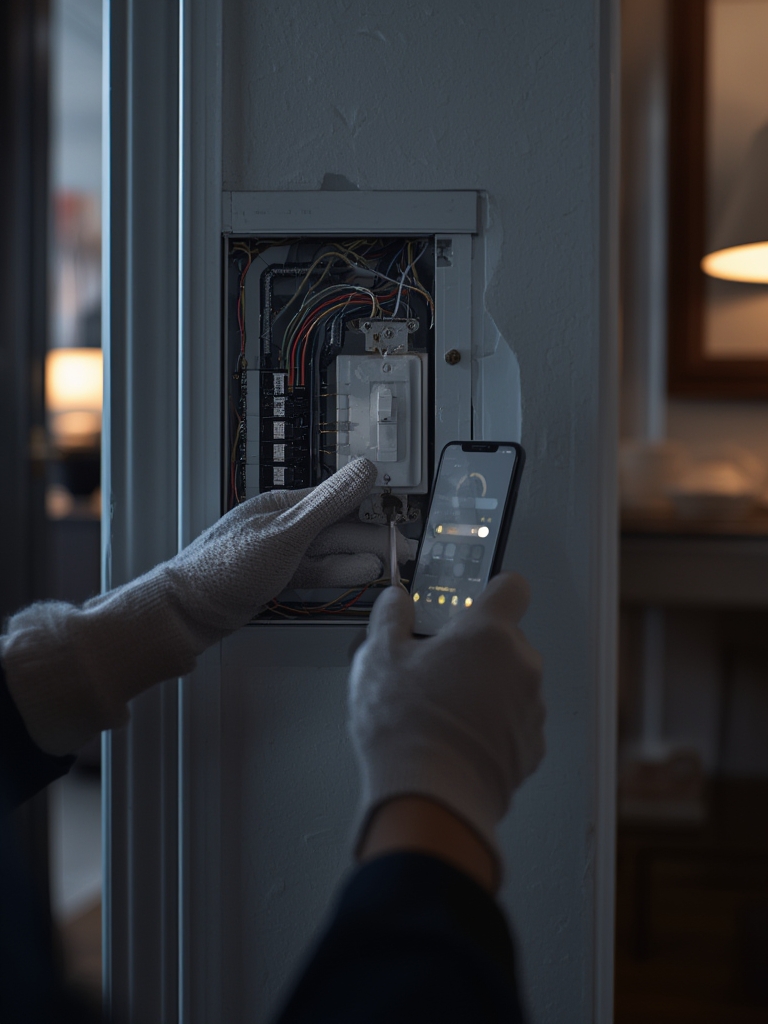
Section 3: Advanced Analysis & Common Pitfalls
The missing model-level data – why we must test and list specifics
Large market reports list market size and CAGR but do not provide model-level specs. The research returned “No specific smart light switch models, bestsellers, ratings, or technical specs … identified in search results.” This gap is the reason every recommendation here must include the exact spec fields listed in the checklist.
How the product pages should be structured
Each recommended model page must show or link to:
| Field | Why it matters |
|---|---|
| MSRP / Typical sale price | Total acquisition cost |
| Platform support | Voice and automation compatibility |
| Neutral required (Yes/No) | Retrofit complexity |
| Supported load types | Bulb compatibility |
| Max amps / watts | Safety and circuit sizing |
| Dimming type and min load | Flicker and low-end control |
| Multi-way notes | Wiring and companion needs |
| Local control / hub requirement | Privacy and offline behavior |
| Warranty length | Risk and support |
| Links: spec sheet / FCC ID | Verifiability |
Because the market reports did not list models, the recommendation process must start with manufacturer spec pulls, FCC filings, and retailer pages. (See sourcing checklist below.)
Installation & wiring – single-pole and 3-way
Common US wiring color convention used here: Black = line/hot, White = neutral, Red = traveler, Bare/Green = ground. Always verify with a meter and local code.
Single-pole (one switch controls one fixture) – neutral required variant
- Turn off breaker and verify power off with a non-contact tester or multimeter.
- Remove existing switch, label wires.
- Connect house neutral (white) to the switch neutral per diagram.
- Connect hot (black) to the switch line terminal.
- Connect load (usually red or black to fixture) to switch load terminal.
- Connect ground to switch ground screw.
- Install, restore power, use app to pair.
Single-pole – no-neutral variant
No-neutral smart switches typically rely on a small leakage current through the load. That can cause flicker with some LEDs. Follow manufacturer instructions exactly and test with your bulb models.
3-way (multi-location) – example wiring notes
- Many smart switches require one smart master and one auxiliary. The aux passes a signal, not full power.
- Label traveler wires and consult the vendor’s wiring diagram. Wiring varies by vendor and companion type.
- If you have no neutral at either box, consider a wireless companion or change to a hub protocol that supports no-neutral options.
Estimated electrician retrofit cost and time (ballpark): DIY single-pole replacement 15-30 minutes. Electrician single-pole: $75-$150 labor. 3-way or multi-gang retrofit with wiring changes: $150-$400. If new neutral runs are required, costs can exceed $500 depending on drywall access.
Note: The research search did not return technical installation procedures or wiring diagrams. Treat the above as a practical starter; always consult the vendor manual and a licensed electrician when unsure. (Research Findings: “No technical facts, installation procedures, wiring diagrams … provided in search results.”)
Common user complaints and reliability signals – what to analyze and report
Competitor content rarely quantifies complaints. To produce reliable signals, perform the following methodology:
- Pull all reviews for a model from Amazon, Home Depot, Best Buy for the last 24 months. Record raw counts by star rating.
- Scrape Reddit, HomeAssistant, AVSForum threads for model names and tag complaints by theme.
- Aggregate complaint themes: installation problems, compatibility failures, flicker/dimming, connectivity/dropouts, app crashes, voice assistant failures, hardware DOA.
- Report both raw counts and percentage share of all negative reports, and include representative quotes with source URLs.
Because public market reports did not provide complaint frequencies, this step requires fresh data pulls. The research results explicitly state: “No data on user complaints, negative review themes, or frequencies from specified sources available in search results.”
Hard technical facts to include (spec sheet checklist)
- Line/neutral voltage rating (typically 120VAC for US).
- Max continuous current and max wattage at rated voltage.
- Min and max load for dimmers.
- Supported bulb chemistry list and certified compatibilities.
- Dimming type: leading-edge or trailing-edge.
- FCC ID and link to filing, ETL/UL listing numbers.
- Firmware update mechanism, cadence, and previous advisories.
- Recall history and CVE entries if any.
Recalls, security vulnerabilities, and firmware practices – how to research
Audit steps for each vendor:
- Search US Consumer Product Safety Commission recall database by vendor and product.
- Lookup FCC ID to see test reports and internal photos.
- Search NVD/CVE for vendor name and product models.
- Check vendor security advisory pages and GitHub for community reports.
- Record firmware release dates for the past 12 months to gauge cadence.
The research used did not include recalls or CVE lists; you must collect them per model.
Total cost of ownership and ROI – how to calculate it for readers
Example inputs to collect and use in a calculator:
- Per-switch purchase price: typical sale prices vary; assume MSRP range $30-$70, typical sale $20-$50 depending on protocol and features.
- Electrician retrofit labor per switch: $75-$200. Multi-gang or neutral pulls raise cost.
- Expected lifespan: 10 years conservative; 15 years optimistic.
- Energy savings: modest for lighting – realistic savings from smarter scheduling and dimming might be $5-$30 per switch per year depending on usage patterns.
Payback scenarios for one switch (example):
- Conservative: $40 purchase + $150 electrician = $190. Energy savings $10/year => payback 19 years.
- Typical DIY purchase: $35 purchase + $0 electrician = $35. Savings $12/year => payback 2.9 years.
- Optimistic whole-home upgrade with automations: $40/switch, 10 switches, $400 electrician total, average savings $20/switch/year => annual savings $200, total install cost $800 => payback 4 years.
Conclusion: ROI is highly sensitive to installation labor, local electricity costs, and automation sophistication. If you must hire electricians for each switch, expect long payback horizons for single switches. Do the math with your local costs.
If you want to avoid recurring fees across your smart home, see our video doorbell without subscription guide
Advanced-user recommendations
- Large Alexa/Google setups: prefer Zigbee or Thread switches behind a reliable hub for lower per-switch Wi-Fi load.
- Multi-gang/multi-way: choose vendors with proven companion switches and clear wiring diagrams.
- Local/offline control and privacy: prefer devices that explicitly support local LAN control or hub-based control.
- LED dimming: trailing-edge dimmers with published bulb compatibility lists perform best.
The three content gaps competitors miss
- No-neutral retrofit comparisons and real retrofit implications.
- Long-term reliability/failure rates aggregated from reviews and forums (12-24 month window).
- Offline/local control behavior and privacy audits showing what works if cloud is unavailable.
Research & sourcing checklist for the writer
- Manufacturer spec sheets and installation manuals – link to PDF.
- FCC filings – use FCC ID links.
- CVE/NVD and vendor security advisories.
- Retailer review exports from Amazon, Home Depot, Best Buy (12-24 months).
- Forum threads: Reddit, HomeAssistant, AVSForum.
- Electrician survey for retrofit times and costs.
- Lab tests for dimming and flicker when possible.
- Market context citations: market size, US light control market, and note that vendor-level data was absent in those reports as summarized by research.
Conclusion
Choosing the best smart light switch requires model-level verification of neutral-wire needs, dimmer compatibility, max amps, and firmware practices. Use the checklist, wiring steps, and ROI examples above to make a defensible decision. If you do not want to wrestle with wiring or uncertain LED behavior, hire a licensed electrician to confirm neutral presence and test dimming on-site.
Ready to act: collect the spec sheet and FCC ID for any candidate before purchase, confirm neutral-wire availability, then run the ROI example with your local electrician rates. If you follow this process you will minimize surprises and choose the best smart light switch for your home.
Call to action: Download the product comparison template and TCO calculator linked in the appendix and start collecting spec sheets for your top 3 candidates today.
FAQ
Do I need a neutral wire for the best smart light switch?
It depends on the model. Some smart switches require a neutral to power the internal electronics. Others are designed for no-neutral installs but may have bulb compatibility caveats. Always check the manufacturer’s wiring diagram and the spec sheet marked “neutral required” or “no neutral required” before purchase.
How much does a smart light switch installation cost?
DIY single-pole swaps can take 15-30 minutes. Professional electricians typically charge $75-$200 per switch, with higher rates for 3-way circuits or new neutral runs. Costs vary by market and complexity.
What are the common reliability problems with smart light switches?
Common issues reported in reviews include installation mistakes, flicker or poor dimming with some LEDs, Wi-Fi connectivity dropouts, app instability, and voice assistant pairing failures. Proper spec checks and testing with your bulb types reduce risk.
Can a smart light switch work if the cloud is down?
Some switches support local control via Zigbee/Z-Wave/Thread or LAN APIs. Pure cloud-dependent Wi-Fi switches will often lose remote features if the vendor cloud is down. Confirm “local control” or hub compatibility on the product page.
Which is the best smart light switch for Alexa integration?
There is no single best model for all homes. Prioritize verified Alexa compatibility on the spec sheet, local control options, and a proven history of firmware updates. Gather the model-level data and review counts before choosing a preferred model.