

outdoor smart plug buyers need clear weatherproofing, load limits and installation rules so the unit still works after rain, freeze/thaw and a year of use.
Key Takeaways
- Pick an IP-rated outdoor smart plug based on exposure: aim IP64+ for general wet climates and IP65 (or higher) for driving rain/coastal exposure—verify model claims on the manufacturer spec sheet (IP64/IP65 guidance — Cookiabode, 2026-05-03; example models — Tom’s Guide, 2026-05-03).
- Always match continuous amps/watts to the load (many outdoor plugs are rated ~1800–2000 W); for inductive loads (pumps, heaters) confirm the manufacturer’s inductive-load rating and use pro-grade relays or contactors when required (max wattage guidance — Cookiabode, 2026-05-03).
- For high-reliability installs choose mounts and orientations that keep outlet faces down and covered, pair with GFCI-protected circuits, test Wi‑Fi reach (2.4 GHz), and accept that many mainstream plugs trade weather toughness for lower cost—documented long-term field data is lacking, so prioritize spec sheets and warranty (mounting & model examples — Tom’s Guide, 2026-05-03; Wi‑Fi guidance — TP‑Link blog, 2026-05-03).
- Pick the correct weatherproof rating so your outdoor smart plug doesn’t fail in rain, snow or sun
- Match amps and wattage to your device so you never overload a plug or trip a GFCI
- Quick comparison table: best outdoor smart plug picks by budget and use-case (holiday lights → heavy loads)
- How weatherproof specs and real-world factors (freeze–thaw, UV, salt spray) influence long-term reliability
- Installation and mounting methods that preserve seals and keep warranties valid
- Common failure modes and a buyer’s step-by-step diagnosis plan (when a plug trips, won’t connect, or sticks)
- Holiday & seasonal setup: how to wire and schedule Christmas lights without shorting the yard
- Conclusion
- FAQ
Pick the correct weatherproof rating so your outdoor smart plug doesn’t fail in rain, snow or sun
Start by reading the IP code on the product page—not marketing copy. IP ratings state ingress protection numerically; they are the simplest indicator of real outdoor suitability for a weatherproof smart plug.
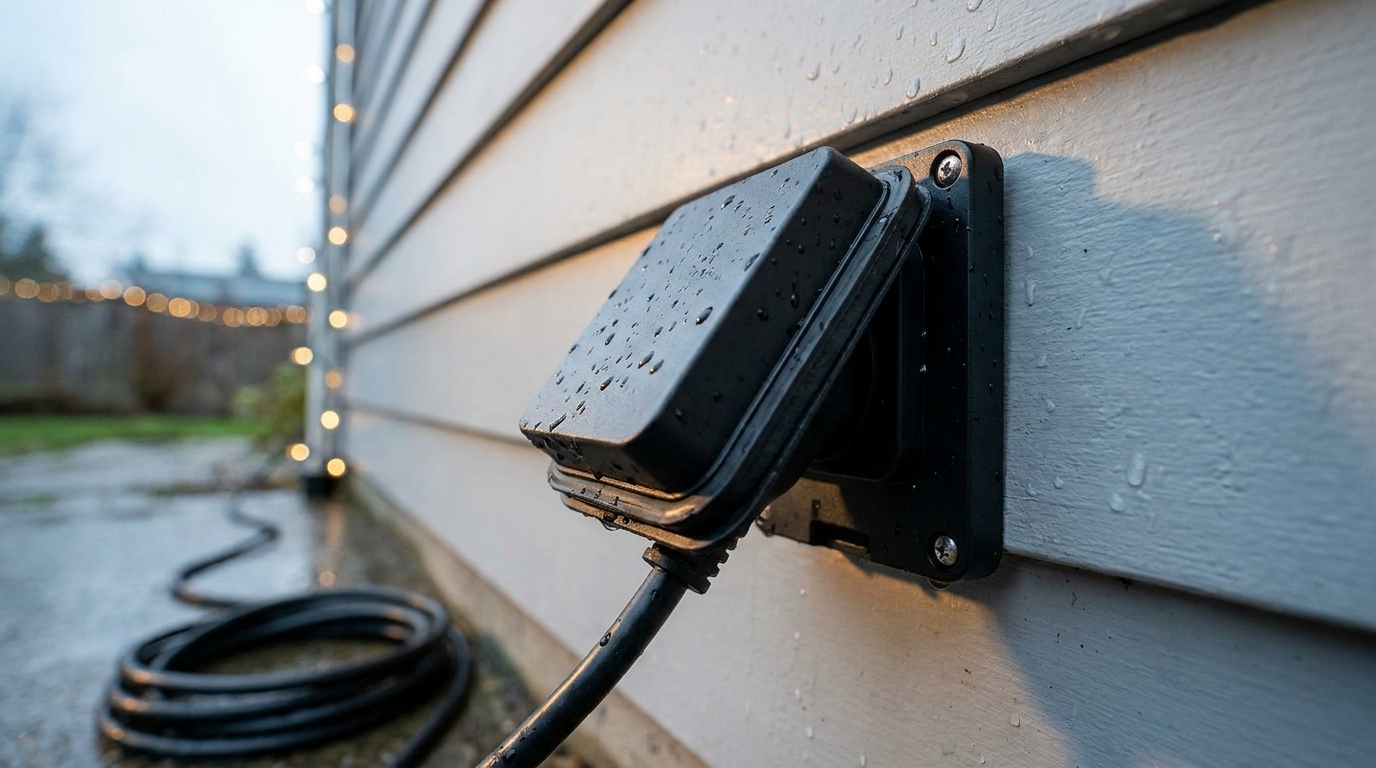
Practical guide:
- IP44 — resists splashes from all directions; OK for covered patios with no direct spray. (IP44 resists splashes — Cookiabode, 2026-05-03).
- IP64 — resists dust ingress and splashing/low-pressure spray; a common rating for mainstream outdoor plugs. Good for exposed yards with light rain and snow. (IP64 examples on mainstream models — Reviewed, 2026-05-03).
- IP65 — resists low-pressure jets and strong spray; prefer this for locations facing driving rain or coastal spray. (TP‑Link Tapo P400M listed as IP65 — Tom’s Guide, 2026-05-03).
Orientation rules and quick checklist (on every product page):
- Confirm the exact IP code (number, not “water-resistant”).
- Check outlet-cover design and whether covers seal when cords are plugged in.
- Read manufacturer mounting notes: does the unit require outlet face down or placement inside a box?
Pitfall to avoid: do not assume “outdoor” equals waterproof—never mount outlet face up or exposed to driving rain unless the spec explicitly supports it.
Match amps and wattage to your device so you never overload a plug or trip a GFCI
Always calculate the continuous load and check the plug’s continuous current rating. For most consumer outdoor smart plugs the working maximum falls close to household branch limits—many list a usable range near 1800–2000 W for resistive loads (confirm on the product page).
Key rules:
- Total-watt math: add every load on the outlet (lights + transformers + timers) and leave a safety margin—do not push a plug to its published max continuously.
- Resistive vs inductive: pumps and motors create inrush current; if the manufacturer does not provide an inductive-duty rating, treat the plug as unsuitable for large motors or heaters without a contactor. (Most outdoor plugs ~1800–2000 W — Cookiabode, 2026-05-03).
- Surge protection: if your loads are sensitive, choose models that list surge specs, but verify those specs on the manufacturer page (many models don’t publish surge current numbers).
When to use a contactor or pro-grade outlet:
- Patio heaters and continuous pond pumps: if the continuous amp draw is above the plug’s listed continuous rating, use a contractor-installed contactor or hard-wired control rated for motors/heaters.
- Cold-start inrush: motors at low temperature can draw several times running amps—confirm inductive ratings or consult an electrician.
Pitfall to avoid: never assume a consumer outdoor smart plug will handle inductive startup currents for pumps or heaters without explicit inductive-duty data from the manufacturer.
Quick comparison table: best outdoor smart plug picks by budget and use-case (holiday lights → heavy loads)
Table below lists IP rating, watts/amps (or missing data), Wi‑Fi band, hub requirement, warranty (if stated), and a one-line “when to choose.” Where specs aren’t publicly clear we flag next research steps.
| Model | IP Rating | Listed watts / amps | Wi‑Fi band | Hub required | Warranty | When to choose |
|---|---|---|---|---|---|---|
| TP‑Link Tapo P400M | IP65 (Tom’s Guide, 2026-05-03) | Not stated — confirm on spec sheet. No reliable data found — research next: official TP‑Link spec sheet for continuous amps / inductive rating. | 2.4 GHz (Matter support reported; confirm on product page) | No hub for core features; Matter may require compatible controller | Not stated — ask manufacturer | Best for landscape & holiday lights where driving-rain resistance matters |
| Wyze Plug Outdoor | IP64 (Reviewed, 2026-05-03) | Not listed — typical consumer plugs ~1800–2000 W; confirm model spec. No reliable data found — research next: Wyze spec sheet for continuous and inductive ratings. | 2.4 GHz | No hub | Not stated — ask manufacturer | Budget pick for light-duty tasks and short-term holiday displays |
| Meross MSS620 | IP64 (Reviewed, 2026-05-03) | Not listed — ask Meross for inductive and continuous ratings. No reliable data found — research next: Meross official electrical ratings and operating temp range. | 2.4 GHz | No hub | Not stated — ask manufacturer | Midrange: reasonable build for patio lights and moderate heaters if spec supports it |
| Ring Outdoor Smart Plug | IP64 (Reviewed, 2026-05-03) | Not listed — confirm on Ring product page. No reliable data found — research next: Ring spec sheet for amps, surge, and inductive duty. | 2.4 GHz | Requires Ring Bridge for some features | Not stated — ask manufacturer | Choose if tied into Ring ecosystem and you need whole-garden automations |
Best picks by budget
- Tight budget — Wyze Plug Outdoor (IP64) for holiday lights and low-duty pumps; trade-off: thinner covers and limited published electrical specs (Reviewed, 2026-05-03).
- Midrange — Meross MSS620 for heavier household outdoor use if spec confirms amps; trade-off: setup quirks reported.
- Pros — TP‑Link Tapo P400M (IP65) or hard-wired pro devices; trade-off: higher cost but better in driving rain (TP‑Link noted IP65 — Tom’s Guide, 2026-05-03).
Note: several fields above are vendor-declared and some electrical/load details were not available in the public reviews. No reliable data found — research next: official manufacturer spec sheets for continuous amps, inductive ratings, NEMA type and surge specs for each model.
How weatherproof specs and real-world factors (freeze–thaw, UV, salt spray) influence long-term reliability
IP ratings give ingress limits but do not reveal the whole durability story. Real-world threats include freeze–thaw cracking of gaskets, UV breakdown of plastics, and corrosion from coastal salt spray.
- Freeze–thaw: rigid or thin covers can develop cracks; an IP64 cover that closes tightly when warm may leak after cold cycles.
- UV: plastics without UV stabilizers become brittle; check product pages for UV or material claims.
- Salt spray: coatings and metal contacts corrode quickly—ask for salt‑spray or corrosion-test results for coastal installs.
Facts and gaps: IP64/IP65 protect against sprays and low-pressure jets; many mainstream plugs (Wyze/Meross/Ring) list IP64 which resists spray and snow but not submersion (Reviewed, 2026-05-03; IP64/IP65 guidance — Cookiabode, 2026-05-03).
What the specs don’t show (ask manufacturers or request tests):
- Cable-entry seals and strain-relief design.
- Gasket material (silicone vs rubber) and UV resistance claims.
- Lab/field tests: salt-spray (ASTM B117), UV exposure cycle, and freeze–thaw cycle reports.
Pitfall to avoid: treating IP numbers as a warranty against long-term degradation; always verify cable-entry and material data or request test reports.
Installation and mounting methods that preserve seals and keep warranties valid
Correct mounting preserves the rated protection and avoids voiding warranty or violating electrical code. If you’re unsure, call a licensed electrician for permanent installs.
- Mount outlet faces down to let water drip away; cover unused ports.
- Use GFCI-protected circuits outdoors—this is required for many outdoor receptacles and reduces shock risk.
- Consider installing inside a weatherproof box rated for outdoor electrical fixtures when the spec allows; confirm with the manufacturer that an enclosure doesn’t void the warranty. (Mount outlets facing down and cover unused ports — Tom’s Guide, 2026-05-03; indoor-only units should not be repurposed outdoors — Emporia Help, 2026-05-03.)
Combining high-draw outlets: avoid grouping multiple heavy loads onto a single smart plug or branch circuit without checking ampacity; a shared circuit can trip GFCI or thermal protectors.
Simple retrofits for harsh climates:
- Sacrificial clear covers mounted over the plug to block direct spray (confirm with manufacturer).
- Small thermostatically controlled enclosure heaters for unheated enclosures—only if manufacturer allows and local codes permit.
Pitfall to avoid: adding aftermarket enclosures or heaters without checking warranty and code—some alterations void warranties or create fire risks. For more on safe outdoor installs and code-aware methods, see our install checklist: installing-outdoor-smart-plugs-safely.
Common failure modes and a buyer’s step-by-step diagnosis plan (when a plug trips, won’t connect, or sticks)
There is limited published failure-mode testing for consumer outdoor smart plugs. Use the checklist below after installation and seasonally thereafter. No reliable data found — research next: Consumer Reports or independent multi-season field tests for outdoor smart plugs.
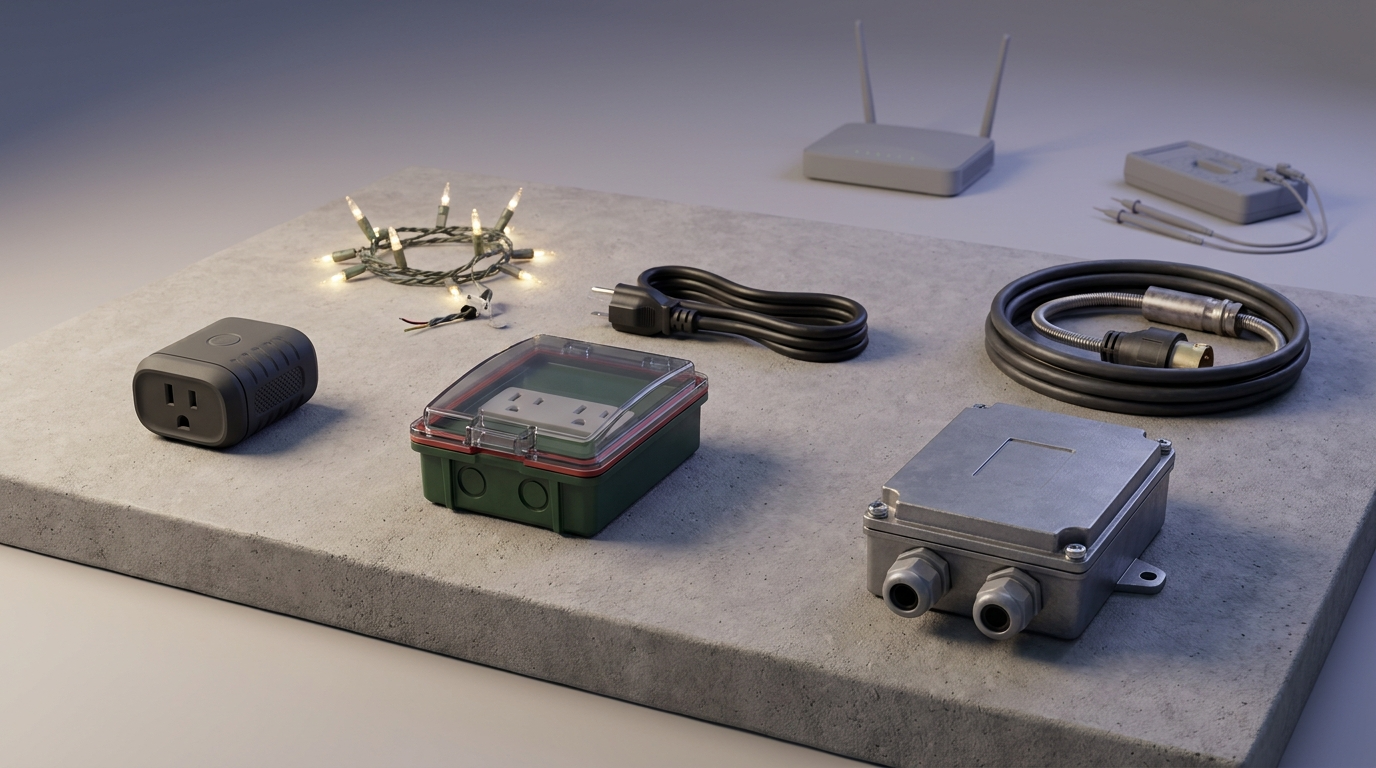
Step-by-step diagnosis (prioritized):
- Visual inspection: open covers, look for corrosion, moisture, cracked gaskets.
- Power test: verify GFCI and upstream breaker; swap the device to a known-good indoor outlet to check device behavior.
- Wi‑Fi test: confirm 2.4 GHz signal at the mount location; move a phone to the spot and run a speed/strength check. (Most consumer plugs use 2.4 GHz—test at location, see TP‑Link guidance — TP‑Link blog, 2026-05-03.)
- Relay check: if the outlet clicks but power doesn’t switch, the internal relay may be stuck—replace rather than repair unless manufacturer offers replacement module.
- Replacement trigger: visible corrosion, persistent GFCI trips on other loads, or sticky relays—replace the device for safety.
Which issues are repairable: reseating gaskets, cleaning contacts (only when power is removed), and replacing weatherproof covers. When to replace: any evidence of water inside the enclosure, thermal damage, or repeated GFCI trips.
Pitfall to avoid: do not attempt internal repairs that require opening sealed housings—this usually voids warranty and can be unsafe.
Holiday & seasonal setup: how to wire and schedule Christmas lights without shorting the yard
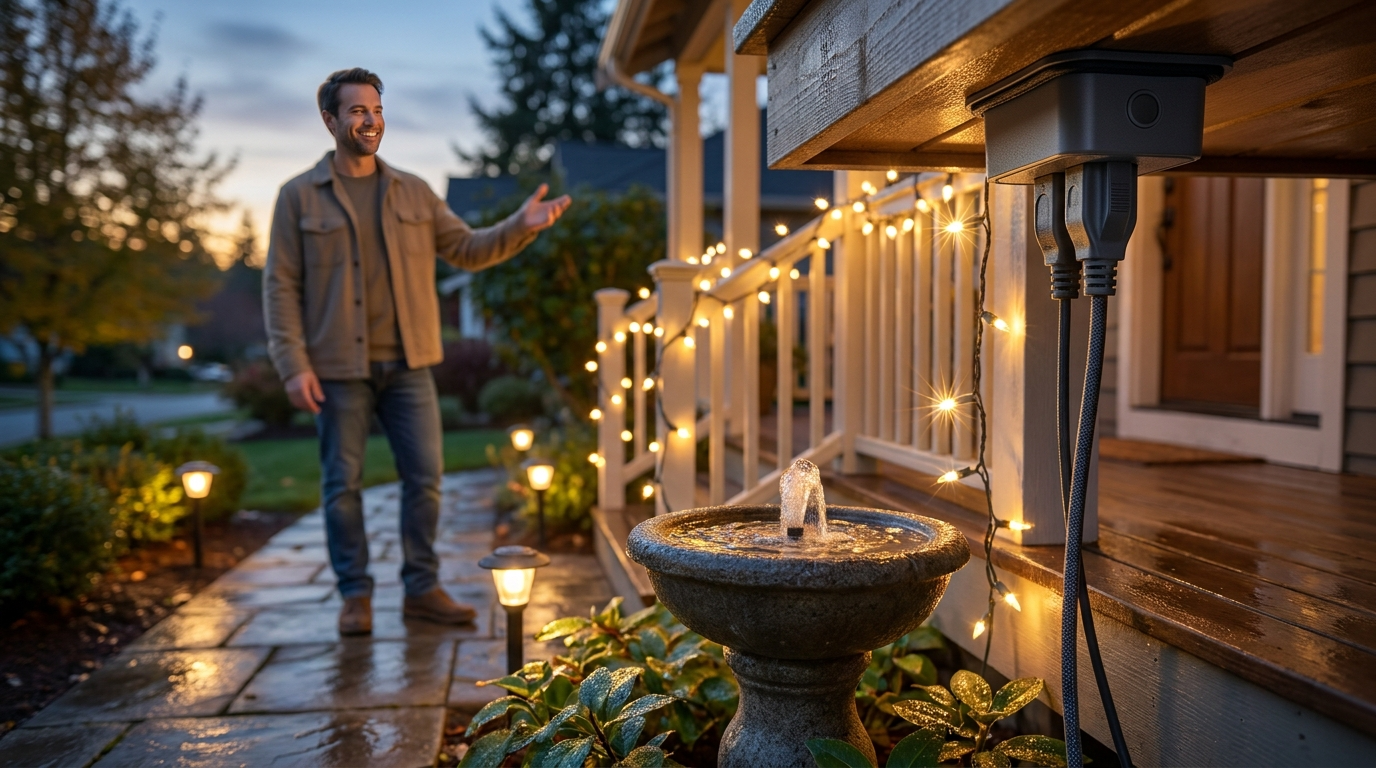
Holiday displays are common use-cases; manage channels, loads and timing to avoid overloads and nuisance trips.
- Dual-outlet management: use independently switched dual outlets to separate long strings and balance wattage across two circuits when possible.
- Wattage math: add wattage of all strings and allow margin—many outdoor plugs are rated ~1800–2000 W but confirm the model spec and inductive inrush at cold temps (Cookiabode, 2026-05-03).
- Scheduling strategy: prefer local schedules (device-based/timers) if you have intermittent internet, or cloud schedules with fallback if reliable internet exists; test automations before peak season.
Short checklist for winter storage and mid-season checks:
- Unplug and dry plugs before storing indoors.
- Mid-season: inspect covers, test channels and confirm GFCI behavior after storms.
- Avoid chaining too many LEDs or incandescent strings on a single plug—calculate combined wattage and inrush behavior at low temperatures.
Pitfall to avoid: assuming one plug equals unlimited string length—combined wattage and cold-start characteristics still apply.
Conclusion
Choose a weatherproof outdoor smart plug by matching IP rating to exposure, confirming continuous amps/watts for your load, and planning mounting to keep outlet faces down and gaskets sealed; when in doubt pick IP65 or consult a licensed electrician. If you want to compare models and check detailed install steps, read our extended guides on understanding IP & NEMA ratings, sizing plugs for heaters and pumps and our outdoor vs indoor checklist. Ready to pick? Compare the best outdoor smart plug options in our round-up: best-smart-plugs-2026 and add the model that matches your exposure and load to cart.
FAQ
What IP rating do I need for an outdoor smart plug mounted under a covered patio?
Aim for IP64+ for covered patios with occasional spray and IP65 if it can receive driving rain; verify outlet orientation and cover design on the product page (Cookiabode, 2026-05-03; Tom’s Guide, 2026-05-03).
Can I use a cheap indoor smart plug outside if I keep it in a box?
No — avoid indoor plugs outdoors; better to buy a certified outdoor-rated unit and check that any enclosure doesn’t void the plug’s warranty or violate local code (Emporia Help, 2026-05-03).
How many watts/amps should an outdoor smart plug handle for holiday lights or a small pond pump?
Most outdoor plugs are rated in the ~1800–2000 W range—calculate total string/pump wattage and leave headroom, and confirm inductive-load ratings for pumps (Cookiabode, 2026-05-03).
Do outdoor smart plugs need 2.4 GHz Wi‑Fi or will 5 GHz work?
Most consumer outdoor smart plugs rely on 2.4 GHz Wi‑Fi for range through exterior walls—confirm the model, and test signal at the mounting location (TP‑Link blog, 2026-05-03).
When should I choose a pro-grade outdoor smart plug or call an electrician?
For continuous heavy loads (patio heaters, submersible pumps) or permanent hard‑wired installs, choose pro‑grade devices or use contactors installed by a licensed electrician (Cookiabode, 2026-05-03).
How do I verify a plug’s long-term weatherproofing before buying?
Check the IP rating, manufacturer spec sheet for cable-entry detailing and UV/salt/temperature claims, ask for lab/field test reports, and avoid buying purely on “outdoor‑friendly” marketing—independent long-term data is often missing (No reliable data found — research next: request salt-spray/UV/freeze–thaw reports from the manufacturer).