

August Smart Lock Pro — measure first, install with verification, and only then buy. This guide gives a measurement-first, installation-first playbook and a buyer comparison matrix so homeowners, landlords, and integrators can confirm fit, complete a screwdriver-only install, run documented tests, and decide whether to purchase or upgrade.
Key Takeaways
- Measure first: confirm single-cylinder deadbolt, door thickness 1-3/4″–2-1/4″, and ~4.75″ centerline clearance for the Pro’s adapter wings (Postscapes — 2019-01-01).
- Install with verification: screwdriver-only sequence, mount DoorSense within 1.5″ of the frame, then run a 6-test pass/fail battery (manual turn, auto-unlock, DoorSense, app latency, 10-cycle key, battery health) to validate a reliable setup (August Support — Unknown).
- Know your hub: Bluetooth works locally; add August Connect Wi‑Fi Bridge for remote access or use a Z‑Wave controller for Z‑Wave integrations — budget for a separate bridge if you need remote control (HomeControls — Unknown).
- Avoid buying the wrong lock — exact door & deadbolt measurements to confirm an August Smart Lock Pro fit
- Pre-install checklist (tools, parts, hub checklist) so you don’t stop midway through install
- Step-by-step installation checklist for a reliable August Smart Lock Pro install (follow this exact order)
- Calibration + app sequence: DoorSense placement and smart calibration steps that prevent motor stalls
- Verification tests (pass/fail checklist) to confirm the August Smart Lock Pro is aligned, secure, and functional
- Buyer comparison & decision matrix: When August Smart Lock Pro beats Nest x Yale, Schlage Encode, and Yale Assure
- Printable installer’s checklist + quick troubleshooting roadmap for common August Smart Lock Pro edge cases
- Conclusion
- FAQ
Avoid buying the wrong lock — exact door & deadbolt measurements to confirm an August Smart Lock Pro fit
Start here and do not skip measurements. The August Smart Lock Pro is a retrofit interior-unit solution and requires specific clearances. Confirm the physical fit before ordering.
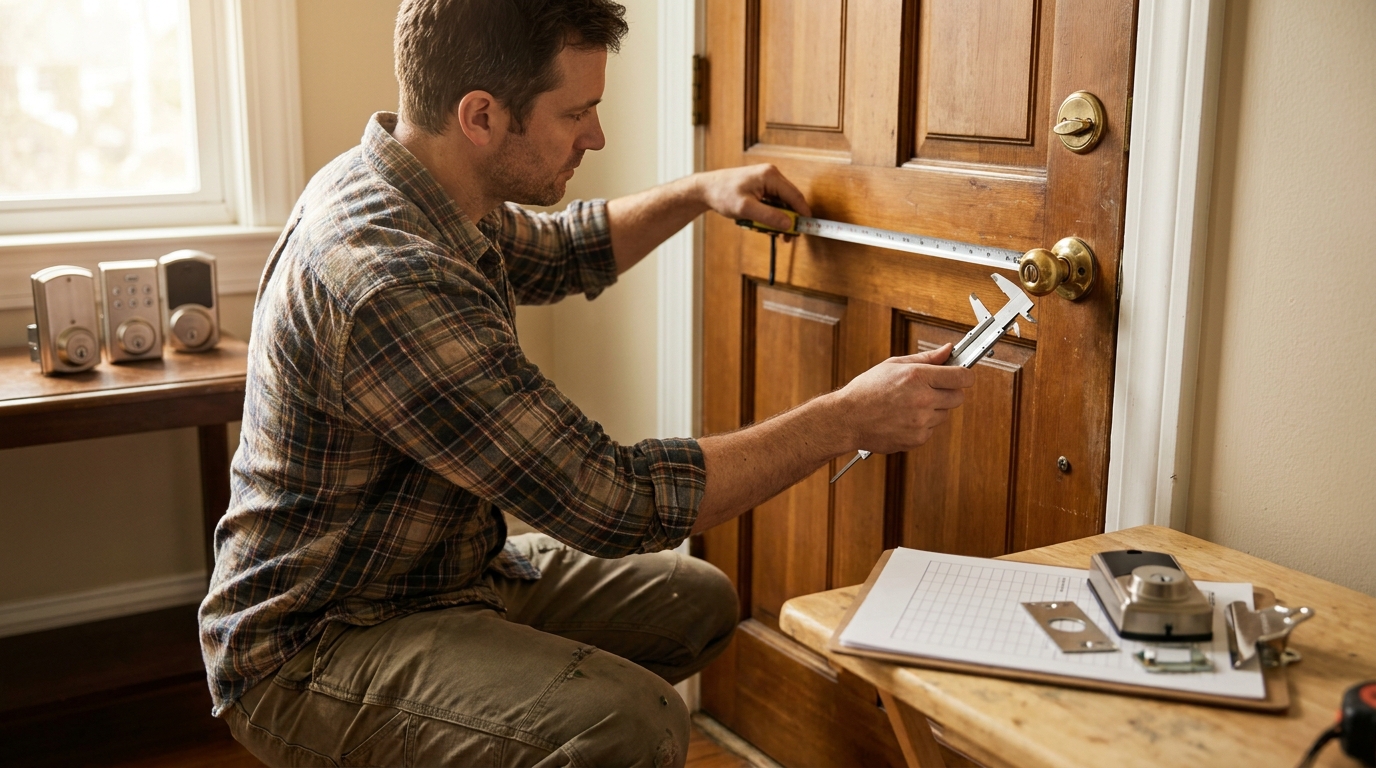
Step-by-step measurements (5 minutes)
- Door thickness: measure edge-to-edge. Must be between 1 3/4″ and 2 1/4″ for compatible deadbolts (common spec). Source: pivotdoorcompany data for Pro package (Door thickness: 1 3/4" to 2 1/4") — PivotDoorCompany — Unknown.
- Backset: measure center of bore (deadbolt) to door edge. Typical values: 2 3/8" or 2 3/4" (record which you have).
- Centerline-to-edge clearance for adapter wings: measure from deadbolt centerline to the nearest hardware or edge that could block the August wings. August Pro body dims: 3.39" H × 3.39" W × 2.22" D and requires ~4.75" clearance with wings fully extended — Postscapes — 2019-01-01.
- Thumbturn diameter and removability: confirm the interior thumbturn can be removed — the August design replaces the interior thumbturn. If the thumbturn is fixed to a mortise or is part of an interconnected system, the Pro is incompatible.
Deadbolt type compatibility
- Compatible: single-cylinder deadbolts (retrofit style where interior thumbturn is removable).
- Incompatible: mortise locks, rim cylinders, interconnected locks, and some exterior keypad-integrated deadbolts. Do not assume universal fit.
Quick measurement worksheet (copy/print)
- Door thickness: ________ (inches)
- Backset (centerline to edge): ________ (2 3/8" or 2 3/4")
- Centerline-to-clearance: ________ (must be ≥ 4.75")
- Thumbturn removable? ________ Yes / No
- Deadbolt type: ________ (single-cylinder / mortise / rim / interconnected)
Pitfall to avoid: don’t assume “it fits all deadbolts.” If you have a mortise or interconnected lock, stop and research replacement-style locks or consult August’s compatibility tool (search August support).
Pre-install checklist (tools, parts, hub checklist) so you don’t stop midway through install
Collect everything first. Most installs use one screwdriver and basic parts, but hub planning is critical.
Prerequisites
- Tools: Phillips screwdriver. No drilling required for standard installs. (Postscapes — 2019-01-01).
- Batteries: 4 × AA recommended for Pro (some models list CR123 compatibility). Verify model sticker before buying cells — (HomeControls — Unknown).
- Remove interior thumbturn and retain exterior key. Ensure deadbolt cycles smoothly by hand.
- Backset confirm: 2 3/8" or 2 3/4" standard. Measure and note.
Hub decision table (short)
- Bluetooth-only: local control and auto-unlock; no extra hardware required.
- August Connect Wi‑Fi Bridge: required for remote access and cloud voice integrations; sold separately — HomeControls — Unknown.
- Z‑Wave controller: use when integrating into a Z‑Wave hub ecosystem (home automation integrators).
Pitfall to avoid: skipping hub planning. Many buyers discover they need the Connect Wi‑Fi Bridge after the install. Budget for it if remote access is required.
Step-by-step installation checklist for a reliable August Smart Lock Pro install (follow this exact order)
Follow this exact order. Estimate total time: 20–40 minutes for a single experienced DIYer; allow 45–75 minutes for first-timers and landlords documenting multiple units.
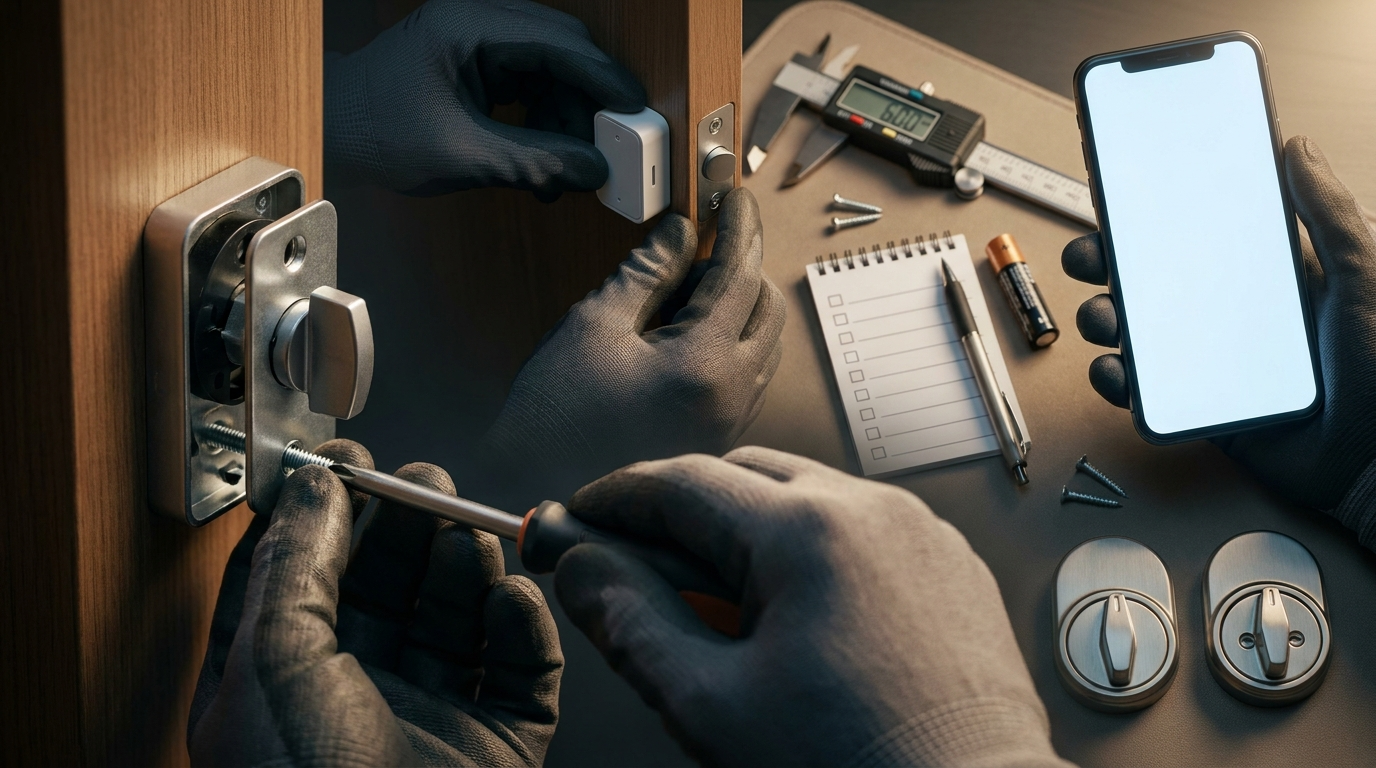
- Verify compatibility (5 min): Confirm worksheet values (door thickness, backset, clearance) and single-cylinder deadbolt.
- Remove interior thumbturn (3–5 min): Use Phillips screwdriver to remove thumbturn retaining screws. Keep screws for re-use only if instructed.
- Attach adapter to tailpiece (5–8 min): Fit the supplied adapter to the deadbolt tailpiece per included adapter diagram. Ensure orientation matches the lock’s rotation direction.
- Mount lock body (5–10 min): Hold the lock body aligned to centerline, seat against the door, and hand-tighten mounting screws. Safe tightening: alternate screws and stop when snug. No reliable torque specs were found — DO NOT overtighten (No reliable data found — research needed). If you require torque numbers, contact August support or request the product data sheet.
- Install DoorSense sensor (3–5 min): Place DoorSense on the door edge within 1.5" of the frame edge and within 1.5" from the top of the extended bolt per August guidance — August Support — Unknown.
- Insert batteries (2 min): Install fresh 4 AA cells (or model-specific CR123 option). Record battery baseline percentage in app after pairing.
- Pair in-app (5–10 min): Download the August app, enable Bluetooth, follow pairing prompts, then run calibration. App basics: download August app, enable Bluetooth, follow pairing prompts — HomeControls — Unknown.
- Add Wi‑Fi Bridge if needed (5 min): If remote access desired, add August Connect Wi‑Fi Bridge per app prompts (sold separately).
- Initial calibration (2–5 min): Follow the app’s calibration routine (see Calibration section below).
Screw torque guidance: No official torque specs published in available sources. Safe tightening approach: hand-tighten until snug, then quarter-turn increments while testing rotation and frame clearance. Flag: “No reliable data found — research needed” for exact torque and screw spec.
Calibration + app sequence: DoorSense placement and smart calibration steps that prevent motor stalls
Calibration is the most important step to prevent motor stalls and false open/closed states. DoorSense placement directly affects motor behavior.
DoorSense placement (must follow)
- Mount DoorSense sensor on the door edge so the sensor body sits within 1.5 inches of the door frame edge and within 1.5 inches from the top of the extended deadbolt per August instructions — August Support — Unknown.
- Micro-adjustment technique: if the app reports “too far” or “no contact,” shift DoorSense 1/8" toward the frame and re-run calibration. Continue until app reports reliable closed state.
In-app calibration routine
- Open the August app and start the lock setup wizard.
- Run the built-in calibration — lock will attempt full rotate and record endpoints.
- After calibration, test manual extension of the deadbolt and confirm DoorSense shows CLOSED when bolt is extended and DOOR CLOSED in the app.
- If motor stalls or retries: check DoorSense alignment and re-run calibration. If problem persists, remove battery power for 10 seconds and repeat pairing (general troubleshooting).
Why this prevents stalls: DoorSense tells the motor whether the bolt is truly extended. If DoorSense is misaligned (>1.5"), the motor may attempt repeated retries causing stalls and battery drain.
Pitfall to avoid: mounting DoorSense more than 1.5" away and assuming “close is good enough” — that often causes misreporting and motor retries.
Verification tests (pass/fail checklist) to confirm the August Smart Lock Pro is aligned, secure, and functional
Run these documented tests and record outcomes. Keep the record for warranty or property-management evidence.
Verification test battery (do each 3 times)
- Manual turn resistance test — Procedure: With interior thumbturn removed and lock body mounted, manually turn the deadbolt via the adapter by hand: it should rotate smoothly without binding. Pass if smooth; Fail if stalls, grinds, or needs excessive force. (Source: Postscapes overview — Postscapes — 2019-01-01)
- Auto-unlock range test — Procedure: Put phone in typical pocket, walk toward door from 20 ft. Pass if auto-unlock triggers consistently within about 10 ft on approach; Fail if inconsistent. Suggested pass distance ~10 ft (approach test) per PivotDoorCompany reference — PivotDoorCompany — Unknown.
- DoorSense reporting — Procedure: Open and close door, verify app state changes match physical state. Pass if exact; Fail if misreports.
- App lock/unlock latency sample — Procedure: Lock and unlock via app from within Bluetooth range and via Wi‑Fi Bridge if added. Document response times. Note: No reliable data found for exact latency thresholds — target <2s for ideal; treat >5s as suspect and flag for troubleshooting.
- Backup key 10-cycle test — Procedure: Use exterior key to lock/unlock 10 cycles, observe any increased resistance or misalignment. Pass if consistent alignment and no interference with smart lock; Fail if binding occurs. (Source: August backup-key validation suggestion — August product — Unknown.)
- Battery health baseline — Procedure: Record battery percentage in app immediately after install. Pass if >50%; monitor for rapid drain over 7 days. (Source: HomeControls battery notes — HomeControls — Unknown.)
How to document results
- Record date/time, tester name, phone model, ambient temperature, and test results (Pass/Fail + notes).
- Keep photos of DoorSense placement and adapter orientation attached to the record.
- If any Fail, list immediate remediation steps taken and re-test.
Pitfall to avoid: accepting “works once.” Run multiple cycles, different angles, and phone pockets to simulate real use. Note where vendor data is missing: exact app latency thresholds and torque specs — label these entries “No reliable data found — research needed” in your record and contact August support for definitive values.
Buyer comparison & decision matrix: When August Smart Lock Pro beats Nest x Yale, Schlage Encode, and Yale Assure
This compact matrix maps the August Smart Lock Pro to four buyer profiles and competitor strengths so you pick the right lock for the use case.
Decision matrix (high-level)
| Criteria | August Smart Lock Pro (retrofit) | Nest x Yale | Schlage Encode | Yale Assure |
|---|---|---|---|---|
| Retrofit vs replacement | Retrofit (no exterior changes) | Replacement-style (tied to Nest ecosystem) | Replacement (robust hardware) | Replacement or modular |
| Hub cost for remote access | May require August Connect Wi‑Fi Bridge (sold separately) — HomeControls — Unknown | Often uses Nest Hub | Hub-free for Wi‑Fi models | Hub-free on some models |
| DoorSense/open detection | Dedicated DoorSense sensor; mount within 1.5" of frame — August Support — Unknown | Integrated sensor | Integrated sensors; varies by model | Integrated sensors |
| Integrations | Alexa, Google, HomeKit, Siri; Z‑Wave (with hub) — Postscapes — 2019-01-01 | Nest ecosystem | Alexa/Google, some models Matter | Works with multiple ecosystems |
| Best for | Rentals, managers, minimal exterior changes | Google-centric homes | Security-first homeowners | Matter/modern smart-home setups |
Top pick by buyer profile
- Rental / property manager: August Pro — no exterior changes, digital keys and app management (recommended). Source: Postscapes review — Postscapes — 2019-01-01.
- Security-focused homeowner: Consider replacement deadbolts like Schlage Encode (hardware-first security); if you need retrofit, validate professional-grade deadbolt compatibility (No reliable data found for hardware alarm specifics — research needed).
- Smart-home integrator: August Pro supports Z‑Wave Plus with a controller; choose based on local hub requirements and S2 encryption if required (check official hub specs).
- Budget-conscious: August Pro packages can be competitive (MSRP $279.99; street examples $254.99) but remember the Wi‑Fi Bridge adds cost — example retail listing shows MSRP/street pricing — Home Depot — Unknown.
Pitfall to avoid: making vague security claims. There is “No reliable data found” for encryption protocol and tamper-detection specifics in public comparison docs; request vendor spec sheets if you require cryptographic assurance.
Printable installer’s checklist + quick troubleshooting roadmap for common August Smart Lock Pro edge cases
One-page checklist below and quick triage steps for common failures. Keep a printed copy during install and attach test photos to your records.
One-page printable checklist (use as log)
- Pre-install: Door thickness ______ ; Backset ______ ; Centerline clearance ______ (target ≥ 4.75")
- Tools: Phillips screwdriver ✓ ; Batteries 4×AA ✓ ; August Connect Bridge (if remote) ✓
- Install steps: Verify compatibility ✓ → Remove thumbturn ✓ → Mount adapter ✓ → Mount lock ✓ → Install DoorSense ✓ → Insert batteries ✓ → Pair app ✓ → Calibrate ✓
- Verification: Manual turn (Pass/Fail) ______ ; Auto-unlock range (Pass/Fail) ______ ; DoorSense (Pass/Fail) ______ ; App latency (Pass/Fail) ______ ; Backup key 10-cycle (Pass/Fail) ______ ; Battery % baseline ______
- Notes & photos: attach images of DoorSense placement and adapter orientation
Quick troubleshooting roadmap (edge cases)
- Bluetooth drops: Reboot phone Bluetooth, move closer, re-pair. Check for phone OS power saving features.
- Wi‑Fi Bridge offline: Power cycle bridge, confirm SSID/password, check router 2.4GHz availability. If still offline, re-add in app.
- Motor stalls: Check DoorSense placement (must be within 1.5" of frame) and manual deadbolt smoothness. Re-calibrate. If persistent, test with fresh batteries and document failure for warranty.
- Rapid battery drain: Test with fresh AA cells, record baseline %, and monitor 7-day trend. Cold climates accelerate drain — note ambient temp.
- Factory reset vs warranty: Try reset only after following all troubleshooting steps and documenting them. If reset fails or hardware behaves erratically, escalate to warranty (2-year limited warranty referenced in some retailer specs — HomeControls — Unknown).
Pitfall to avoid: promising fix success rates without data. There is “No reliable data found” for failure-mode frequencies; collect test data per unit to build evidence when escalating to support.
Conclusion
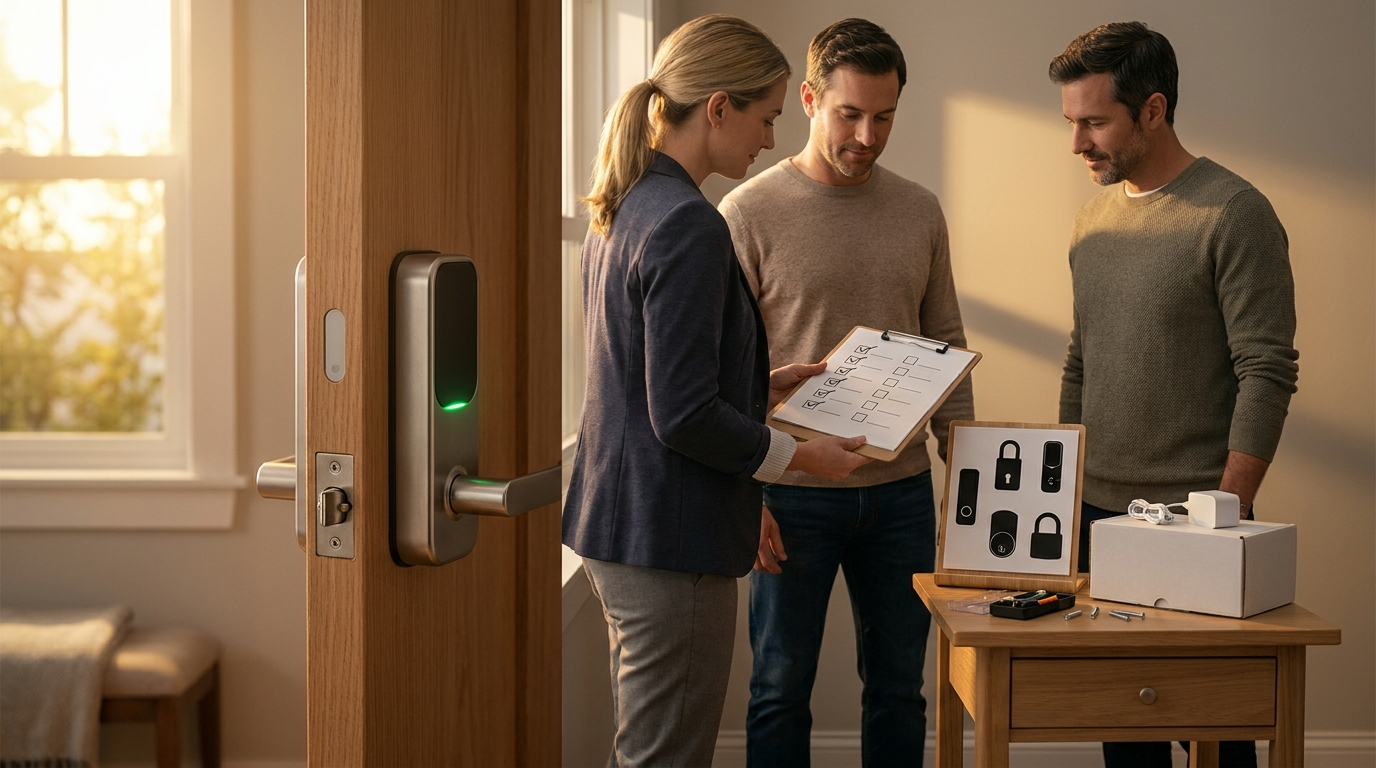
Measure first, install second, verify everything, then buy. The August Smart Lock Pro is an excellent retrofit choice when your door and single-cylinder deadbolt meet the physical requirements and you plan for hub needs (Bluetooth only vs August Connect Wi‑Fi Bridge or Z‑Wave controller). If you followed this guide, recorded tests, and confirmed DoorSense and auto-unlock behavior, you can decide confidently to purchase or compare alternatives.
Next step: compare prices and accessories, then order the lock and (if needed) the August Connect Wi‑Fi Bridge. Want deeper troubleshooting or a printable PDF checklist? Read our smart lock troubleshooting and smart lock installation guide, or use the smart lock buyers guide to compare models.
FAQ
What exact measurements do I need before buying an August Smart Lock Pro?
Measure door thickness, backset (2 3/8" or 2 3/4"), centerline-to-edge clearance (ensure ~4.75" clearance for the Pro’s wings), and confirm a single‑cylinder deadbolt; see measurement worksheet above.
Which tools and batteries do I need for install?
A Phillips screwdriver and 4 AA batteries (or check model for CR123 option); plan for an extra August Connect Wi‑Fi Bridge if you want remote access (Postscapes — 2019-01-01; HomeControls — Unknown).
How should I place DoorSense for reliable open/closed reporting?
Mount DoorSense within 1.5 inches of the door frame edge and within 1.5 inches from the top of the extended deadbolt per August’s guidance (August Support — Unknown).
What verification tests prove the lock is correctly installed?
Run manual turn resistance checks, auto-unlock range approach tests, DoorSense open/close checks, app lock/unlock latency samples, a 10-cycle backup-key test, and record a battery percentage baseline.
When should I add the August Connect Wi‑Fi Bridge versus using Bluetooth only?
Use Bluetooth-only for local control; buy the August Connect Wi‑Fi Bridge (sold separately) if you need remote access, cloud features, or voice-assistant integration (HomeControls — Unknown).
What if I can’t find torque/screw specs or BLE range numbers?
That’s common — document “No reliable data found” and follow the article’s safe-tightening guidance; contact August support or request the product data sheet for exact torque and BLE figures.