

ring video doorbell discount code — this guide gives a practical buyer’s checklist so you redeem the code, confirm compatibility, install or mount the unit (wired or battery), verify recordings and live view, and calculate the real 1‑ and 3‑year cost before you click “Buy.”
If you want to save on a Ring Video Doorbell without unexpected hardware or subscription add‑ons, follow the checks and stepwise scripts below. Read once, print the one‑page checklist, then buy with confidence.
Key Takeaways
- Confirm five preconditions before checkout (wiring type, transformer voltage, chime compatibility, Wi‑Fi band & speed, Ring account region) so the discounted unit installs and functions without extra hardware.
- Redeem the discount at checkout correctly (login rules and one‑code limitations), then run a short device verification checklist (live view, motion alerts, chime activation, cloud recording) to prove the discount purchase delivered working hardware and storage.
- Pick the model that gives real savings for your use case (battery for renters, wired for existing chimes, Pro/4K for multi‑unit) and run the provided price‑math template to compare final out‑the‑door cost over 1 and 3 years including Ring Protect and likely installation/return outcomes.
- Pre-purchase compatibility checklist that prevents extra hardware costs
- How to redeem a Ring discount code correctly so the savings actually apply
- Beginner’s step-by-step install checklist (Wired vs Battery) — do this in order
- Immediate verification steps that prove the discount and hardware are correctly applied
- Price math template — compare final out-the-door and 1-year/3-year TCO
- Best picks by budget & use-case — which discounted Ring model to pick right now
- Real-world failure modes after using a discount code — how to troubleshoot quickly and when to escalate
- Conclusion
- FAQ
Pre-purchase compatibility checklist that prevents extra hardware costs
Before you use any ring video doorbell discount code confirm these five items. Missing one will turn a “discount” into unexpected adapter or electrician costs.
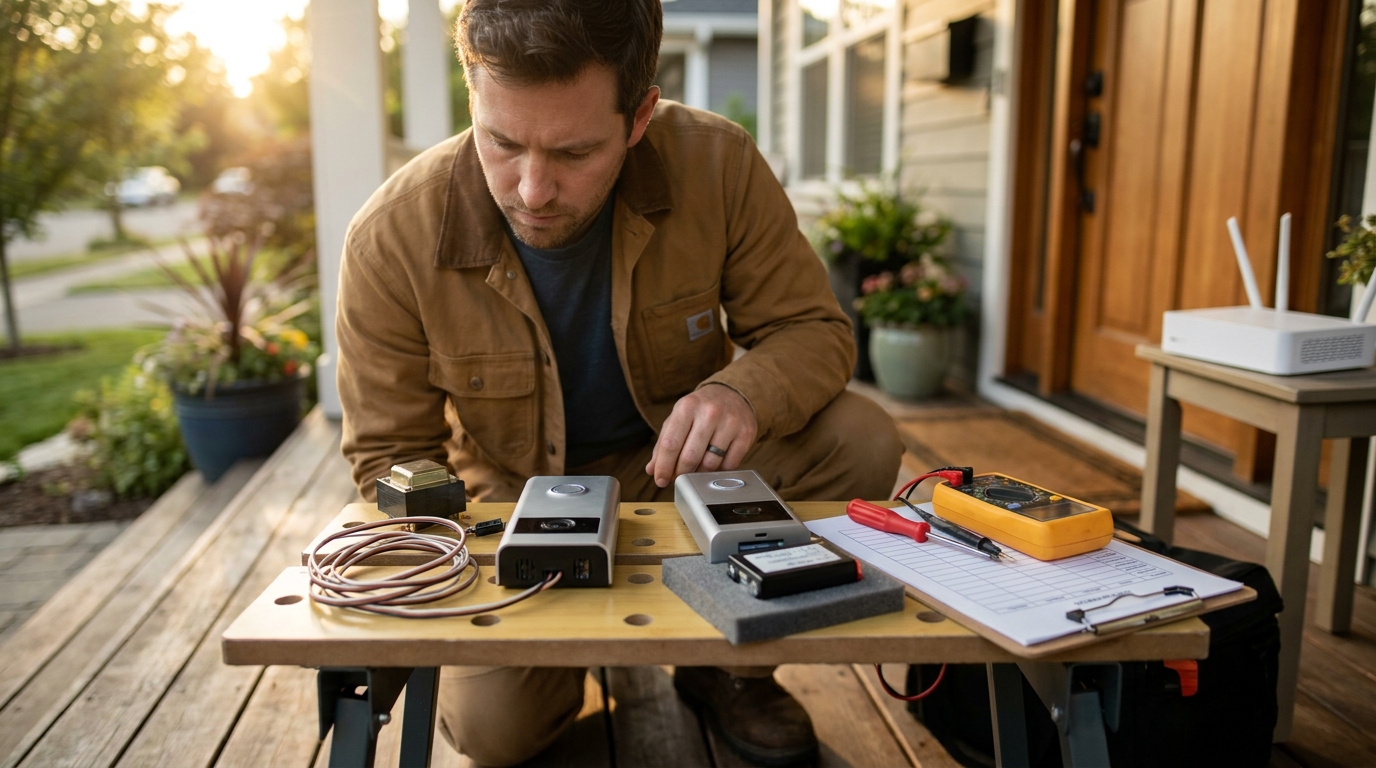
What to confirm (exact items)
- Wiring type: Is the current doorbell wired to a transformer (hardwired) or does it run on battery? If you remove an existing wired doorbell you may already have a compatible transformer.
- Transformer voltage: Note the label on the transformer (commonly 8–24 VAC). Many Ring wired models require a minimum voltage—record the exact number.
- Mechanical chime type and wiring: Open the chime cover and photograph the terminals and internal mechanism. Some legacy mechanical chimes need a chime kit or resistor.
- Wi‑Fi band & speed: Confirm router SSID, whether the network is 2.4GHz or 5GHz (Ring devices often prefer 2.4GHz for range), and a basic speed test near the door location.
- Ring account region: Confirm your Ring account region and address; some activations and promos are region‑restricted.
How to test/measure each item at home (photos to capture)
- Transformer label: Locate the transformer (often in basement/attic) and photograph the label showing VAC and VA rating.
- Chime internals: Remove the chime cover and photograph terminal wiring and the solenoid or striker area.
- Router SSID: Screenshot your router’s admin or phone Wi‑Fi list showing the bands and SSIDs.
- Quick voltage check: Use a multimeter to read AC voltage at the doorbell wires (or picture the transformer’s label if you don’t have a meter).
Quick pass/fail decision matrix
- Buy: Battery install or wired with transformer within Ring model spec.
- Buy + small adapter: Wired but transformer below spec — you’ll need a compatible transformer or a Ring chime kit; document cost before checkout.
- Don’t buy: Legacy mechanical chime incompatible and no safe path to upgrade or you lack admin rights (renters without permission).
Research note: No reliable public table covering every legacy transformer or chime was found — consult Ring support for model‑by‑model compatibility at Ring Support (checked 2026-04-29).
Prerequisites (printable list)
- Photo of transformer label (VAC/VA)
- Photo of chime internals and terminals
- Router SSID screenshot and band (2.4/5GHz)
- Ring account address and region confirmed
- Basic tools: screwdriver, multimeter (optional), charged phone
Pitfall to avoid: Don’t assume every Ring model works with legacy mechanical chimes or low‑voltage transformers.
How to redeem a Ring discount code correctly so the savings actually apply
Follow this exact checkout flow so the ring video doorbell discount code actually reduces your final charge.
Step‑by‑step checkout
- Sign in to your Ring account at ring.com.
- Add eligible product(s) to cart — verify the product page says “eligible for promo” where applicable.
- Proceed to checkout and enter the code in the “Discount Code” field (top right or on payment page). Some offers auto‑apply after login.
- Confirm the discount appears on the final order total BEFORE placing the order (take a screenshot of the cart and final total).
- Save the order confirmation email and screenshot the discount line on the confirmation page.
Cited rule: Ring notes a “10% Ring discount applies automatically at checkout after logging in” and that one discount code is usable per day; try signed‑out checkout if you see failures (source: Ring discounts support, 2026-04-29).
Troubleshooting checkout failures
- Cannot apply code: Try clearing cookies, use another browser or device, or attempt a signed‑out checkout as Ring support suggests.
- Code blocked: Check if the promo excludes subscriptions or is “one‑per‑account” in the promotional terms (Ring promotional terms, 2026-04-29).
- Discount shows in cart but not on confirmation: Preserve screenshots and immediately contact Ring support with the evidence.
Pitfall to avoid: Never assume subscription fees are reduced by a product promo — confirm final totals for both product and optional Ring Protect.
Beginner’s step-by-step install checklist (Wired vs Battery) — do this in order
This is the most action‑oriented section: follow the sequence exactly for safe installs and to avoid extra costs.
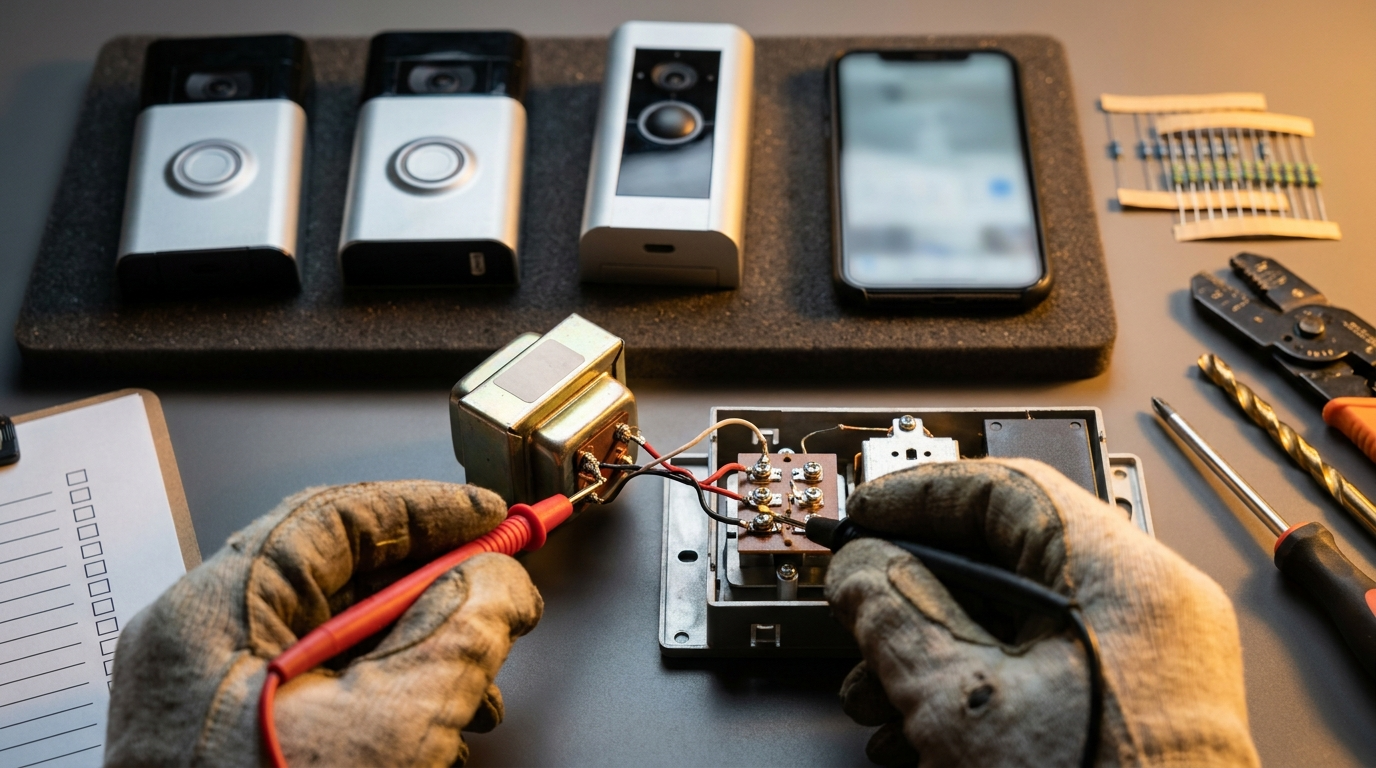
Preparatory steps (common to both)
- Charge the battery fully (battery models) or shut power at the breaker (wired).
- Label the chime wires before removal.
- Back up your router SSID and password to phone notes for app pairing.
- Take the product serial and photograph the box for warranty proof.
Wired install sequence
- Turn off breaker that feeds the doorbell circuit.
- Remove old doorbell and check transformer label (take photo).
- Measure voltage at the doorbell wires or confirm transformer VAC matches Ring model spec.
- Install Ring per model wiring diagram; if model requires a chime kit or resistor, install per Ring instructions.
- Restore power and test chime and app live view before re‑mounting faceplate.
Battery install sequence
- Charge battery to 100% and insert in the unit.
- Mount bracket using adhesive or screws as allowed by property rules.
- Open Ring app → Add Device → Video Doorbell and follow pairing QR/serial steps.
- Set motion zones and chime preferences in the app.
Verification tests after install (what pass looks like)
- Live view: App opens live stream within 3–10 seconds (acceptable latency varies by Wi‑Fi).
- Motion: Generate two independent motion events and confirm app notifications.
- Chime: Press doorbell button and confirm indoor chime rings (wired) or the app plays ding sound (battery).
- Cloud: If you purchased Ring Protect, verify one recorded clip appears in Event History.
Citation: Ring’s discounts and checkout behavior are documented at Ring discounts support (2026-04-29); consult model installation pages at Ring Support for wiring diagrams (2026-04-29).
Printable checklist
PRINTABLE ONE-PAGE CHECKLIST
- Transformer photo: ________
- Chime internals photo: ________
- Router SSID (2.4/5GHz): ________
- Ring account region: ________
- Battery charged / Breaker off: ________
- Pairing completed (Y/N): ________
- Live view OK (Y/N): ________
- 2 motion clips present (Y/N): ________
- Chime ring confirmed (Y/N): ________
- Order confirmation & discount screenshot saved (Y/N): ________
When not to buy — micro‑checklist
- Transformer voltage below the model minimum and you cannot access an upgrade.
- Mechanical chime incompatible and landlord denies wiring changes.
- Router/Wi‑Fi at the door location is unusably weak and you can’t add an extender.
Pitfall to avoid: Do not install before confirming chime wiring compatibility — that’s the most common cause of buzzing or nonworking chimes.
Immediate verification steps that prove the discount and hardware are correctly applied
After purchase and install, run these verification actions immediately so you have evidence for refunds or price matches if needed.
Order validation
- Check the order confirmation email: the discount line and final charged amount must be visible — save a screenshot and forward a copy to your email backup.
- Capture the Ring app pairing screen showing device serial and model.
Device validation
- Firmware: In the Ring app, confirm the installed device firmware version (store a screenshot).
- Online status: Confirm device shows “Online” and connected to your Wi‑Fi SSID.
- Motion/live test: Trigger two motion events, then open each clip from Event History to confirm recordings are playable.
- Latency test: Record live view open time and note any >15s delays.
Cloud validation
- Ring Protect: Confirm plan status in app — recorded events should remain accessible for the plan period. Product discounts typically do not cover subscription fees (see Ring discounts support, 2026-04-29).
Pitfall to avoid: Don’t discard old equipment or packaging until you confirm recordings and the discount appear on the final confirmation.
Price math template — compare final out-the-door and 1-year/3-year TCO so you don’t get sticker shock
Use this fillable template to compare two scenarios side‑by‑side: MSRP, discount, tax, installation, Ring Protect, and likely replacement parts.
Price math template (fillable)
Model: ______________________
MSRP: $______
Promo discount (% or $): ______ -> Discounted price: $______
Sales tax (~%): ______ -> Tax amount: $______
Shipping: $______
Professional install (optional): $______
Ring Protect (year1/monthly): $______/mo or $_____/yr
Expected battery replace or spare (3yr): $______
1-year net cost = Discounted price + tax + shipping + install + Ring Protect (yr1) + battery
3-year net cost = Discounted price + tax + shipping + install + Ring Protect (3yrs) + battery replacements
Two worked examples (sample numbers — replace with your totals)
- Example A — Battery Doorbell, 40% coupon: MSRP $100 → $60 after 40% off; tax $5; shipping $0; Ring Protect $3/mo ($36/yr). 1‑yr net ≈ $60+$5+$36 = $101.
- Example B — Wired 4K Doorbell, 10% auto discount: MSRP $250 → $225 after 10%; tax $18; install $80; Ring Protect $3/mo ($36/yr). 1‑yr net ≈ $225+$18+$80+$36 = $359.
Cited examples: a 40% Battery Doorbell offer is listed in public coupon trackers (see CouponFollow, checked 2026-04-29); review Ring promotional terms for invitation/one‑per‑account rules at Ring promotional terms (2026-04-29).
Competitor comparison checklist
- Check Amazon/Best Buy/Home Depot for price + return policy — compare total cost after tax and shipping.
- Confirm whether the retailer promo affects bundle offers (some retailer bundles include free trial months of Protect; document that before buying).
Pitfall to avoid: Ignoring Ring Protect subscription and installation cost when calculating net savings.
Best picks by budget & use-case — which discounted Ring model to pick right now
Pick the model that creates real savings for your situation rather than chasing the biggest % off.
Heuristics
- Renters/budget: Battery models — no wiring, easy removal; watch for large percentage coupons (example: 40% off Battery Doorbell listed on coupon trackers — CouponFollow, 2026-04-29).
- Wired homes with existing chime: Wired Ring models — lower long‑term maintenance and chime integration if transformer is compatible.
- Multi‑unit or pro install / 4K needs: Consider Pro/4K models for wide FOV and clarity; factor professional install across multiple doors.
Shopping caveats
- Invite‑only promos and one‑per‑account limits are common — see Ring promotional terms (2026-04-29).
- Ring Give‑Back discounts exist for eligible groups (up to 20%) but require VerifyPass — verify eligibility at Ring Give‑Back (checked 2026-04-29).
Pitfall to avoid: Don’t recommend a specific model without confirming transformer/chime compatibility and account eligibility for invite/offers.
Related reading: use the Video doorbell buying checklist and the install guides like How to install a wired Ring doorbell and the Ring Protect plan comparison to finalize your TCO and installation plan.
Real-world failure modes after using a discount code — how to troubleshoot quickly and when to escalate
Common failure modes after buying and installing a discounted Ring device — and exactly what to collect if you need refunds or escalation.
Common failure modes and immediate steps
- Activation / account region lock: Capture screenshot of the app error and serial; contact Ring Support with receipt and region error screenshot (collect order confirmation first).
- Buzzing mechanical chime: Power down, recheck wiring, install required resistor or Ring chime connector per Ring support wiring diagrams.
- Wi‑Fi issues: Confirm the unit connects to a 2.4GHz SSID near door; move router or add an extender if necessary.
- Missing recorded clips: Confirm Ring Protect is active in the app; if clips don’t appear, save timestamps and contact support.
Escalation path and templates
- Collect: order confirmation email, screenshot of final checkout with discount line, product serial, installation photos, and test clip timestamps.
- Contact Ring Support first via Ring Support. If purchased from retailer, follow retailer return/price‑match policy and provide the same evidence.
- Time windows: Keep evidence for at least 30 days after purchase; follow the promotional terms for one‑per‑account disputes (Ring promo terms, 2026-04-29).
Research note: Top pages often omit the stepwise refund/price‑match playbook and exact screenshots to capture — keep detailed evidence and use the templates above when contacting support or a retailer.
Conclusion
Use this buyer’s checklist to confirm wiring, transformer voltage, chime compatibility, Wi‑Fi, and Ring account region before applying a ring video doorbell discount code. Redeem the code only after you capture the pre/post discount screenshots, install or bench‑pair the unit per the steps above, and run the verification checklist so you can prove the purchase and recordings. For detailed install steps, compare options using the Video doorbell buying checklist and read the wired install guide at How to install a wired Ring doorbell.
Ready to compare models and calculate your 1‑ and 3‑year cost? Use the price math template above, then buy or hold based on the net TCO — or read more on Ring Protect at Ring Protect plan comparison.
FAQ
How do I know a Ring discount code will work on the model I want?
Verify the code’s eligible products at checkout and confirm the final order total on the confirmation page — always capture a screenshot of the discounted charge.
What five things should I check before buying with a discount code?
Wiring type, transformer voltage, chime compatibility, router band/speed, and Ring account region.
How do I confirm the doorbell is recording with Ring Protect after purchase?
Trigger two motion events and verify recorded clips appear in the Ring app’s Event History under your active Protect plan.
If my chime buzzes after install, what should I try first?
Power down, recheck wiring for required resistor or compatibility notes for your Ring model, and consult the model’s Ring support wiring diagram before calling pro help.
What proof do I need to request a refund or price match if the discount didn’t apply?
Final checkout screenshot showing pre/post discount, order confirmation email, and the date/time stamps — use that evidence with Ring or the retailer.