

wemo smart plug buyers: this guide helps budget buyers pick the cheapest Wemo or comparable wifi smart plug that won’t cause headaches—we prioritize cost-per-reliability and safety metrics and give clear one-line recommendations for common uses.
If you want to compare budget smart‑plugs, learn safety and compatibility limits, and leave confident about which plug to buy and how to test it, read the checklist below and run the 48–72 hour tests we recommend before bulk deployment.
Key Takeaways
- Pick by use-case, not name: For lamps pick a Wemo Mini (~$25) or Thread Wemo for reliability; for high-draw appliances choose a verified 15A/1800W rated model (TP‑Link Kasa recommended if Wemo rating is unspecified).
- Test before install: run a 24–72 hour network isolation + multi-device congestion test (phone hotspot + 5 simultaneous Wi‑Fi clients) to reveal dropout problems common to Wemo’s Wi‑Fi models.
- Safety margin: never load a budget smart plug beyond 80% of its published rating and avoid enclosed/outdoor placement unless IP‑rated—if Wemo specs are missing, treat it like a lower 15A continuous derating until spec verified.
- Compare budget Wemo smart plugs at a glance — find the model that fits your socket and wallet
- Best picks by budget — one “best budget” and one “most reliable budget” for lamp, high-draw, and outdoor use
- Real‑world reliability you can test in 48 hours — catch flaky Wi‑Fi Wemo plugs before you install dozens
- Power, safety and derating — how to avoid overheating, nuisance trips, and appliance damage
- Local control, cloud dependence and voice assistant compatibility — what budget buyers must confirm
- Troubleshooting checklist for budget Wemo smart plugs — step-by-step fixes for drops, Alexa pairing, and intermittent switching
- What buying guides leave out — stress tests and long‑term reliability checks you should demand
- Conclusion
- FAQ
Compare budget Wemo smart plugs at a glance — find the model that fits your socket and wallet
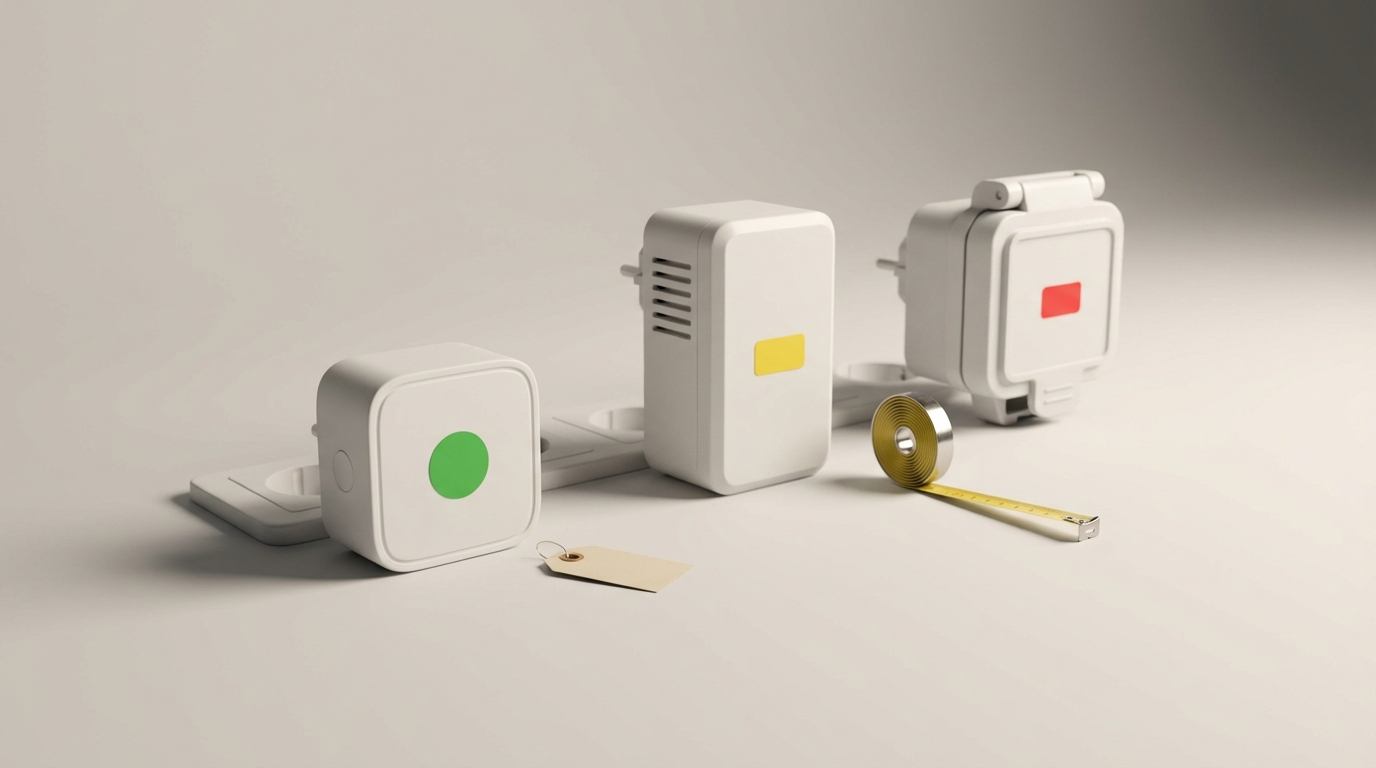
Quick comparison you can scan in 10 seconds and use to decide which physical form factor and protocol you need. Note: many Wemo model pages omit continuous current specs — flag shown where no reliable data exists.
| Model | Price range (USD) | Platform compatibility | Max rated load | Physical size & duplex passthrough |
|---|---|---|---|---|
| Wemo Mini Smart Plug | ~$25 (source) | Alexa / Google / HomeKit | No reliable data found | Smallest; designed to avoid blocking duplex outlets (passthrough-style compact) |
| Wemo Smart Plug (Thread) | ~$25 (2022-07-25) | HomeKit (Thread) — local control | No reliable data found | Compact; Thread mesh, non-blocking design |
| Wemo Wi‑Fi Smart Plug (legacy) | ~$25–$30 | Alexa / Google (cloud dependent) | No reliable data found | Larger than Mini; may block adjacent outlet |
| TP‑Link Kasa (comparable) | $15–$30 | Alexa / Google / local options | Typically 15A / 1800W (verify model) (typical 15A/1800W) | Varies by model; some offer passthrough |
Who each model is for
- Wemo Mini — lamp and low-draw lighting automation, renters who need compact plugs.
- Wemo Thread — HomeKit users who want low-drop local control (not ideal if you rely on Alexa/Google only).
- Wemo Wi‑Fi — simple Wi‑Fi automation but expect cloud dependence and higher dropout risk.
- TP‑Link Kasa — safer pick when you need verified 15A/1800W ratings for heavier loads.
Buying tip — Thread vs Wi‑Fi
Prefer a Thread Wemo if you use HomeKit and need local control and the lowest dropout rates; prefer Wi‑Fi if you require cross-platform Alexa/Google integration but be prepared to test for drops and cloud dependency.
Pitfall: don’t assume identical specs across Wemo model names — many sources list different compatibility and form factors; if power specs are missing, treat them as “No reliable data found” and verify with Belkin before use.
Best picks by budget — one “best budget” and one “most reliable budget” for lamp, high-draw, and outdoor use
This section gives one cheapest safe recommendation and one reliability-first recommendation per use-case, with swaps when Wemo lacks safe ratings.
Lamp (low-draw lighting)
Best budget: Wemo Mini Smart Plug — one-line rationale: compact, inexpensive (~$25) and fine for LED or bedside lamps (source).
Most reliable budget: Wemo Thread — rationale: months-long tests reported zero connectivity drops, fastest response if you use HomeKit (2022-07-25).
- Buy if: lamp wattage < 100W, you use HomeKit or Alexa and need compact plug.
- Avoid if: you need Alexa/Google only and cannot add Thread/HomePod/Border Router.
High-draw appliances (coffee maker, space heater)
Best budget: TP‑Link Kasa (use a model explicitly rated 15A/1800W). Wemo models lack verified continuous current specs — choose Kasa or Meross models with published 15A ratings when controlling coffee makers or heaters (typical 15A/1800W).
- Buy if: the plug lists continuous 15A/1800W and you derate to 80% for continuous loads.
- Avoid if: the Wemo product page omits continuous current or startup surge specs.
Outdoor / garage lighting
Most Wemo mini/Wi‑Fi models have no published IP/outdoor rating — no reliable data found. If you need outdoor use, pick an IP-rated outdoor model from Meross or other vendors that publish IP specs.
- Buy if: product lists IP rating and outdoor temp range.
- Avoid if: product page lacks IP or ingress protection data.
Quick substitutions when Wemo lacks a safe rated option: prefer TP‑Link Kasa (15A-rated models) for high-draw and Meross outdoor-rated plugs for weather exposure.
Real‑world reliability you can test in 48 hours — catch flaky Wi‑Fi Wemo plugs before you install dozens
Do this 48–72 hour loop test to expose flaky Wi‑Fi Wemo plugs before bulk deployment.
48–72 hour loop test (step-by-step)
- Place the plug on a known-good outlet and pair it to your home network or Thread network.
- Schedule an on/off every 10 minutes (or use automation) and run a heartbeat ping from a local controller every 60s to log online/offline state.
- Run a multi-device congestion check simultaneously: connect 4–6 other Wi‑Fi clients doing normal traffic (video or file transfer) to reproduce home congestion.
- Log three metrics: drop count (# disconnects), average reconnect time (s), and longest offline duration.
- Repeat the same test on a phone hotspot (2.4GHz) to isolate router issues.
Expected metrics: budget Wi‑Fi plugs often show multiple drops under congestion, while Thread Wemo reported zero drops in months-long tests (2022-07-25).
Wi‑Fi vs Thread behavior
- Wi‑Fi smart plugs: expect occasional reconnects and delayed actions under congestion; test under load and on a hotspot to separate router vs device faults.
- Thread smart plugs: local mesh behavior yields fewer drops and faster responses if you have a Thread border router — HomeKit Thread Wemo models were shown to be very stable in field tests (2022-07-25).
Pitfall: don’t run only a single power‑cycle test — intermittent problems usually appear under multi-device congestion over several hours.
Power, safety and derating — how to avoid overheating, nuisance trips, and appliance damage
Budget plugs rarely publish continuous-load specs. Use conservative rules to keep devices safe.
Ratings and derating
Many budget plugs are sold with unclear continuous current specs; a common reference point for consumer smart plugs is 15A / 1800W typical for higher-rated models — verify before use (typical 15A/1800W).
Conservative derating rule: keep continuous load ≤ 80% of published rating. Example: if a plug is 15A/1800W, treat continuous safe load as 12A/1440W.
Startup surge and testing
- Estimate startup surge: many motors and heating elements draw 2–3× nominal current momentarily. Measure with a clamp meter or avoid plugging these into budget plugs unless rating + startup tolerance are published.
- Do a 10‑minute startup surge test: plug in the appliance, run a cycle, watch for heat buildup and repeated trips. If the plug gets warm, stop and replace with a verified high‑current model.
Placement & ventilation
- Avoid enclosed power strips and stacked duplex blocking — provide airflow around the plug for heat dissipation.
- Do NOT use non‑IP rated Wemo plugs outdoors or in damp areas.
- Do NOT use budget smart plugs for space heaters or other continuous high-draw loads unless explicitly rated and derated to 80%.
Local control, cloud dependence and voice assistant compatibility — what budget buyers must confirm
Confirm local control vs cloud dependency before purchase; it changes behavior during internet/cloud outages and impacts privacy.
What to check on product pages and in-app
- Look for “local control” or “HomeKit/Thread” on the spec sheet — Thread Wemo enables the Home app to control devices locally without third‑party cloud (source).
- If a product lists only Alexa/Google but not local API or Thread, assume cloud reliance.
- Confirm whether firmware updates are pushed via vendor cloud or via local routes (Thread/Home app). Thread Wemo updates via Home app routes for HomeKit users (see Thread review showing local control benefits) (2022-07-25).
Voice assistant compatibility gotchas
Wemo Mini supports Alexa/Google/HomeKit broadly, but the Thread model is HomeKit-first and may not integrate natively with Alexa/Google without additional bridges — confirm cross-platform support before buying.
Troubleshooting checklist for budget Wemo smart plugs — step-by-step fixes for drops, Alexa pairing, and intermittent switching
Follow these steps in order. Don’t skip network isolation.
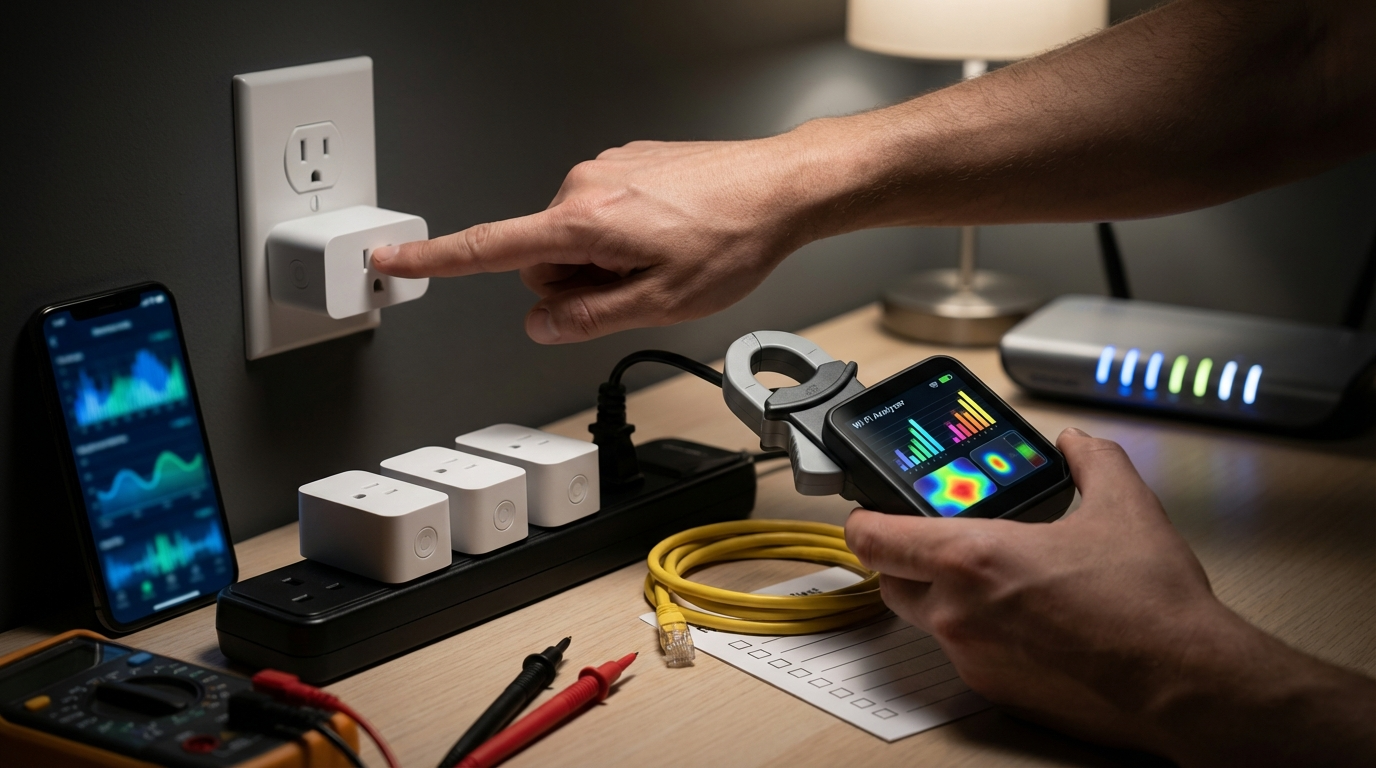
- Observe LED behavior: steady white = connected/on, blinking = setup or reconnect, off = power off (LED meanings inferred from user reviews) (source).
- Power cycle: unplug the plug, wait 30s, plug back in.
- Factory reset: press and hold the plug button ~10s to factory reset, then re-pair (timing per common Wemo behavior) (source).
- Isolation hotspot test: disconnect your home router and put the plug on a phone hotspot (2.4GHz). If it pairs and stays online, the issue is your router or Wi‑Fi congestion.
- Alexa/Google re-link: remove the device in the voice app, then re-discover; if cloud-dependent, sign into vendor account in Alexa skill and enable device discovery again.
- Firmware update: update via the Wemo app or Home app (Thread) and retest. If firmware update fails or the device regresses, you may need to RMA — check Belkin support for RMA steps.
- Escalation: if hotspot isolation fails, treat as hardware fault and contact vendor for RMA; document logs from your 48–72 hour test where possible.
LED quick key
- Steady white — connected and healthy.
- Blinking — in setup mode or reconnecting; perform factory reset if persistent.
- Off or red blink — power or hardware error; try power cycle and hotspot test; if it won’t join, RMA.
Pitfall: do not skip network isolation and immediately blame Alexa — many “voice failures” are local Wi‑Fi drops.
What buying guides leave out — stress tests and long‑term reliability checks you should demand
Most vendor pages and many guides skip important stress tests and firmware policy checks that matter to budget buyers.
Tests you should demand or run
- Multi-device Wi‑Fi congestion test: reproduce 50-client congestion or lower (start with 5–10 simultaneous clients) and log drop counts — many budget Wemo Wi‑Fi models degrade under load (tradeoffs worsen below $20) (source).
- Months‑long field reliability: ask for field test data or see independent threads — Thread model showed zero drops in months-long tests (2022-07-25).
- Vendor-cloud outage simulation: confirm device behavior when vendor cloud is unreachable (can it still be controlled locally?).
- Firmware rollback and update cadence: ask whether vendor publishes changelogs and supports rollback if an OTA breaks devices.
Questions to ask Belkin/retailer before you buy
- What is the continuous current rating (A) and continuous watt rating (W) for this model?
- What is the documented startup surge tolerance (inrush current) or recommended appliance classes?
- Is the model rated for outdoor use (IP rating) and what temperature/humidity range is allowed?
- Does the device require vendor cloud for voice control or is there local control via HomeKit/Thread or LAN API?
- What is the firmware update cadence, and do you offer rollback if a firmware update breaks functionality?
If specs are missing (power rating, IP rating, firmware policy), delay the purchase or pick a competitor with published ratings (TP‑Link Kasa / Meross). Many cheaper plugs below $20 show increased Alexa unresponsiveness and app resets under congestion (source).
Before buying in bulk, add measurements and logs to your pre-purchase checklist. For templates and a measurement worksheet, see our Ultimate Smart-Plug Checklist.
Conclusion
For budget buyers, the safest path is: choose by use-case, verify published continuous ratings, and run a 48–72 hour network + congestion test before deploying at scale. If you want a cheap lamp plug, the Wemo Mini (~$25) is the practical pick; if you need the most reliable local control and use HomeKit, Wemo Thread showed zero drops in long tests. For high-draw appliances, prefer verified 15A/1800W models like TP‑Link Kasa when Wemo specs are missing.
Compare models, run the tests above, and then buy the model that meets the safety and compatibility checks — repeatable testing and conservative derating keep your home safe and your smart plugs reliable. Want a step-by-step pre-purchase worksheet or high-draw picks? Read more in our Wi‑Fi vs Thread deep dive or the high-draw appliance guide. Final note: always treat the wemo smart plug as unverified for high-draw use unless Belkin publishes continuous-current ratings.
CTA: compare models on our smart-plug checklist and pick the safest budget option before you buy — start with the Ultimate Smart-Plug Checklist.
FAQ
Is the Wemo Mini safe for my bedside lamp?
Yes for typical LED/incandescent bedside lamps—Wemo Mini is the recommended budget pick for lamps at about $25, but confirm the lamp’s wattage and avoid using it for space heaters.
Can I use a Wemo smart plug for my coffee maker or space heater?
Only if the model lists a verified continuous rating ≥ appliance startup surge and you keep load ≤80% of that rating; if Wemo specs are missing, use a known 15A/1800W rated plug instead.
Will Wemo plugs work if my internet goes out?
Thread/HomeKit Wemo models allow local Home app control; Wemo’s Wi‑Fi models are cloud‑dependent and may lose voice control during vendor-cloud or internet outages.
How do I tell if my Wemo plug is offline or damaged?
Check the LED (steady white = connected, blinking = setup/issue); run a hotspot isolation test and factory reset—if it fails to rejoin, escalate to RMA.
How much should I expect to pay for a reliable Wemo or comparable plug?
Expect about $25 for Wemo Mini/Thread models; be cautious of models under $20 where reported tradeoffs increase.