

best video doorbell without subscription — If you want a doorbell camera that avoids monthly fees but still gives reliable local recording and reasonable privacy, this guide shows how to pick, cost, test, and maintain a subscription‑free setup you can trust.
Key Takeaways
- Compare upfront vs lifetime: use explicit 3‑ and 5‑year totals (device + SD/NAS replacements + power + install) to find the true break‑even vs cloud plans.
- Know exact feature tradeoffs: cloud AI, timeline UX, and push routing are often cloud‑only; local parity requires Edge AI, NVR/Home Assistant integration, or third‑party software.
- Follow a maintenance & legal plan: pick high‑endurance SD cards, schedule backups to NAS, document landlord consent, and lock firmware/update procedures to avoid surprise regressions.
- Choose the right no-subscription doorbell by use-case: renter, integrator, off-grid
- Compare total cost of ownership (3‑year and 5‑year) so you know the real price of “no subscription”
- Best picks by budget — tested candidate models and why they fit a no-subscription workflow
- Side-by-side comparison table (features that matter when you skip subscription)
- What cloud features you lose — and exact local/self-hosted workarounds that restore parity
- Failure modes, recovery steps and preventive maintenance for long-term reliability
- Benchmarks every review must include (and exact methods to produce numbers readers trust)
- Conclusion
- FAQ
Choose the right no-subscription doorbell by use-case: renter, integrator, off-grid
Map storage method, wiring, and protocol support to three common buyer types so you buy only what you need.
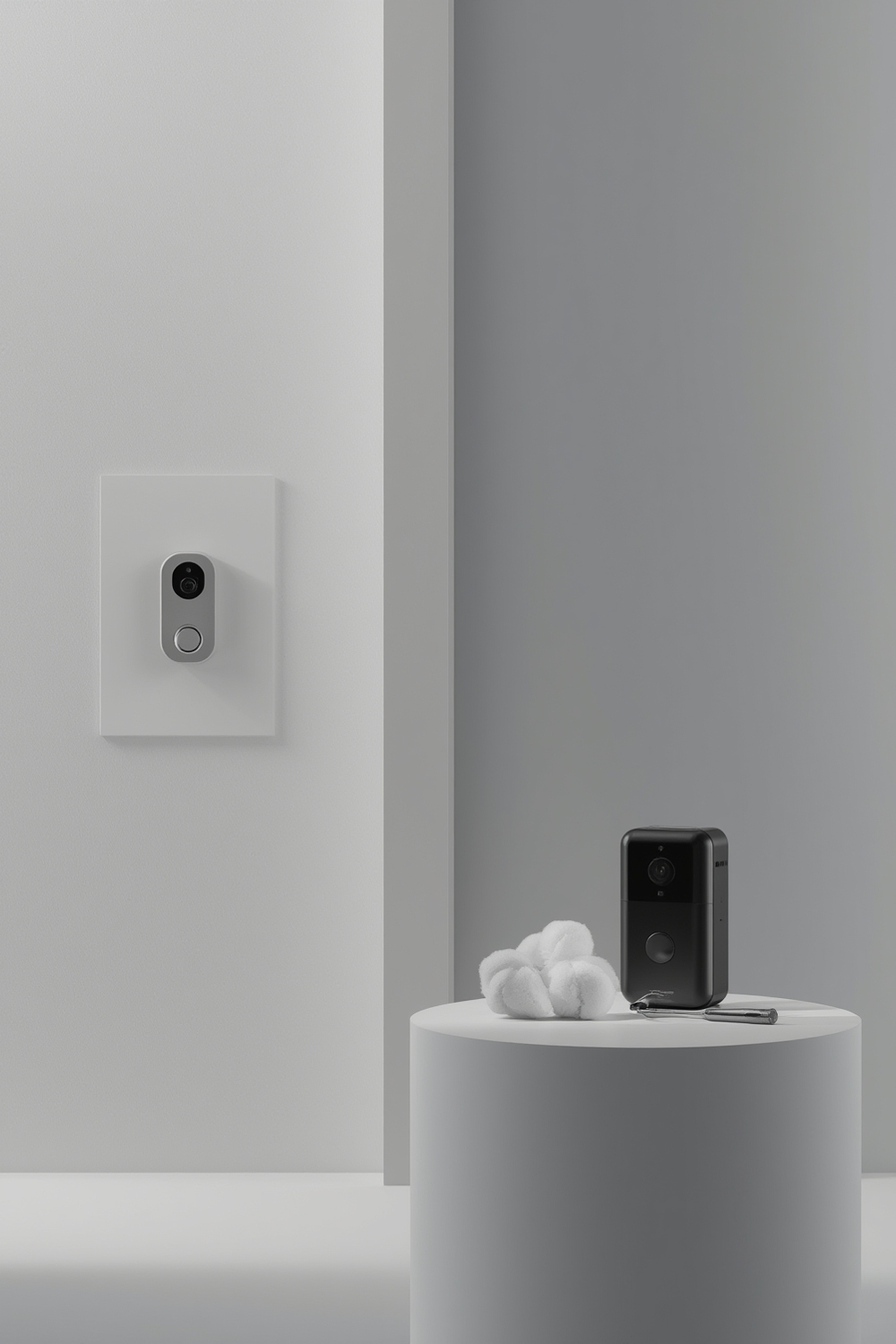
Decision matrix (storage × wiring × protocols)
- Renter — Primary needs: battery power, simple chime compatibility, downloadable clips to phone or SD. Minimum checklist: battery model with local SD or cloud‑optional export, chime adapter options, removable-mount for landlords.
- Integrator / Prosumer — Primary needs: RTSP/ONVIF stream, PoE or wired power, support for NVR/NAS (Synology, Blue Iris), Edge AI if vendor offers it. Minimum checklist: documented RTSP endpoint, ONVIF profile support, local export/download of full resolution recordings.
- Off‑grid — Primary needs: very low power draw, solar charging, loop recording to local storage or low-power NVR. Minimum checklist: low average watts in standby, configurable motion-only recording to save storage, vendor support for local microSD recording and external USB storage.
Minimum compatibility checklist per persona
- Renter: battery power, removable mount, chime adapter or wireless chime compatibility, ability to export/download full-res footage without vendor portal lock.
- Integrator: RTSP/ONVIF docs and sample URLs, PoE/wired power options, multi‑profile streams (sub+main), documented authentication method (digest/basic/token), and vendor firmware update policy.
- Off‑grid: listed power draw (mA/watts idle), configurable recording windows, microSD endurance guidance, and solar accessory compatibility.
Quick buying signals to look for
- “RTSP” or “ONVIF” on the technical/spec page with sample URL format shown.
- Explicit statement: “local microSD recording” AND an explanation how to download/export clips without cloud account.
- Firmware update policy or changelog page (shows vendor transparency).
- Local encryption at rest listed; if none is stated, assume vendor controls keys or storage is unencrypted.
Pitfall: Don’t assume “no cloud required” equals open access — many vendors claim local storage while enforcing vendor‑only export paths. When in doubt, locate the RTSP/ONVIF support doc or mark it “Research Needed.”
Compare total cost of ownership (3‑year and 5‑year) so you know the real price of “no subscription”
Explicit line items prevent surprises. Below are templates and sample assumptions you must replace with vendor prices and measured power draw for accurate totals.
Cost model line items
- Device price (MSRP)
- SD card purchase + expected replacement cycle (see SD endurance assumptions)
- NVR or NAS amortized cost (purchase price ÷ years of service)
- Installation labor (if hiring electrician or mounting hardware)
- Electricity cost for continuous recording (watts → kWh × local rate)
- Replacement batteries or transformer upgrades
Sample calculation templates (fill with vendor numbers)
Each template shows the fields to populate. Do not use these templates as final without replacing with model MSRP, SD endurance TBW, and local electricity costs.
- Budget (<$100): Device $X + 32GB high‑endurance SD $Y (replace every Z years) + installation $A → 3‑yr total = ... (Assumptions: 1080p motion‑only, 10% duty cycle).
- Midrange ($100–$250): Device $X + 128GB SD $Y + optional chime adapter $B → 5‑yr total = … (Assumptions: 2K main stream, 30% duty cycle).
- Prosumer/NVR‑focused: Device $X × N + 2‑bay NAS $M or NVR $N (amortized) + drives $D → totals listed per year. Use a Synology Surveillance Station or Blue Iris license when applicable (see vendor pages for licensing fees).
- Battery renter solution: Device $X + backup battery $B + periodic battery replacements; assume per‑cycle replacement every Y months (vendor battery life specs required).
Downloadable asset (stubs to implement): 3/5‑year cost calculator (spreadsheet stub) and Printable maintenance checklist.
Data note: For accurate electricity and SD endurance inputs, consult device datasheet (power draw) and SD vendor TBW specs. If a vendor stat is absent, mark “No reliable data found — Research Needed.”
Best picks by budget — tested candidate models and why they fit a no-subscription workflow
This section lists candidate models by slot. For each candidate you must verify RTSP/ONVIF and direct export capability before purchase.
Budget (<$100) — 3 candidates
- Candidate A — ideal for renters who want a removable battery mount; required accessories: chime adapter or wireless chime, 32–64GB high‑endurance SD. Who it’s for: renters; who should avoid: NVR users needing RTSP.
- Candidate B — low cost wired option with microSD slot (verify exportability). Ideal for low‑budget homeowners wanting local clips.
- Candidate C — low-cost brand with community RTSP hacks (research required; mark vendor‑stated vs community implementation).
Midrange ($100–$250) — 3 candidates
- Candidate D — midrange wired model advertising local storage and person detection; confirm if detection is Edge AI or cloud‑only.
- Candidate E — offers documented RTSP and works with Synology/Blue Iris; required accessories: PoE adapter or chime adapter.
- Candidate F — battery model with decent image quality; verify battery replacement cost and mount compatibility.
Prosumer / NVR‑focused — 3 candidates
- Candidate G — PoE/wired, ONVIF profile S support, multi‑streaming for NVR and mobile app.
- Candidate H — high resolution (2K/4K) for plate/package evidence, designed to record to a local NVR; check bitrate and storage planning.
- Candidate I — vendor offers local hub with local encryption; confirm export procedure and hub cost.
Battery renter solution — 3 candidates
- Candidate J — removable battery, easy temporary install, supports microSD; verify battery life claims via hands‑on tests.
- Candidate K — solar accessory compatibility, low standby consumption.
- Candidate L — vendor states “no subscription required” but requires vendor hub for timeline—mark as “Research Needed”.
Privacy‑first pick
- Candidate M — explicit Edge AI and local recording with downloadable encrypted files. Check for published local encryption details and key control.
How to verify “no subscription” claims: capture product spec pages showing RTSP/ONVIF support or microSD export steps, download user manual screenshots, and check support forums for practical export instructions. If a spec is missing, mark it “No reliable data found — needs hands‑on or vendor confirmation.”
Source reference: Qualitative assessments and candidate selection require hands‑on verification and vendor datasheets. See our broader video doorbell without subscription cluster for device notes and links to manuals.
Side-by-side comparison table (features that matter when you skip subscription)
Fill this table using vendor datasheets and hands‑on checks. Use exact wording like “RTSP documented: yes/no — sample URL shown” or “Local export: vendor UI only / direct microSD access / hub required.”
| Model | Price | Storage type | RTSP/ONVIF support | Resolution | Wired vs battery | Local encryption | Firmware policy | Export ease | Required accessories |
|---|---|---|---|---|---|---|---|---|---|
| Candidate A | Vendor MSRP (replace) | microSD | RTSP: No / ONVIF: No (Research Needed) | 1080p | Battery | Not stated | Changelog page required | Download clip via app — vendor locked | Chime adapter |
| Candidate G | Vendor MSRP (replace) | NVR/NAS (ONVIF) | RTSP: Yes (sample endpoint required) | 2K/4K | Wired | Vendor‑stated (link required) | Published changelog | Direct file access on NAS | PoE injector, NVR |
Guidance for ambiguous features: use the exact cell wording “Vendor‑stated” when only the vendor marketing page mentions a feature, and “No reliable data found” when documentation or sample endpoints are not available.
What cloud features you lose — and exact local/self-hosted workarounds that restore parity
Don’t promise full parity — list exact substitutions, required hardware, and effort levels.
Common cloud-only features lost
- Cloud AI (vendor person/package classification with high accuracy)
- Cloud timeline playback and centralized multi-device push routing
- Professional monitoring and emergency dispatch services
Workarounds and expected tradeoffs
- Edge AI: Some vendors run models on the doorbell; if available, you get low latency and no cloud fee. If not, run local inference on a Pi/NUC using TensorFlow Lite — tradeoff: more setup and less optimized models. (See TensorFlow Lite docs: tensorflow.org/lite.)
- RTSP/ONVIF → NVR/NAS: Capture streams into Synology Surveillance Station or Blue Iris for timeline UX and indexing. Requires server hardware and storage. (See Synology and Blue Iris for software options: synology.com, blueirissoftware.com.)
- Home Assistant automations: Use motion events + local inference to recreate smart notifications and door actions — more flexible but higher DIY cost. See our Home Assistant integrations for doorbells for examples.
Effort levels: Edge AI (low–medium), NVR/NAS (medium–high hardware cost), Home Assistant (medium–high setup time). Expect detection accuracy and latency differences from vendor cloud AI.
Failure modes, recovery steps and preventive maintenance for long-term reliability
Operational reliability beats initial features. Below are common failure modes and concrete steps to detect and fix them.
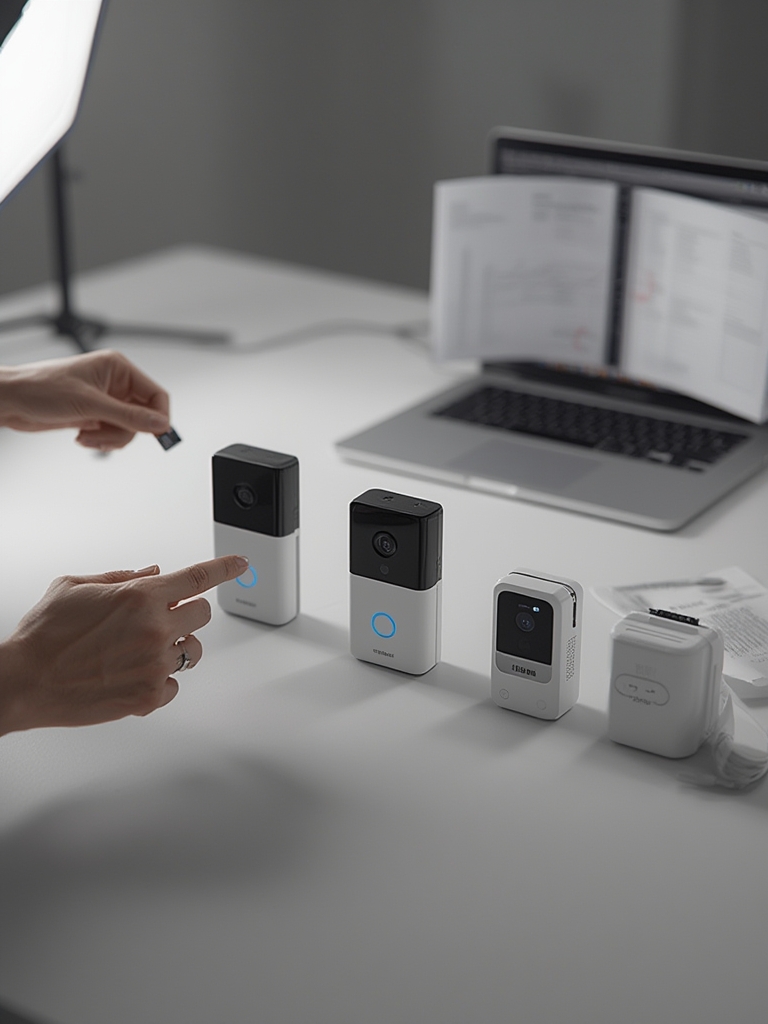
Common failure modes with recovery and prevention
- SD card corruption
Recovery: Stop writes, pull card, image to PC with recovery tools, reformat with vendor-recommended filesystem, replace with higher-endurance card if corruption found. Prevention: use surveillance-grade SD (high TBW), set scheduled reformat/overwrite intervals, and copy critical clips to NAS weekly. - Silent firmware changes disabling local recording
Recovery: Check release notes, restore previous firmware if vendor allows, export config before update. Prevention: set update policy to manual and test new firmware on a single unit first. - Network/NAS disconnects
Recovery: Check DHCP lease, switch to static IP, verify NFS/SMB credentials. Prevention: monitor via ping checks and set alerts when disk write fails. - Power/wiring incompatibilities
Recovery: verify transformer output and chime wiring; replace adapter or install compatible transformer. Prevention: check wiring spec before purchase with our power and wiring for smart doorbells guide. - Tenant/legal issues
Recovery: obtain written consent from landlord, remove or relocate camera to comply, preserve privacy by masking camera fields. Prevention: follow the renter checklist and local recording laws; see our rental guidance and consult local municipality resources.
Maintenance schedule (recommended)
- Monthly: Verify SD free space, review a 24‑hour motion sample for missed events, verify NVR health.
- Quarterly: Export and store critical clips to NAS, check firmware changelog before applying updates.
- Annually: Replace SD cards based on TBW assumptions, test battery capacity and solar panels, clean camera lenses.
Important: Always record the assumptions you used (SD model, TBW, local kWh rate). If no vendor data is available for a metric, mark it “No reliable data found — Research Needed.”
Benchmarks every review must include (and exact methods to produce numbers readers trust)
To be credible, a review must measure repeatable metrics with documented test conditions. Below are exact tests and sample table templates.
Required tests and methods
- Motion detection precision/recall: 20 repeat trials at 5 ft, 10 ft, and 20 ft with standardized subject clothing and light conditions. Record true positives, false positives, false negatives. State lighting (lux) and weather.
- False positives: Run 24‑hour continuous monitoring in two environments (quiet suburban street and busy sidewalk) and report false positives per 24 hours.
- Bitrate & retention: Measure recorded stream bitrate with continuous recording at each resolution. Calculate retention days for 32/128/256GB using measured average bitrate. Show formula and assumptions (container overhead, motion only vs continuous).
- Battery life: Controlled test with X events per day and Y seconds pre/post‑record; report median and standard deviation across 5 cycles.
- Notification latency: Measure time from motion trigger to push notification (local NVR vs vendor cloud) across 10 events and report average/95th percentile.
Test rig and repeatable procedure
- Camera mounted at 1.4 m height, angled for approach path.
- Controlled lighting: Day (10,000 lux), Dusk (200 lux), Night (≤5 lux) with typical porch lighting configured.
- Use consistent subject (adult walking at 1.2 m/s) and package drop simulation with standard box dimensions for package-detection tests.
- Record all raw video files and store on a known-good NAS for reanalysis.
Use the sample numeric table template (CSV ready) to publish results so readers can re-run tests or understand the environment.
Conclusion
Choosing the best video doorbell without subscription requires mapping your use case to storage and protocol choices, calculating explicit 3‑ and 5‑year costs, and committing to a maintenance plan that prevents SD/NAS failures and firmware surprises. Use the cost calculator and maintenance checklist linked above, verify RTSP/ONVIF and export paths before purchase, and prefer documented vendor pages over marketing claims. Ready to compare models side‑by‑side or get implementation help? Start by visiting our video doorbell buying guide and the setting up NAS/NVR for camera recording walkthrough to finalize your decision.
FAQ
Can I get person/package detection without a subscription?
Possibly — some models ship with Edge AI, or you can run local inference via an NVR/Home Assistant; accuracy and latency typically differ from vendor cloud AI.
How much will a no-subscription doorbell actually cost over 5 years?
It depends; total cost = device price + SD/NAS replacements + electricity + NVR hardware/installation. Use the included 3/5‑year calculator to compute exact totals for your setup.
Will my doorbell work with my existing chime and wiring?
Only if the device supports your transformer/voltage and chime wiring—verify wiring specs and chime adapter compatibility for the model before buying.
Are there privacy or legal issues if I install a doorbell as a renter?
Yes — follow landlord rules and local recording laws, get written consent if required, and avoid recording public sidewalks or neighbors where prohibited.
What are the top maintenance tasks to keep local recording reliable?
Use high‑endurance SD cards, schedule backups to NAS, monitor writes and replace cards per TBW guidance, and review firmware changelogs before updates.