

### Blog Post:
diy home security systems can look cheap on a product page but become expensive over 3–5 years once batteries, mounts, and cloud or monitoring fees are included. This guide gives cost-conscious buyers a practical, renter-friendly roadmap to compare systems, reveal hidden total cost of ownership, and pick the right option for a strict budget.
Key Takeaways
- Exact TCO matters more than headline price: model the one-time hardware, adhesive mounts/replacement batteries, and 3–5 year monitoring/cloud fees.
- For renters, pick battery-first systems with non‑permanent mounts even if you trade off some pro-grade features.
- When manufacturers omit battery life, wireless range, or night‑vision lux, flag “No reliable data found” and treat it as a research blocker before buying.
- Compare the objective criteria that actually predict real-world cost and reliability
- Real 3–5 year total cost of ownership — step-by-step calculator + two worked examples
- Best picks by budget: strict budgets (under $200), value buyers (under $500), and renters (no‑drill)
- Hidden reliability & failure modes: diagnose Wi‑Fi dropout, interference, battery drain and false-alarm cascades
- Camera and storage specs that actually matter on a budget (minimum thresholds and trade-offs)
- Renter-friendly no-drill installation tactics that survive inspections and move-outs
- Comparison table: side-by-side buyer checklist for the top budget models
- Conclusion
- FAQ
Compare the objective criteria that actually predict real-world cost and reliability
When comparing diy security system options, don’t focus on marketing bullets. Demand measurable specs you can convert to a 3–5 year TCO and reliability score.

Metrics every buyer should require
- Up-front hardware cost — MSRP and common street price; watch for required add-ons (extra sensors, keypads).
- Monthly monitoring/cloud fees — price and minimum term; monitoring usually falls in the $19.99–$49/month band (Source: Research Findings — 2026-02-11).
- Battery life (months) — published months or “No reliable data found.” Convert to replacement cadence.
- Wireless range (feet) — claimed indoor range or mesh behavior; mark as unknown if unlisted.
- Camera resolution & frame rate — affects detection; resolution alone is insufficient.
- Storage type — microSD/local vs cloud retention and fees.
- False‑alarm rates — rarely published; treat omission as a red flag.
- Warranty length — explicit months/years in docs or “No reliable data found”.
How to convert specs into 3–5 year TCO inputs
Turn each metric into dollar and failure-risk inputs:
- Hardware + required extras = one-time up-front cost.
- Monitoring/cloud fee × months = recurring cost.
- Estimated battery replacements = (years × 12) / published battery life (months) × replacement battery cost.
- Sensor replacement reserve = budget 5–10% of hardware cost per 3 years for failed or damaged sensors when specs are missing.
Printable checklist
Use this when reading specs: Up-front price | Required extras listed? | Monitoring fee & min term | Battery life (months) | Wireless range (ft) | Camera fps & night lux | Local storage? | Warranty months | Known failure notes.
Missing data & next research steps
Several data points are commonly missing in vendor pages: sensor battery life, wireless range, night‑vision lux, and false‑alarm rates. Mark cells “No reliable data found” and follow up with manufacturer datasheets, NFPA reports, or hands‑on tests. Typical advertised installation time across systems: 30–55 minutes (Source: Research Findings — 2026-02-11).
Further reading on setup and local storage: see our guides on Diy Home Security Systems: 7 Easy Guide To Avoid Costly Mistakes and Video Doorbell Without Subscription: 7 Best Guide to Save Money.
Real 3–5 year total cost of ownership — step-by-step calculator + two worked examples (basic DIY vs pro‑installed contract)
Build a simple TCO worksheet that combines one-time and recurring costs. Below is the minimal itemized worksheet and two worked examples.
Itemized TCO worksheet
- One-time hardware: base kit + extra sensors
- Required extras: adhesive mounts, spare batteries, microSD card
- Replacement batteries: cost × replacement cadence
- Cloud/monitoring fees: monthly × months (include tax if listed)
- Expected sensor replacements: conservative reserve if no published durability
- Hidden charges: activation fees, cellular fallback SIM fee
Worked example A — Basic DIY, self-monitored
Assumptions: base kit cost $250 (typical entry SimpliSafe baseline), no contract monitoring, optional cloud $5/month (low-tier), battery replacement every 18 months at $3/sensor assuming 6 sensors. (Basic pricing ranges observed: SimpliSafe $250–$729.90; Cove $99+; monitoring $19.99–$49/month — Source: Research Findings — 2026-02-11.)
- Hardware: $250
- Extras (adhesive mounts + spare batteries): $30
- Cloud optional: $5 × 36 = $180 (3 years)
- Battery replacements: estimate $3 × 6 sensors × 2 cycles = $36
- Total 3‑year TCO ≈ $496
Notes: If cloud is skipped entirely, TCO drops but you lose offsite recording and easy playback. If vendor omits battery life, assume conservative 12–18 months and increase replacement budget (mark data “No reliable data found”).
Worked example B — Pro-install + contract monitoring
Assumptions: installed system cost $500 hardware + $150 install fee, monitoring $29.99/month. Using monitoring range $19.99–$49/month (Source: Research Findings — 2026-02-11).
- Hardware + install: $650
- Monitoring: $29.99 × 36 = $1,079.64
- Spare batteries & extras: $40
- Total 3‑year TCO ≈ $1,769.64
Takeaway: Contract monitoring often triples the 3‑year cost vs a self‑monitored DIY kit. Always compare multi-year totals rather than monthly or hardware-only prices.
When “No reliable data found” forces conservative estimates
If battery life, wireless range, or false-alarm rates are not published, use conservative replacement schedules and add a 10% contingency to TCO. Recommended next research: vendor datasheets, user forums, and hands‑on battery drain tests.
Related resources: our long-form comparison and setup tips in Best Smart Home Devices: 7 Easy Guide to Improve Security.
Best picks by budget: strict budgets (under $200), value buyers (under $500), and renters (no‑drill)
Below are representative picks for each budget tier with precise trade-offs and required extras.
Under $200 — strict budget
- Representative picks: low‑end starter kits marketed as entry packages (watch for limited sensors).
- What you gain: basic door/window sensors, app control. What you sacrifice: high-res cameras, local storage, cellular fallback.
- Required extras: adhesive mounts ($5–$15) and spare batteries ($10–$30 total).
- Renters? Acceptable if battery life and non‑permanent mounts are confirmed; mark “No reliable data found” if battery months aren’t published.
Under $500 — value buyers
- Representative picks: mid-tier DIY kits with cameras and optional monitoring (SimpliSafe lower/mid kits fall here; pricing observed $250–$729.90 — Source: Research Findings — 2026-02-11).
- Gains: better cameras, optional professional monitoring, some local storage or extended cloud tiers. Sacrifices: full wired reliability and professional-grade sensors.
- Required extras: microSD if local storage desired, spare batteries, more adhesive mounts for cameras.
Renters (no‑drill)
- Pick systems that publish explicit battery life and support strong non‑permanent mounts. Prioritize small sensors and magnetic mounts.
- Required extras: high-quality reusable magnetic mounts, Command strips rated for electronics, and spare door/window sensor adhesive pads.
- Trade-offs: fewer wired power options, reliance on battery longevity.
Insurance note (competitor gap exploited): Many insurers accept monitored alarm proof for discounts. Collect invoice, proof of monitoring plan, and device model names when you contact your insurer to claim savings.
Links to detailed setup and renter advice: Home Automation Hub and Kwikset Smart Lock Reset contain renter-friendly installation ideas relevant to locks and hub integration.
Hidden reliability & failure modes: diagnose Wi‑Fi dropout, interference, battery drain and false-alarm cascades
Budget-first buyers must understand failure modes that create real costs: repeated sensor replacements, false alarms, and lost recordings.
Common failure modes and how to diagnose
- Wi‑Fi dropout: Symptoms — cameras offline, delayed push notifications. Root causes — weak Wi‑Fi signal, ISP drops, router settings. Fixes — move camera closer, switch to 2.4GHz for sensors, add an inexpensive Wi‑Fi extender, set static DHCP reservations, escalate to vendor if reconnect logic fails.
- Zigbee/Z‑Wave interference: Symptoms — sensors drop intermittently. Root causes — crowded radio channels or too many hops. Fixes — reduce mesh hops, place hub centrally, test channel overlap with neighbors.
- Rapid battery drain in extreme temps: Symptoms — unexpected low-battery alerts. Root causes — cold weather or repeated wake events due to poor placement. Fixes — move sensors away from drafts, switch to lithium batteries, test battery drain over a week.
- Firmware update failures: Symptoms — reboot loops or devices stuck updating. Fixes — factory reset per vendor guide, contact vendor support if update servers fail.
- False-alarm cascades: Symptoms — one sensor triggers many downstream actions and repeated alarm events. Root causes — overly sensitive motion detection or overlapping detection zones. Fixes — lower sensitivity, adjust camera zones, add delay or second-factor verification (audio or video confirmation).
Sources lacked reliable false‑alarm rates and sensor battery specs — “No reliable data found” for these metrics; recommend research next steps (Source: Research Findings — 2026-02-11). Do not promise precise failure rates when none exist; instead test your system for a week in “armed” and “disarmed” modes to log false triggers.
Further diagnostics and recovery features to prefer: automatic reconnect attempts, local alarm memory, and clear OTA rollback options—budget systems often omit these features.
Camera and storage specs that actually matter on a budget (minimum thresholds and trade-offs)
Camera marketing focuses on megapixels but practical detection depends on several other specs.
Minimum acceptable camera specs
- Resolution: at least 1080p for identification at reasonable distances.
- Frame rate: 15–20 fps minimum to reduce motion blur; higher fps improves accuracy for moving targets.
- Night‑vision: published lux or IR range; if vendor doesn’t publish lux, mark it as a gap.
- Field of view: ≥110° recommended for general room coverage.
Local microSD vs cloud retention
Local microSD avoids recurring fees and protects recordings from cloud outages. Cloud offers easier remote access and longer retention but often has monthly costs. Many search results emphasize ease of installation and price over these technical specs (Source: Research Findings — 2026-02-11).
Minimum thresholds by budget tier
- Under $200: expect 1080p, likely 10–15 fps; prefer microSD support to avoid cloud costs.
- Under $500: 1080p+ and 15–20 fps with better IR; some cloud retention plans but check fees.
- Renters: prioritize discreet cameras that support microSD and have battery power options; confirm mount compatibility.
Pitfall: higher megapixels don’t guarantee better motion detection—frame rate, sensor sensitivity, and IR performance drive motion accuracy.
Renter-friendly no-drill installation tactics that survive inspections and move-outs
No-drill installations can be secure and landlord-friendly with the right mounts and placement.
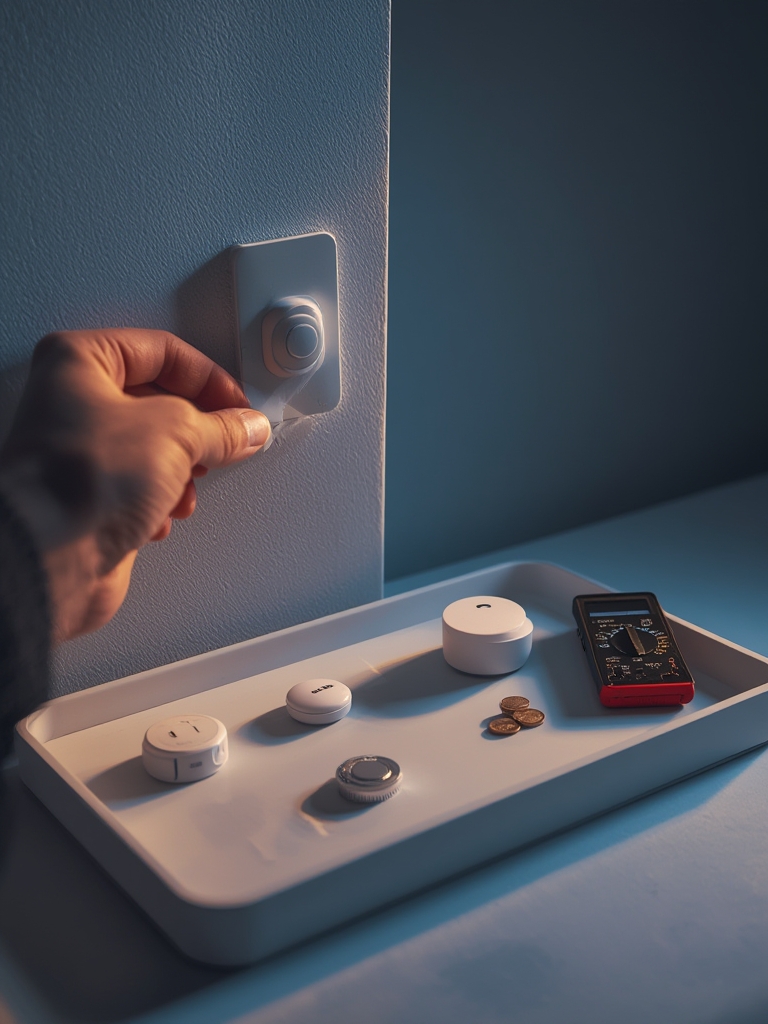
Non-permanent mount options
- Command strips rated for electronics; use manufacturer weight limits.
- Reusable magnetic mounts with adhesive base plates allow quick removal.
- Tension poles for corner cameras that need height without drilling.
Battery vs wired trade-offs for renters
- Battery: flexible and no wiring; plan replacement cadence. If vendor omits battery life, label “No reliable data found.”
- Wired: more reliable but requires landlord approval and often permanent modifications.
Sample one-bedroom apartment no-drill install (step-by-step)
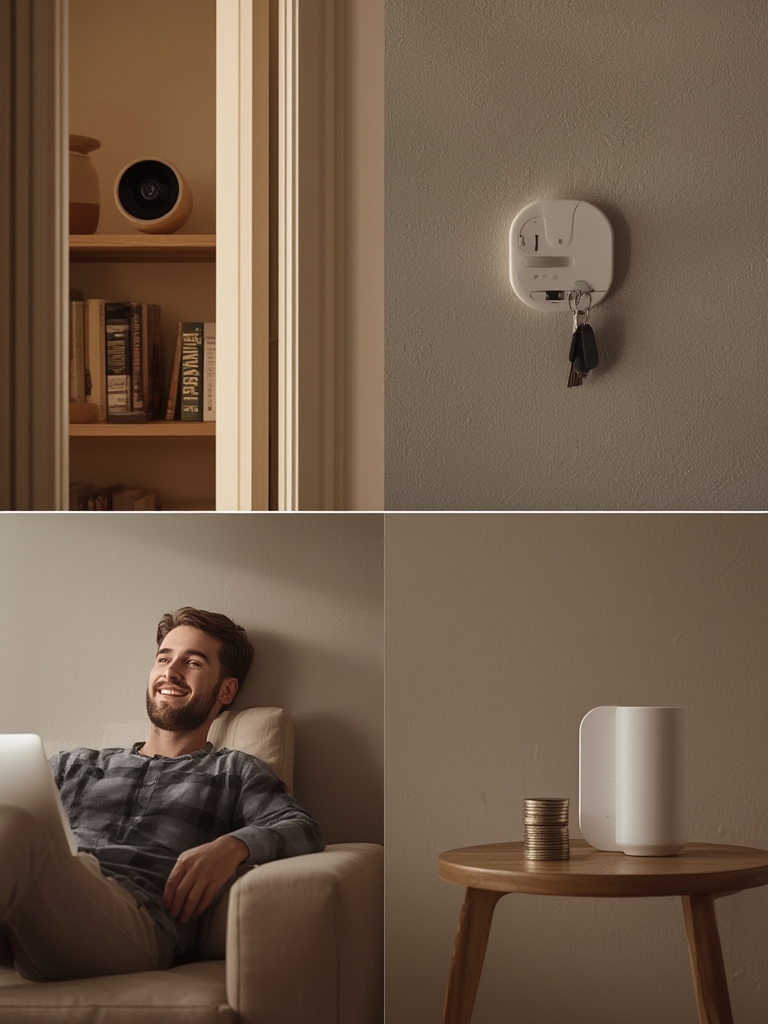
- Entry: mount a door/window sensor with a Command strip on the frame and pair with hub.
- Living room: place a camera on a bookshelf using a magnetic mount; test field of view and adjust.
- Hub placement: central on a shelf to maximize wireless range; reserve 2–3 feet from router for interference reduction.
- Test: arm in “home” and “away” modes, verify push notifications and recording playback for 48 hours.
Expected installation time across systems: 30–55 minutes (Source: Research Findings — 2026-02-11). Avoid permanent screws; always retain packaging and proof of purchase for insurance discount claims.
For deeper renter-focused guides, see Best Smart Home Devices and our DIY overview Diy Home Security Systems.
Comparison table: side-by-side buyer checklist for the top budget models
Use this table to flag missing specs and pick by TCO or feature priority. Cells marked “No reliable data found” indicate a research blocker—contact the vendor or check the datasheet before buying.
| Model | Up‑front hardware price | Required extras (mounts/batteries) | Monitoring/cloud fee (monthly) | Battery life (months) | Wireless range (feet) | Camera resolution / fps | Local storage option | Warranty length | Known failure-mode notes |
|---|---|---|---|---|---|---|---|---|---|
| SimpliSafe (entry kits) | $250–$729.90 (observed range; Source: Research Findings — 2026-02-11) | Adhesive mounts, spare batteries (varies) | $19.99–$49 (monitoring range observed; Source: Research Findings — 2026-02-11) | No reliable data found | No reliable data found | No reliable data found | No reliable data found | No reliable data found | Some users report reconnect issues on weak Wi‑Fi — vendor recovery features vary |
| Cove | $99+ (observed starting price; Source: Research Findings — 2026-02-11) | Adhesives, batteries | $19.99–$49 (typical range; Source: Research Findings — 2026-02-11) | No reliable data found | No reliable data found | No reliable data found | No reliable data found | No reliable data found | Vendor documentation limited on battery and range specs |
| Abode / generic DIY hub | No reliable data found | Adhesives, possibly microSD | No reliable data found | No reliable data found | No reliable data found | No reliable data found | Often supports microSD (check model) | No reliable data found | Interference on crowded radios can cause intermittent drops |
| Other budget kits (various) | No reliable data found | No reliable data found | No reliable data found | No reliable data found | No reliable data found | No reliable data found | No reliable data found | No reliable data found | Specs often omitted by vendors — follow-up required |
How to use the table: if you prioritize lowest TCO, sum up-front price + (monthly × months) + estimated battery replacements. If a cell is “No reliable data found,” add a conservative contingency and reach out to the vendor or consult datasheets.
More detailed comparisons and buying checklists are in Diy Home Security Systems and our storage guide Video Doorbell Without Subscription.
Conclusion
Budget-first buyers should choose a diy home security systems option by modeling 3–5 year TCO, prioritizing battery life and non‑permanent mounts for renters, and marking missing specs as purchase blockers. Compare hardware plus multi-year monitoring and battery costs before you click buy. Ready to compare kits and long-run costs? Read our detailed comparisons and pick the system that fits your real budget.
FAQ
How much will a basic DIY home security system really cost over 3 years?
It depends, but factor in hardware + adhesive mounts + replacement batteries + cloud/monitoring fees (typically $19.99–$49/month) to compute a 3‑year TCO.
Can renters install a DIY system without drilling holes?
Yes—use non‑permanent mounts, magnetic mounts, and battery-powered sensors—just prioritize models with good battery life.
Are free cloud plans dependable or should I buy local storage?
Local microSD storage avoids recurring fees and is usually safer from cloud outages, but check camera specs for microSD support before buying.
What minimum camera specs should I demand on a $200–$500 budget?
Aim for at least 1080p resolution, 15–20 fps, a wide field of view (≥110°), and proven low-light performance—if vendors don’t publish lux/night vision data, mark that as a research gap.
Will a DIY system reduce my insurance premium?
Sometimes—many insurers accept proof of monitored alarm systems for discounts, but this varies; check with your insurer and document system capabilities.
How do I judge warranty and manufacturer support on budget models?
Look for explicit warranty length in product docs and vendor response times in user reviews; if a vendor omits warranty details, treat that as negative evidence.